IRF1000 series Instruction manual v1.3 28
© ads-tec Industrial IT GmbH • Heinrich-Hertz-Str.1 • 72622 Nürtingen • Germany
Recommendation for use:
If the login prompt does not appear, check to ensure that the device has been
connected via a RJ45 connection cable.
Otherwise, connect the device to a PC
(Device LAN connection PC LAN connection).
If there is still no connection to the firewall login screen, check the proxy and local
firewall settings. Often, local subnet addresses (e.g. 192.168.x.x) are also diverted
to a proxy server.
In this case, it is possible to select the "Bypass proxy server for local addresses"
option to enter the address in question.
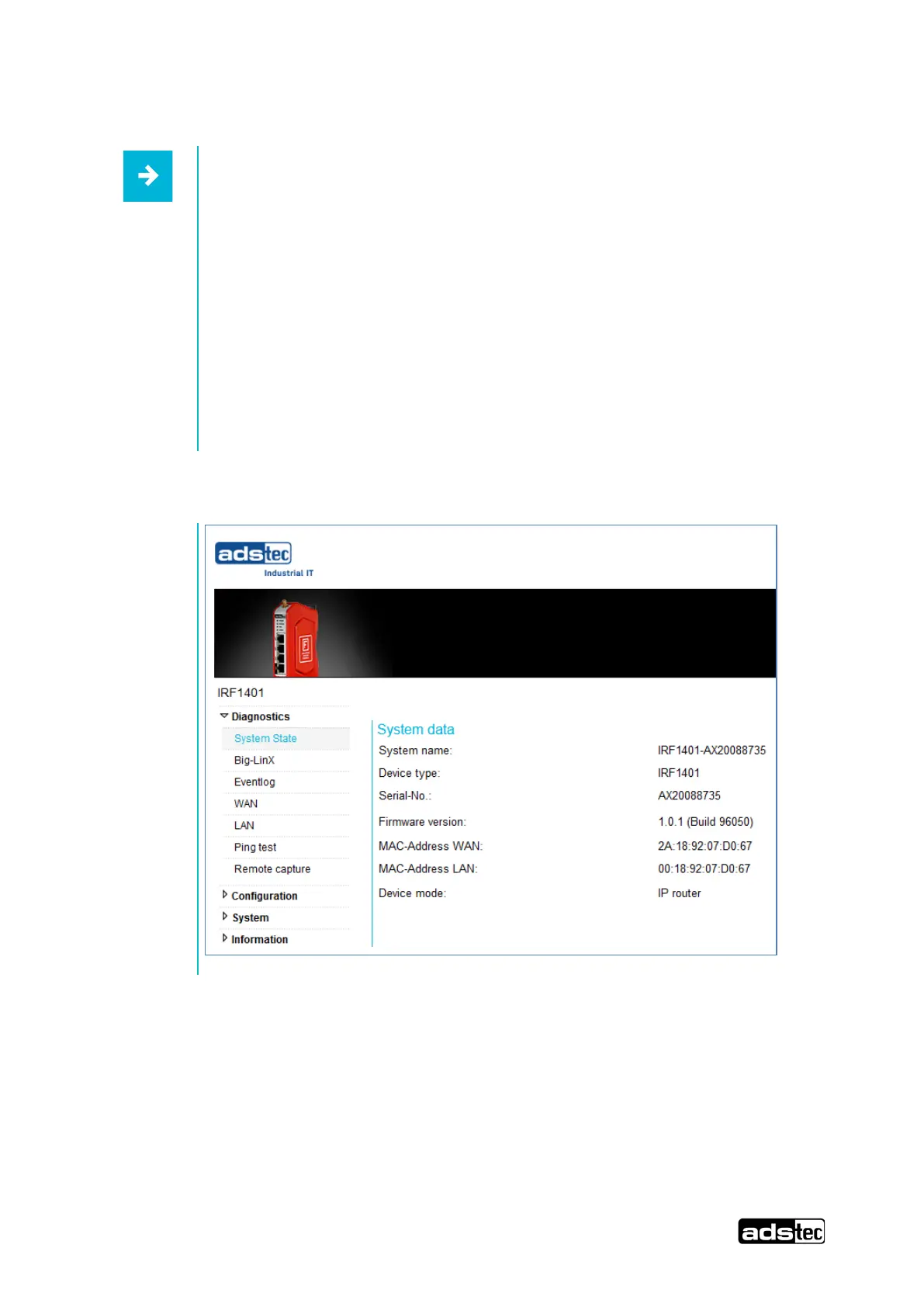
The device web interface then appears



 To Next Page