10
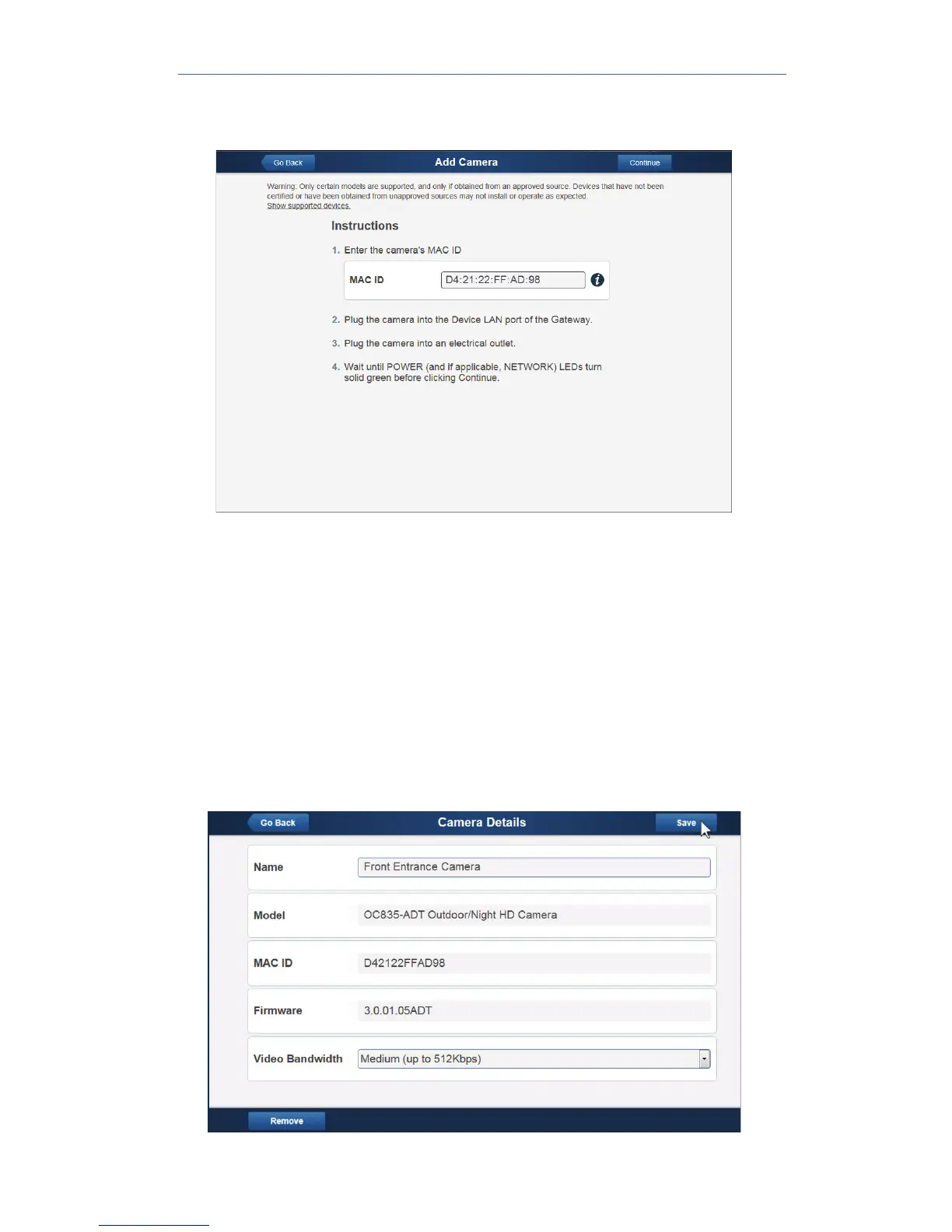
7. On the Add Camera screen, enter the camera’s MAC ID. Do not click
Continue at this time.
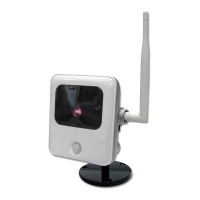
8. Connect an Ethernet cable (not provided) from the RJ45 port on the
camera cable to the Device LAN port on the gateway.
9. Plug in the camera’s power adapter. Ensure that the camera is
powered on and that the Status LED is flashing green.
10. After the Status LED is flashing green, click Continue.
11. Wait for the camera to add. It could take a few minutes, especially if
an upgrade is required. When successfully connected to the network,
the status LED becomes solid blue.
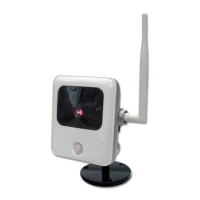
12. Assign the camera a unique name (usually based on the location of
the camera) in the Name field, and then click the Save button at the
upper right of the screen.


 To Next Page