Need help?
Do you have a question about the ADT Pulse MDC835 and is the answer not in the manual?
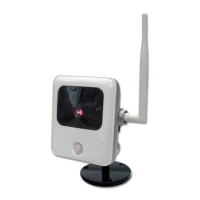
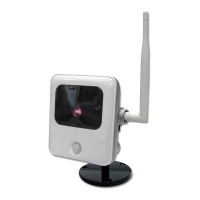
Provides an overview of the MDC835 camera, its weather resistance, lens, sensor, and key features.
Details the camera's wireless standards and WPS support for network connection.
Describes the camera's physical parts, ports like LAN and power, and internal components.
Explains the Status LED indicators and the functions of the WPS/Reset/Image Flip button.
Lists all items provided in the camera's packaging for setup and installation.
Guides through initial setup steps, including removing the bubble and connecting power.
Details establishing network connection and verifying the camera's status LED.
Outlines the steps for enrolling the camera via a wired connection using the ADT Pulse portal.
Outlines the steps for enrolling the camera wirelessly using WPS via the ADT Pulse portal.
Provides solutions for common problems where the camera may frequently go offline.
Guides through the process of physically mounting the camera on a ceiling.
Details how to adjust the camera's tilt, pan, and rotation angles for optimal viewing.
Explains how to properly reattach the camera's protective bubble after installation.
Explains the camera's Smart IR feature for optimized night viewing and image quality.
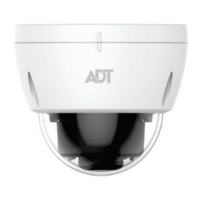
Lists detailed technical parameters for the MDC835 mini dome camera, including dimensions and interfaces.
Outlines FCC and Industry Canada statements regarding radio frequency emissions and exposure.
 General
| Brand | ADT Pulse |
|---|---|
| Model | MDC835 |
| Category | Security Camera |
| Language | English |

 To Next Page