14
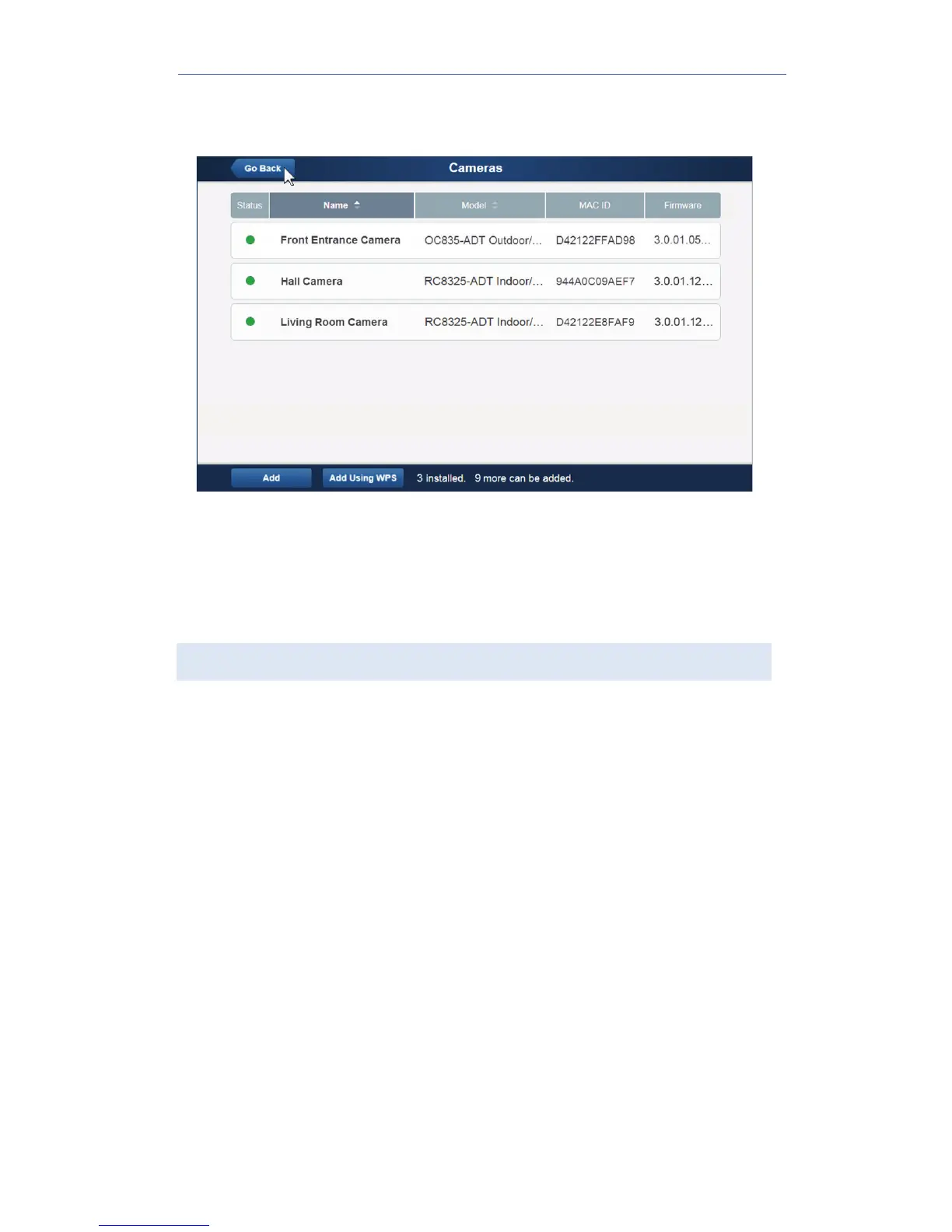
The Pulse enrollment is complete. The newly-added device appears
in the
Cameras
list.
12. At the top left of the screen, click Go Back.
13. Disconnect the camera from power.
14. Install the camera in its final location.
For wall mounting instructions, refer to Chapter 4.
If the Camera Continually Goes Offline
If after enrolling it the camera, it continually goes offline (Status LED
blinks continually), the camera will automatically attempt to recover the
wireless connection. If the camera cannot recover on its own, take the
following measures to re-establish the Wi-Fi connection.
1. Power cycle the camera.
2. If the previous measure fails, move the gateway closer to the camera,
if possible.
3. If the previous measure fails, press the camera’s reset button for15
seconds, and then re-enroll the camera into Pulse.
4. If the previous measure fails, install a Wi-Fi Range Extender model
WN3000RPH-2ADPAS.


 To Next Page