9
Chapter 3
ADT Pulse Enrollment
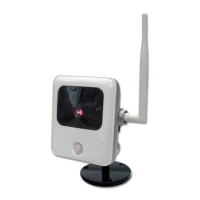
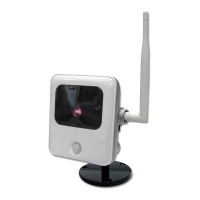
This section provides examples of two different methods for enrolling the
MDC835 Camera into the ADT Pulse network. (1) The first method uses
a wired connection to enroll the Camera to the gateway via the Pulse
Portal or TS Installer App. (2) The second method uses WPS to wirelessly
enroll the camera to the gateway via the ADT Pulse Portal or TS Installer
App. The WPS method is described beginning on page 11.
Using a Wired Connection to Enroll the Camera
1. Set up the camera as described in Chapter 2 and temporarily locate
it near the enrollment computer and a power source.
2. Launch an Internet browser and log in to the Pulse portal or TS
installer app.
3. Enter the Manage Devices screen using one of these methods:
• For the Pulse portal, select the System tab and click Manage
Devices.
• For the TS installer app, click the Pulse Devices link.
The Manage Devices screen displays.
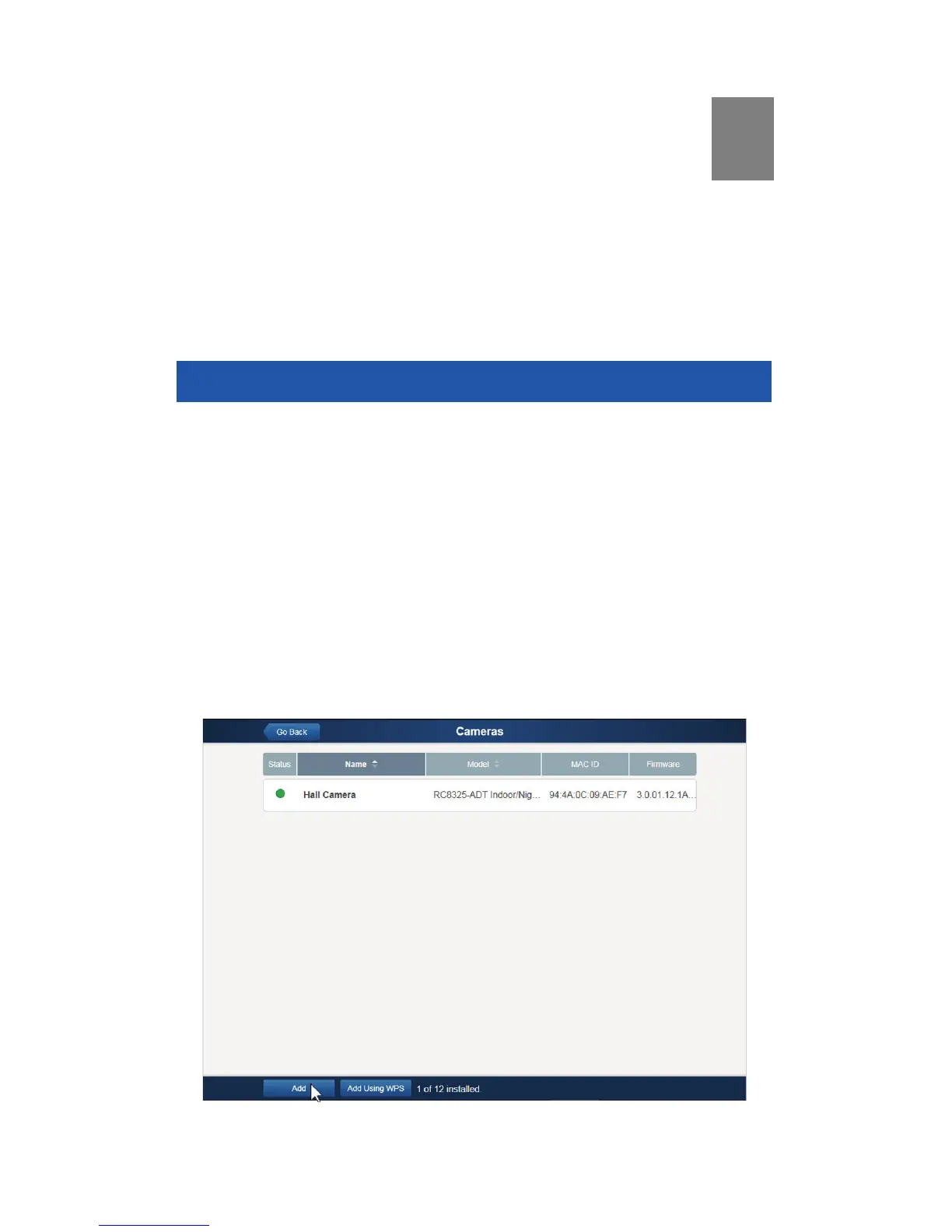
4. In the Manage Devices screen, click Cameras.
5. Click the Add button at the bottom of the screen.
6. Locate the camera’s MAC ID on the label on the rear of the camera.


 To Next Page