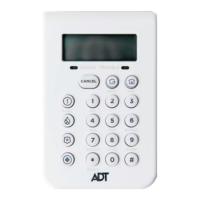
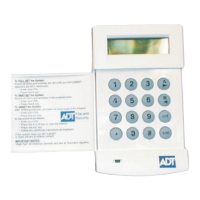
Galaxy 8/16+ Time/Date
Step 1
Enter your Master Code and press Ent, The display will show:
N.B. Only the master Code can be used to change the time & date
Step 2 Press the Ent button and then the B key, The display will show:-
Step 3 Press the Ent button. The display will show:-
Step 4 Press the number 1 key and the display will show:-
Step 5
Enter the correct time using the 24 hour clock, And press Ent key.
Step 6 Press the A key, The display will show:-
Step 7 Press the number 2 button and the display will show:-
Step 8
Enterthecorrectdatein‘day/month/year’format.Entertwodigitsforthedayand
month, And the press Ent.
Step 9.
Press the Escbuttontwicetoreturnbacktothetime&date.
0=OMIT
ENT,1-59=MENU
10 = TIME
ENT1-59=MENU
1 = TIME
ENT1-4=SELECT
>CURRENTTIME-
(HR:MIN)
2 = DATE
ENT1-4=SELECT
>CURRENTDATE
NAMEDAY/MTH/YR
9


 To Next Page