8
Galaxy 8/16+ Bypass
Step 1
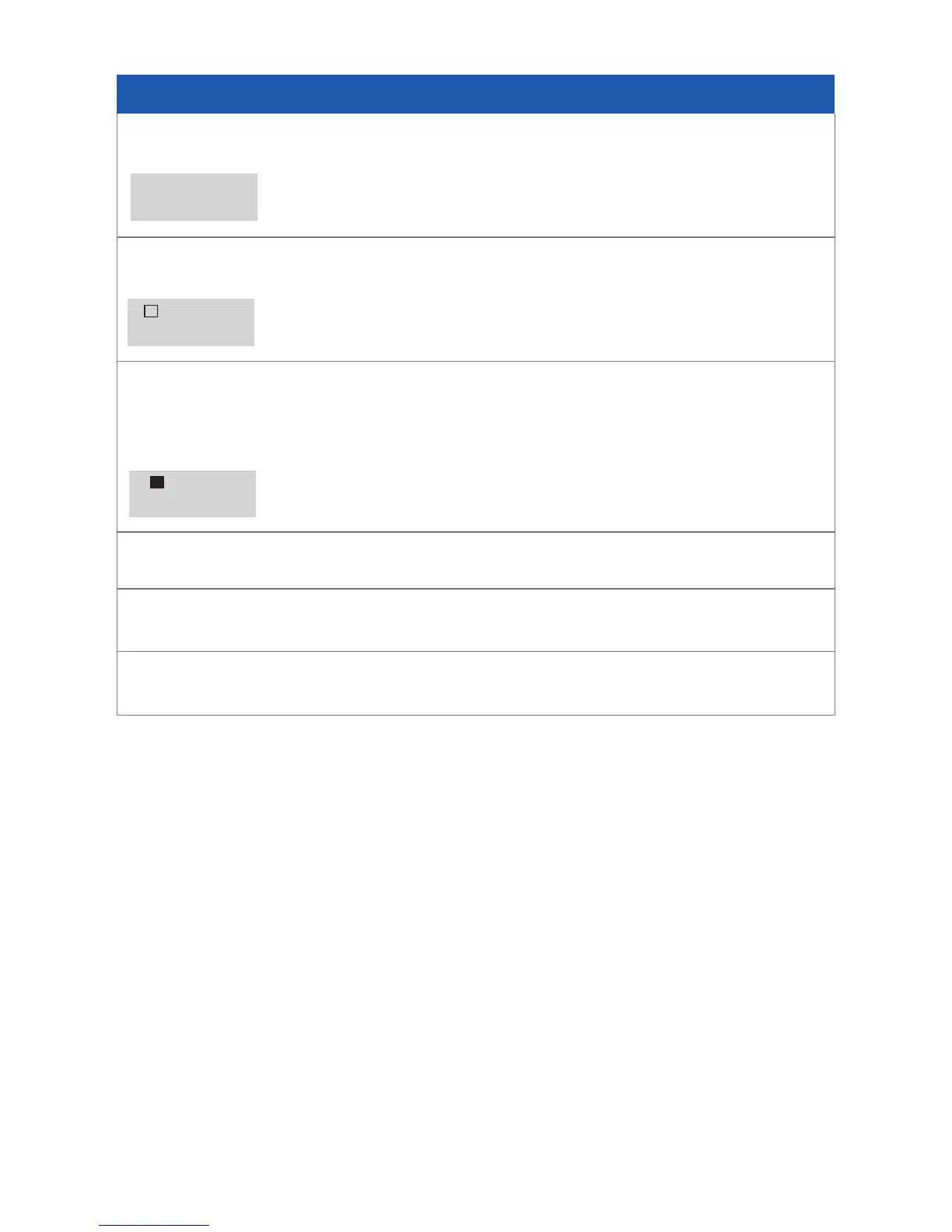
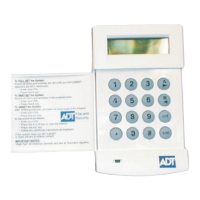
Enter your Master Code and press Ent, The display will show:
Step 2
Press number (1) key, The display will show:-
Step 3
To choose the zones you wish to omit (e.g. those areas you do not wish to protech)
Press the A or B Keys, until the zone youe wish to omit it displayed (e.g. zone 03),
Then press the # key. The display will show:-
N.B. If any zones you wish to omit show non-omittable (e.g. zone 1) The
Keypad will tell you.
Step 4
Repeat step 3 until all the zones that you wish to omit are omitted
Step 5
If you wish to set the System press Ent or Escifyoudon’t
0=OMIT
ENT,1-59=MENU
01ZONENAME
NONOMITTABLE
03ZONENAME
OMIT


 To Next Page