3.3.15.11 Config Data
The Config Data option shows the loop protocol selected and the checksum for the configuration data. A note of
this number can be taken and then checked on the next service visit to see if any changes have been made to
the configuration data.
In addition, there is an option to erase the Config Data.
To view the Config Data Checksum, press the button. The display then shows:
[Setup]
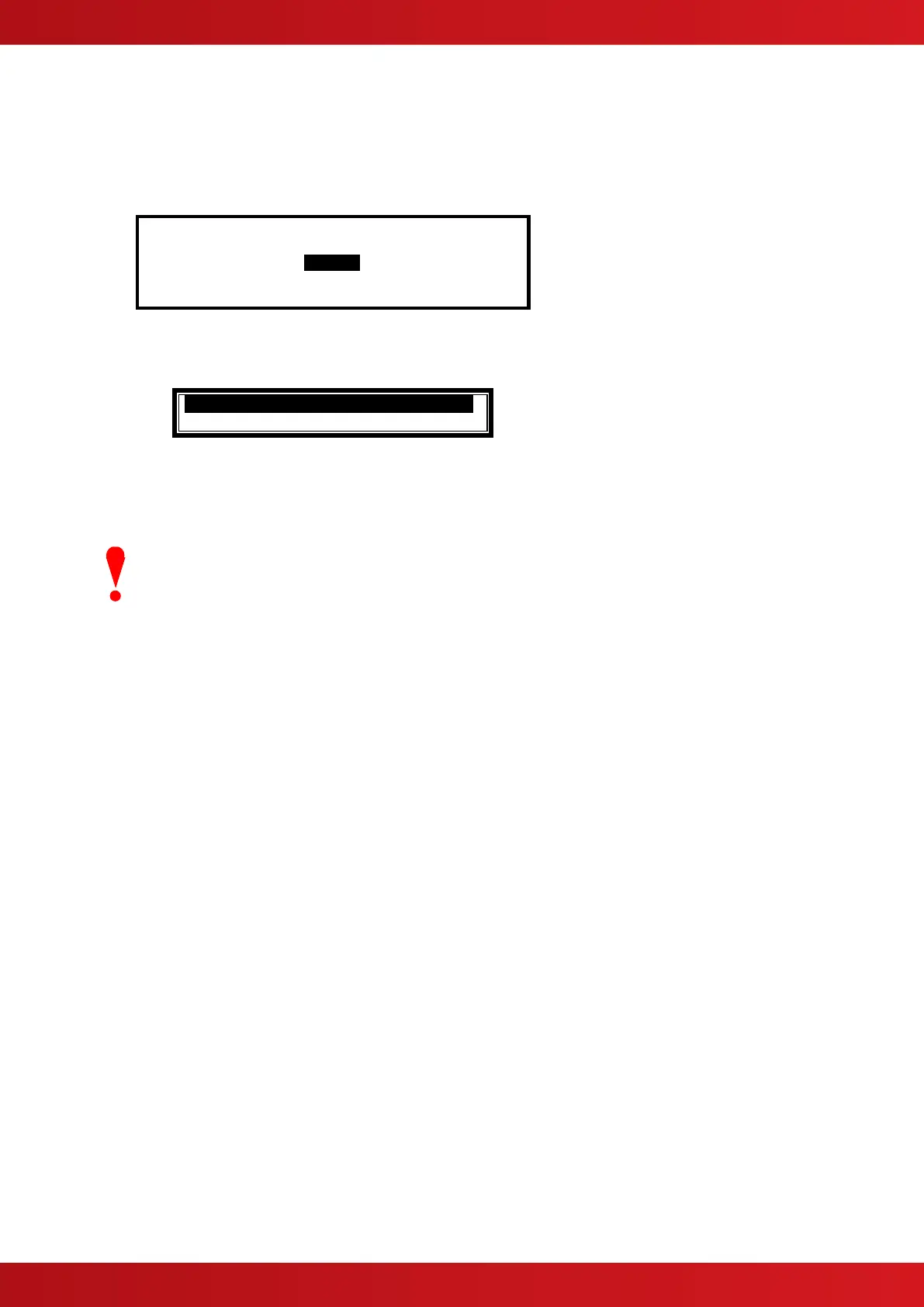
CONFIG DATA :APOLLO More>
To change the protocol, press the ✔ button. A pop up window is shown with the following options
. KEEP PROTOCOL .
! CHANGE LOOP PROTOCOL !
Use the buttons to select the required options and press the ✔ button to confirm the selection.
Selecting “CHANGE LOOP PROTOCOL” will toggle to the alternative loop protocol available (i.e.:
Apollo/Hochiki)
Changing between protocols will automatically erase all loop devices from the
configuration memory.
Perform an “Auto-Learn” or use the PC Config Tool to re-define the devices
connected to the loop.



 To Next Page