• Testing Procedure (continued)
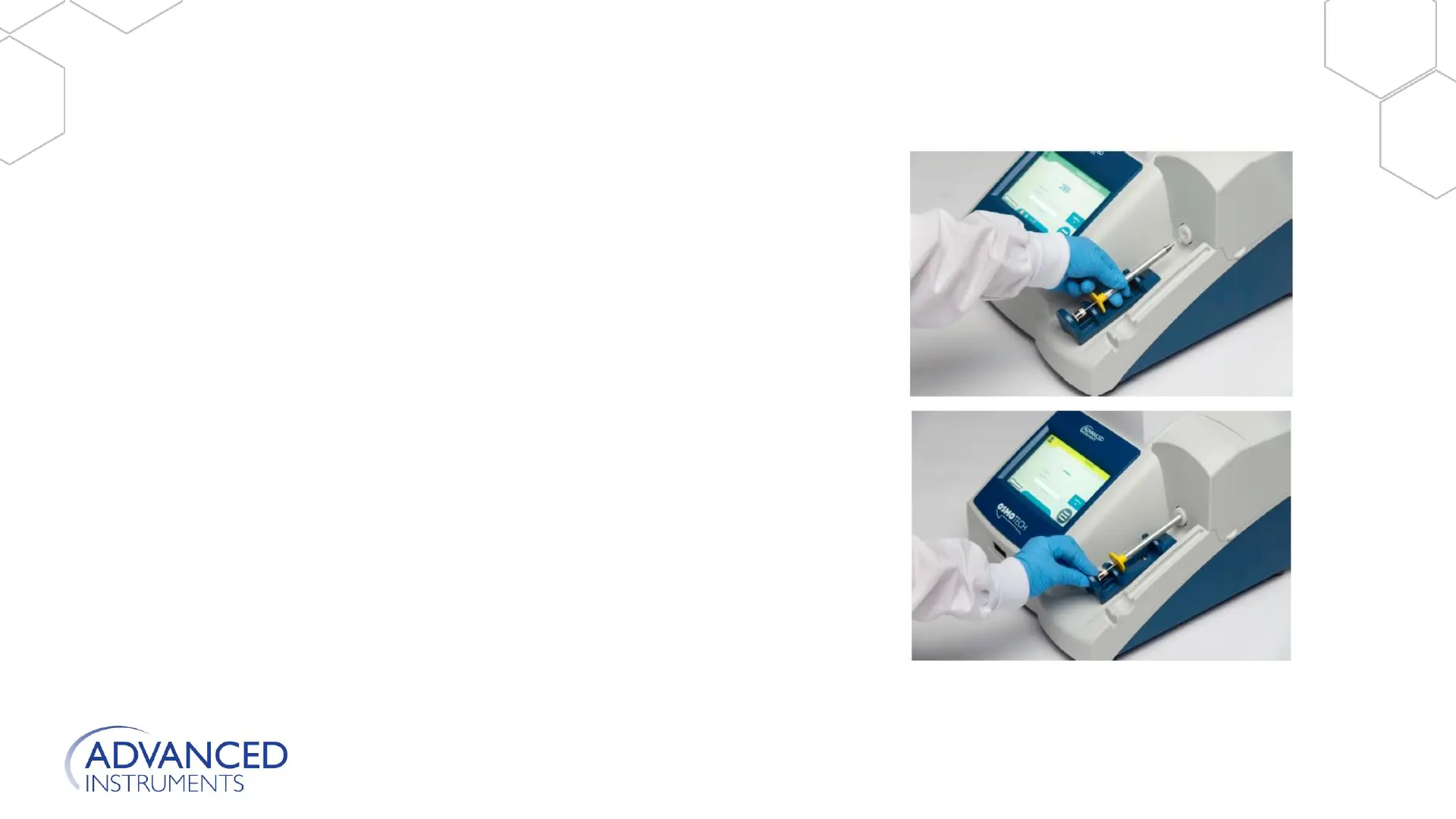
7. Holding the sampler by the barrel, carefully insert
the tip into the sample port; then rest the
sampler in the operating cradle.
8. Grasp the operating cradle and push it slowly
forward until you feel a positive stop. The test
starts when the cradle reaches the forward
position.
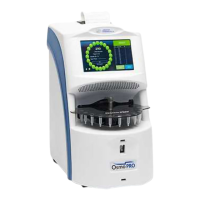
9. Wait while the OsmoTECH performs the test.
When the test completes, the resulting osmolality
displays in the middle of the screen.
Instrument Operation
Refer to User Guide for more information.







 To Next Page