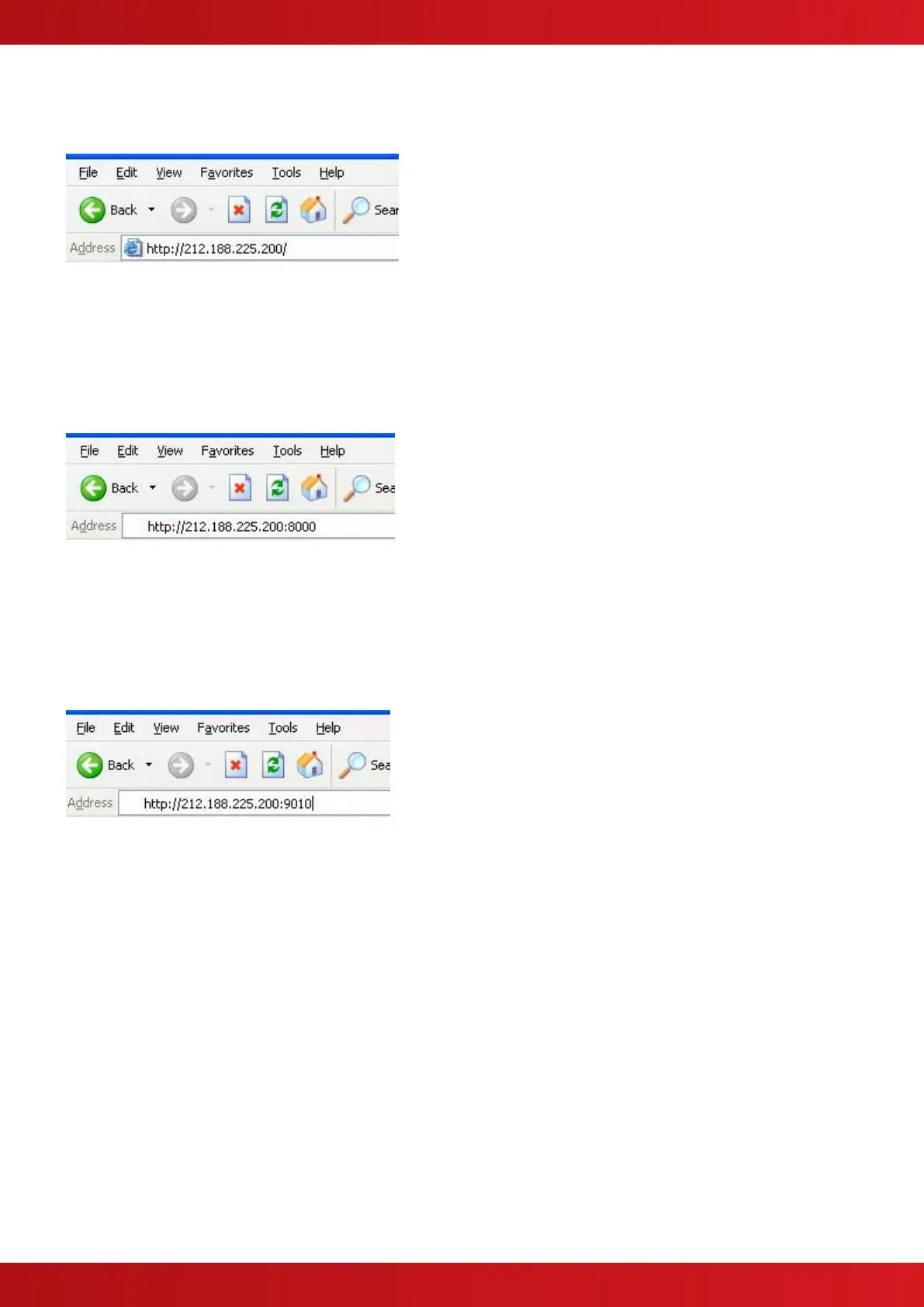
Example 1:
To access the Web Server, an external user would type the following into the address bar of their browser
This will direct data to Port 80 (the default HTTP port) on the router with IP address 212.188.225.200. When this
data reaches the router it will be redirected to Port 80 on the device with IP address 10.101.100.21.
Example 2:
To access the ipGateway, an external user would type the following into the address bar of their browser
This will direct data to Port 8000 on the router with IP address 212.188.225.200. When this data reaches the
router it will be redirected to Port 80 on the device with IP address 10.101.100.25.
Example 3:
To access the PC, an external user would type the following into the address bar of their browser
This will direct data to Port 9010 on the router with IP address 212.188.225.200. When this data reaches the
router it will be redirected to Port 8000 on the device with IP address 10.101.100.30.


 To Next Page