4 The Browser
The information obtained by the ipGateway is accessible through a standard web browser. At the time of writing
ipGateway is compatible with Internet Explorer 6.0, 7.0, 8.0 and Firefox 2.0, 3.0
For the remainder of this document Internet Explorer 6 will be used in all examples.
4.1 Navigation
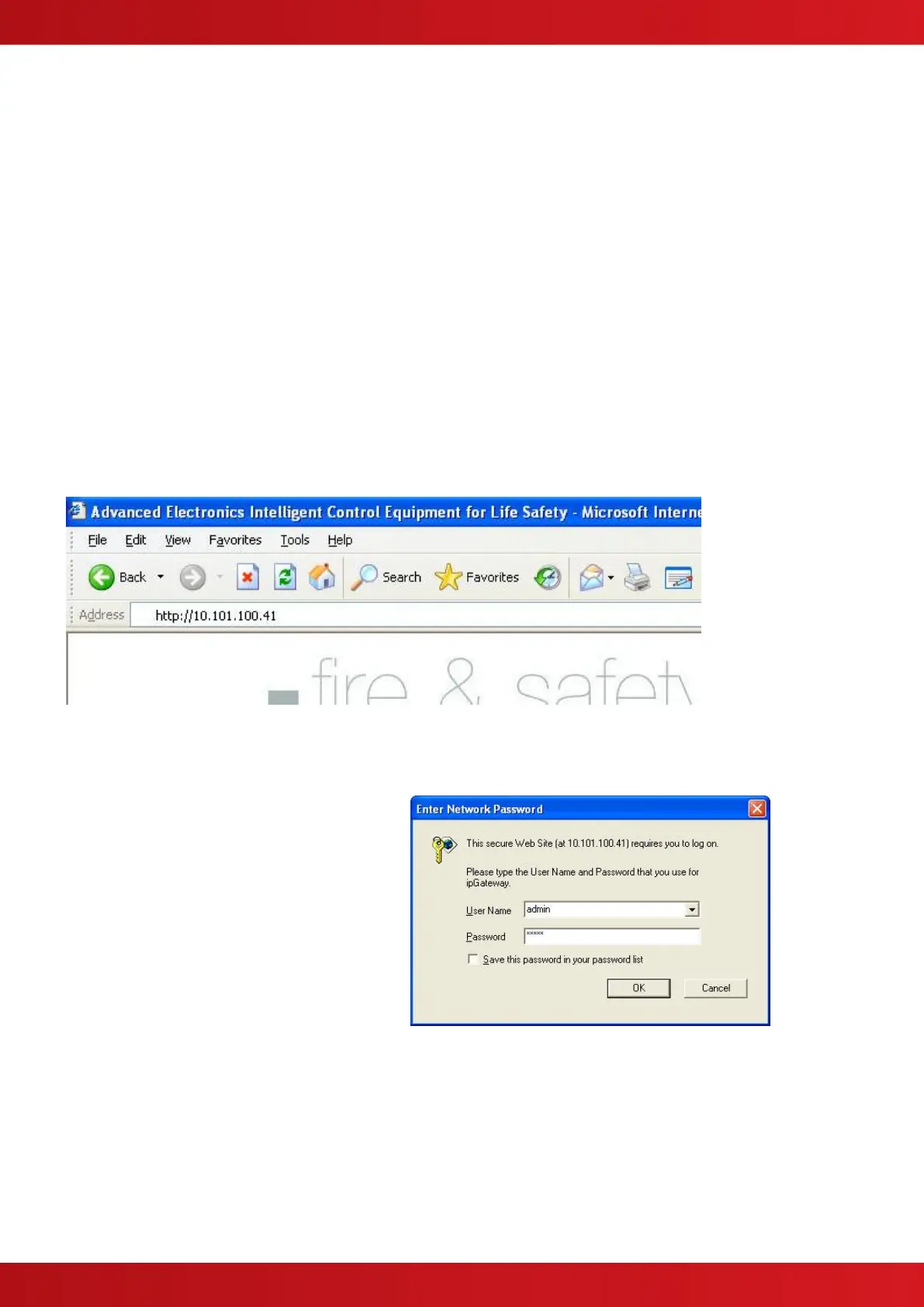
To use a browser to navigate to an ipGateway, first open the browser and then type the following in the address
bar then press “Go” or hit the “Enter” key:
http://<IP Address>
where:
If accessing the ipGateway remotely
<IP Address> is the IP address of the Router
If accessing the ipGateway on a private network
<IP Address> is the IP Address of the ipGatway (see section 2.1.1)
For example, if the ipGateway has IP address 10.101.100.41 To access the ipGateway on a private network:
4.2 Username and Password
Before gaining access to the ipGateway the
user must confirm their identity through a
username and password (see sections 0 and
2.1.10).
Valid usernames are either “admin” or “user”.
Enter one of these in the “User Name” field.
Enter a valid password for the given user (see
sections 0 and 2.1.10)


 To Next Page