15 EKI-1521/1522/1524 User Manual
Chapter 2 Getting Started
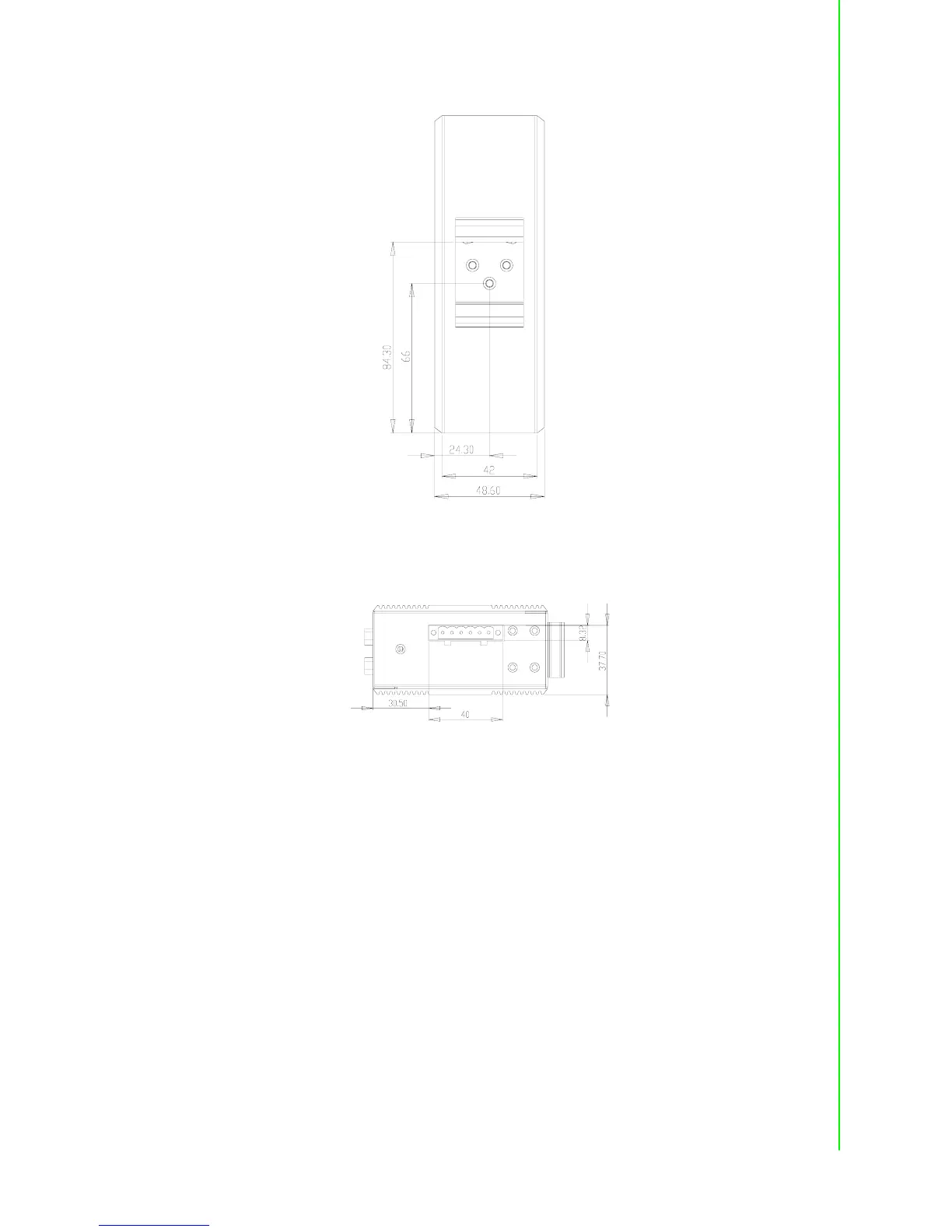
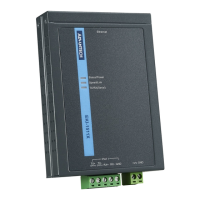
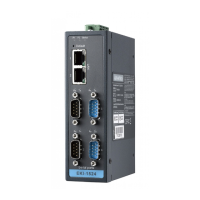
Figure 2.13 Back View of EKI-1524
Figure 2.14 Top View of EKI-1524
2.3 Connecting Hardware
Next, we will explain how to find a proper location for your EKI-1521/1522/1524, and
then explain how to connect to the network, hook up the power cable, and connect to
the EKI-1521/1522/1524 serial port.
2.3.1 Choosing the Location
Due to its versatility and innovative design, EKI serial device server can be:
Fixed to a panel mount
Fixed to a DIN-rail.


 To Next Page