73 EKI-1521/1522/1524 User Manual
Chapter 6 Telnet Configuration
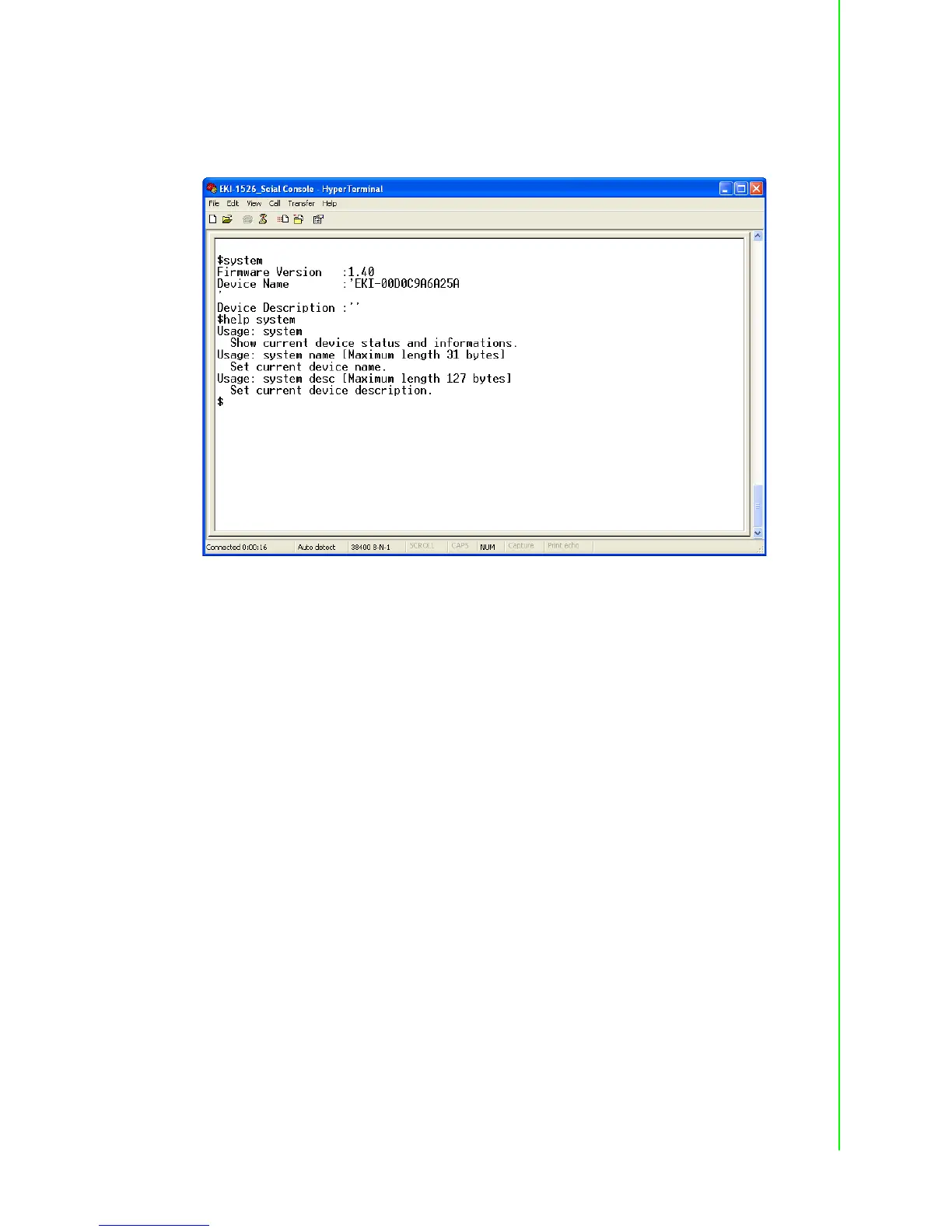
System
[Usage] system
[Function] Show firmware version, device name and description
[Usage] system
[Function] Show current device status and information
[Usage] system name XXXX
[Function] Set current device name [XXXX: maximum length 31 bytes]
[Usage] system desc XXXX
[Function] Set current device description [XXXX: maximum length 127 bytes]
Port
“Port” is the command to show all serial ports information and configure the serial
ports settings.


 To Next Page