PCI-1756 User Manual 4
1.4 Installation Guide
Before you install your PCI-1756 card, please make sure you have the following nec-
essary components:
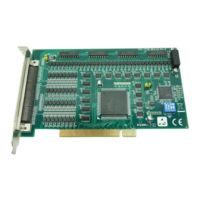
PCI-1756 DAQ Card
PCI-1756 Startup or User Manual
Driver Software Advantech DAQNavi software (included in DVDROM)
Wiring Cable PCL-10250 or PCL-101100M (optional)
Wiring Board ADAM-3951 or ADAM-39100 (optional)
Computer PC or workstation with PCI Express bus slot (running Windows
XP/Vista/7)
Other optional components are also available for enhanced operation:
Advantech DAQ tools, LabView or other 3rd-party software
After you get the necessary components and maybe some accessories for enhanced
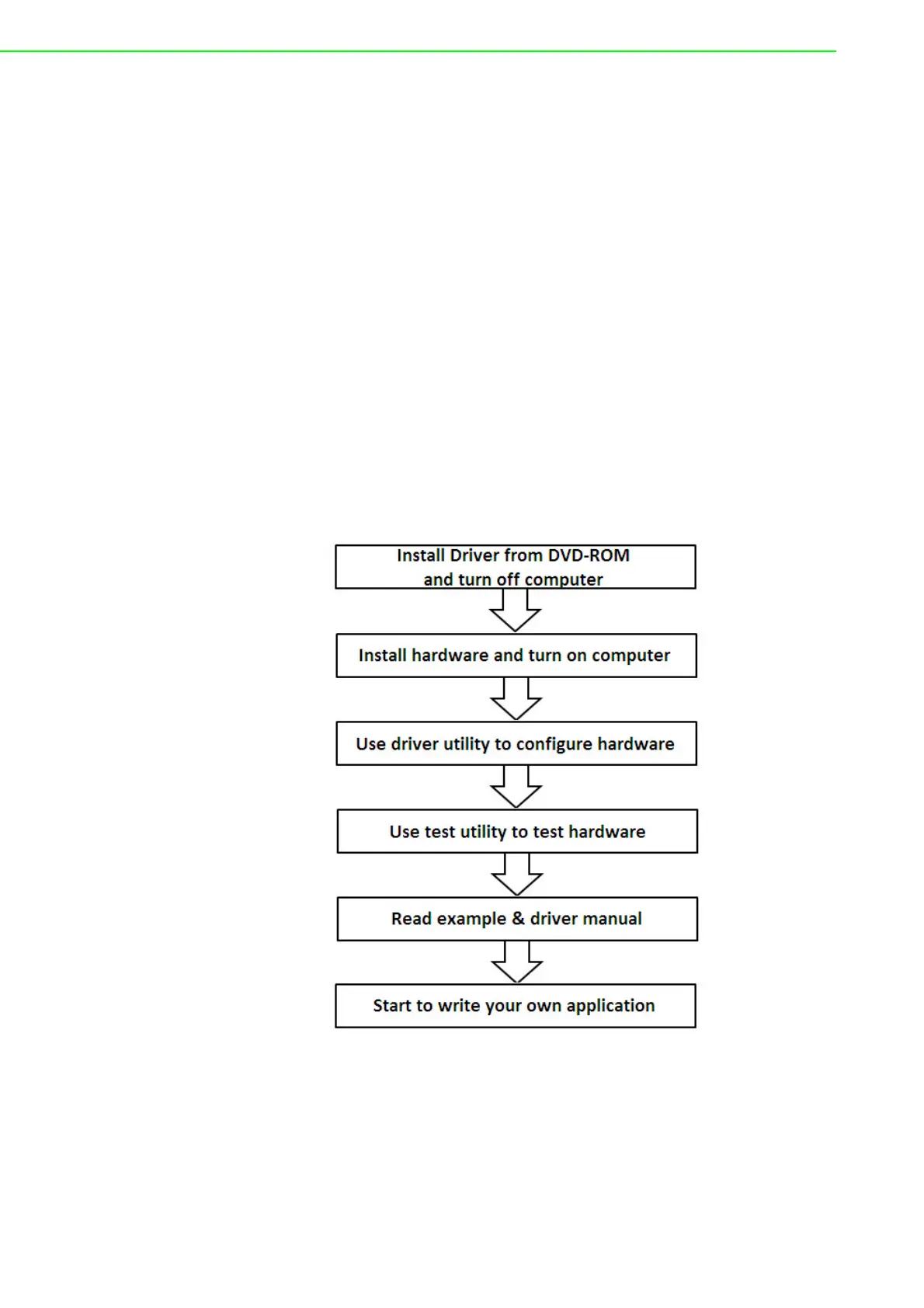
operation for your DA&C card, you can then begin the Installation procedures. Figure
1.1 on the next page provides a concise flow chart to give users a broad picture of
the software and hardware installation procedures:
Figure 1.1 Installation Flow Chart


 To Next Page