TPC-31/61 User Manual 28
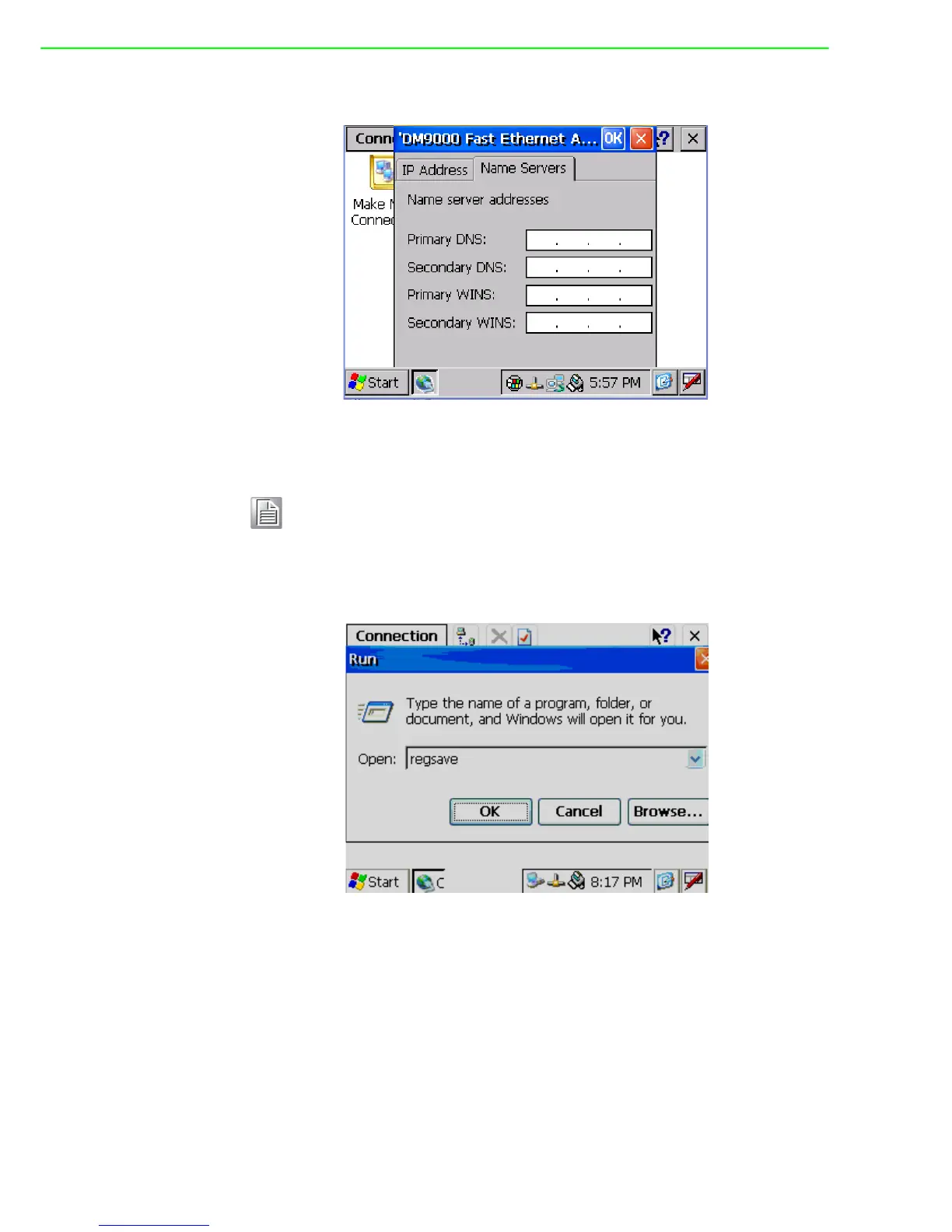
4. Select the “Name Server” tab.
Figure 4.18 Settng Name Servers
5. Press “Start” in of task bar of Windows and select “Run”. Execute “regsave” to
save the registry settings to a storage card.
Figure 4.19 Save Registry
Note! Do NOT click the Next button at this time.



 To Next Page