31 TPC-31/61 User Manual
Chapter 4 Windows CE
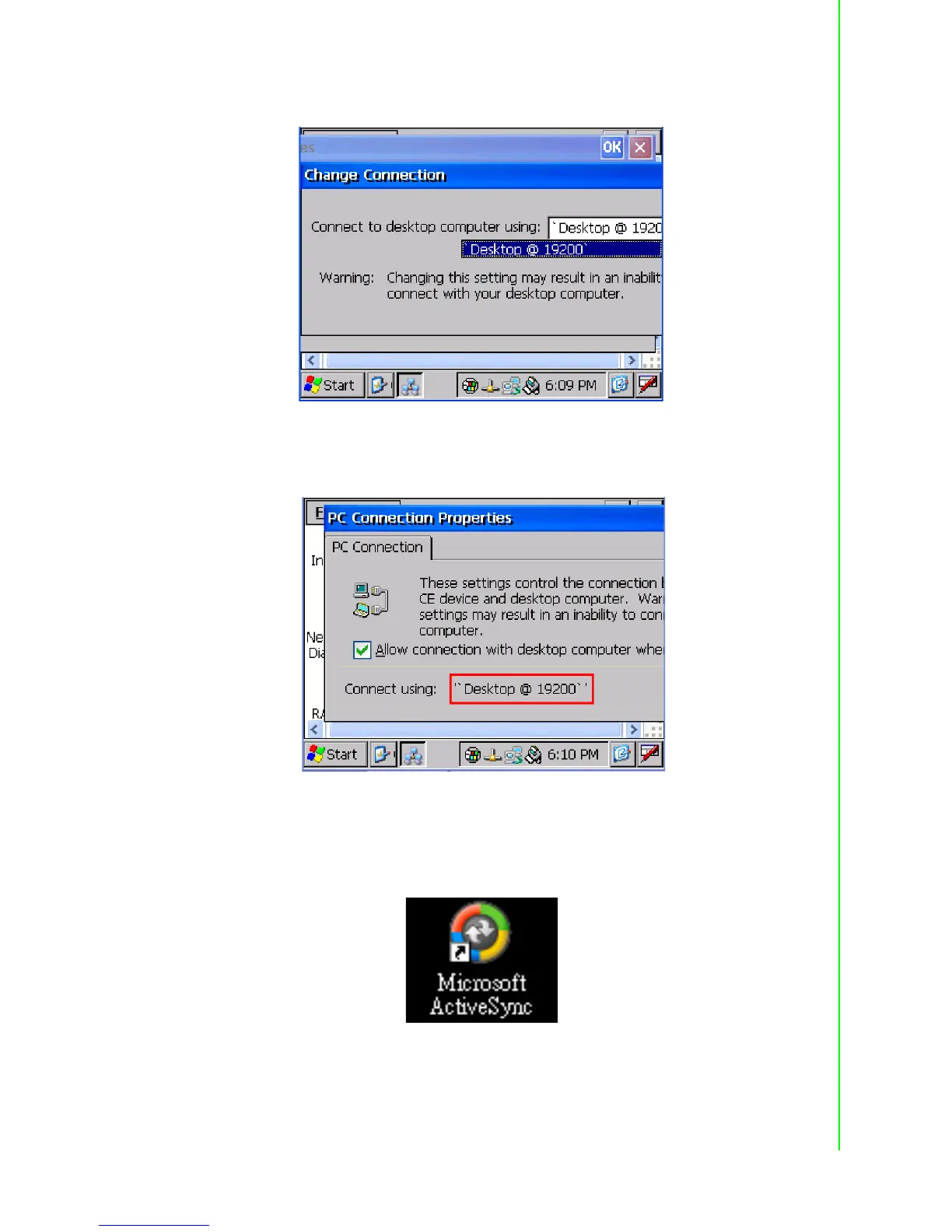
Press the 'enter' symbol on the keyboard to confirm the change.
Figure 4.23 Change Connection
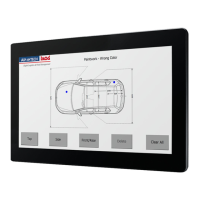
You can find the change is active. The connection is via serial1 - COM1.
Figure 4.24 COM1 Set
Setting the Communication Environment of the Host
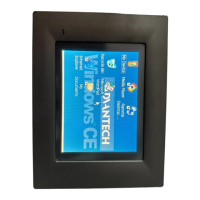
Double click the icon ActiveSync on your host computer.
Figure 4.25 Microsoft ActiveSync


 To Next Page