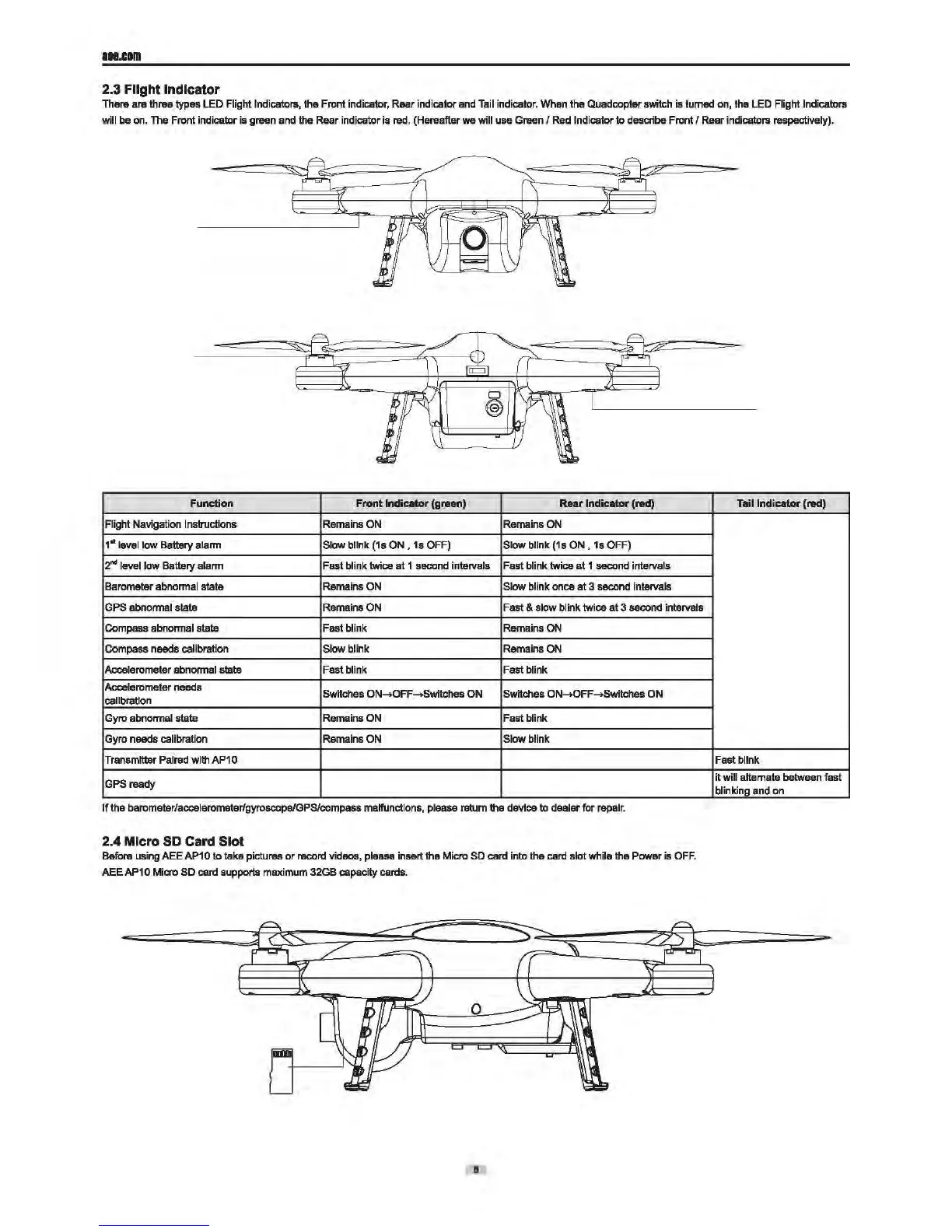
Tail Indicator
••.cam
2.3 Flight Indicator
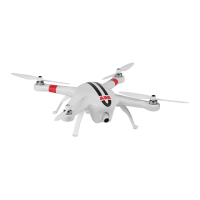
Thera are three typas
LED
Flight Indicators, the Front indicator, Rear indicator
and
Tail
indicator. When the
Quad
copter switch is lumed
on,
the
LED
Flight Indicators
will
be
on.
The
Front indicator is green and the Rear indicator
is
red.
(Hereafter we will use Green I
Red
Indicator
to
desaibe Front I Rear indicators respectively).
Function
Front
lnclc.tor
(green) Rear
lndic.tor
(red) Tall Indicator
(red)
Flight Navigation I nstruclions Remains
ON
Remains
ON
1
11
level low Battery alann Slow blink
(1s
ON,
1s
OFF)
Slow blink
(1s
ON,
1s OFF)
2"" level low
Battery alann Fast blink twice at 1 second intervals Fast blink twice at
1 second
interva
ls
Barometer abnonnal stale Remains
ON
Slow blink once at 3 second intervals
GPS
abnonnal state Remains
ON
Fast & slow blink twice
at
3 second intervals
Compass abnonnal state Fast blink Remains
ON
Compass needs calibration Slow blink Remains
ON
Accelerometer abnonnal state Fast blink Fast blink
Accelerometer
needs
Switches
ON-+OFF-+Switches
ON
Switches ON-+OFF-+Switches
ON
calibration
Gyro
abnonnal state Remains
ON
Fast blink
Gyro
needs calibration Remains
ON
Slow blink
Transmitter Paired with
AP1
o Fast blink
GPSready
it will alternate between fast
blinking and on
If
the barometarlaccelerometar/gyroscope/GPS/compass malfunctions, please ratum the device to dealer for repair.
2.4 Micro
SD
Card Slot
Before using AEE
AP1
0
to
taka pictures
or
record videos, please insert the Micro
SO
card into the
card
slot while the Power is
OFF.
AEEAP10 Micro
SD
card
supports maximum 32GB capacity cards.
8


 To Next Page