21
Disconnecting The Battery Monitor
Caution!
make sure they do not come into contact with mov-
ing engine parts.
Battery Monitor from the battery.
1. Release the hook-and-loop fastener from the
Battery Monitor housing.
2. Loosen the nut and washer.
3. Disconnect the negative cable from the negative
terminal.
4. Disconnect the cable lug (2).
5. Screw the washer and nut in place again.
Repeat these steps to disconnect the positive cable
from the positive terminal.
APP
Installation
1.
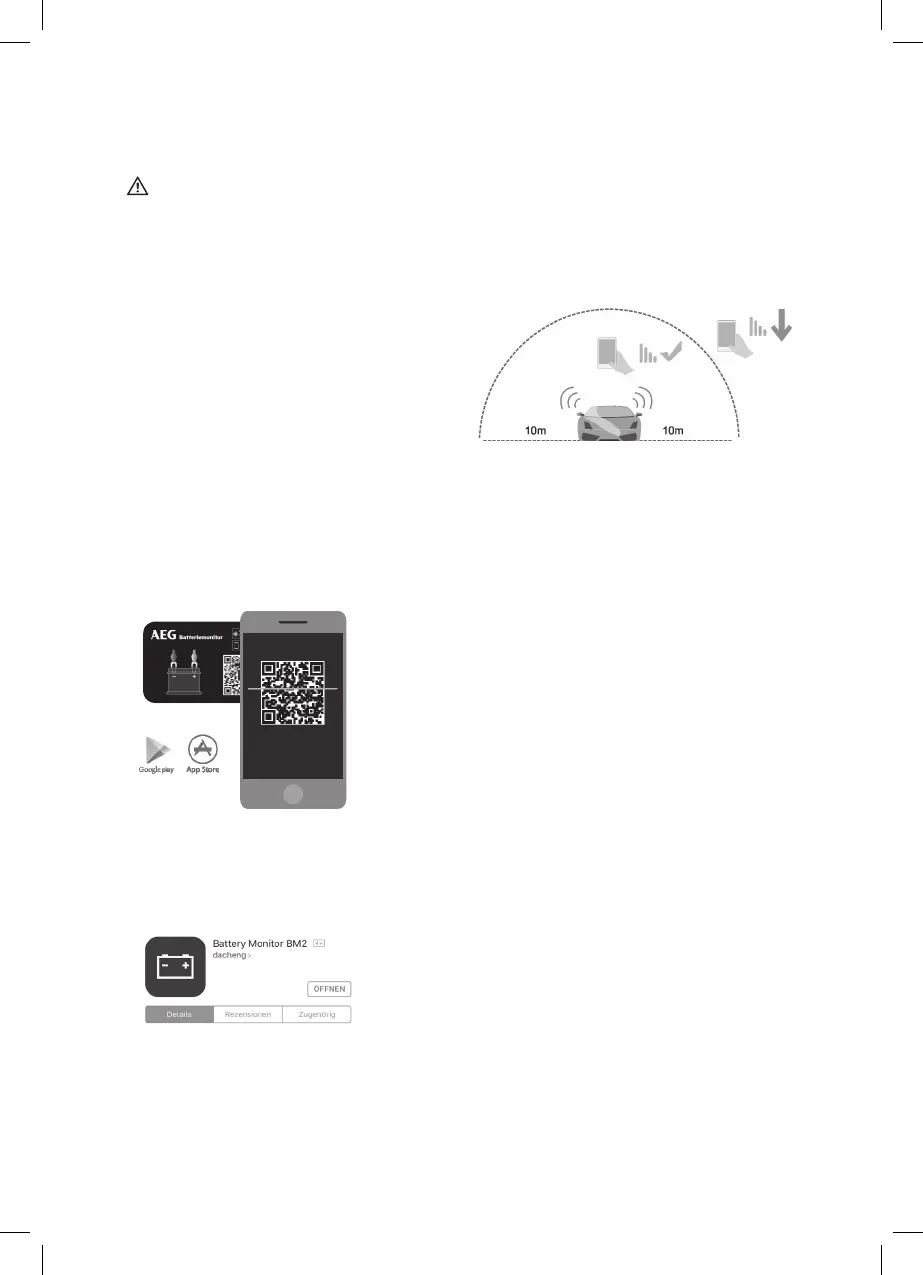
Scan the QR code for the Battery Monitor. You
will automatically be redirected.
Or:
1. Download the app from Google Play or the App
Install the app on your smartphone.
Use
Note:
Unless blocked by external signals or shielding
objects, the smartphone can receive the Battery
Monitor signal from up to 10 metres away. The
or if objects are in the way.
1.
Enable Bluetooth on your smartphone.
2. -
tery, cranking system, and the charging system,
along with problem alerts.
Note:
-
Bluetooth range, even without starting the app.
3. Tap the app icon and open the app.
4. Grant the app access to the location, including
when the app is not being used.
Note:
not be able to send the user an alert if a problem
occurs.



 To Next Page