25
TIPS
The app requires a smartphone with: Android 4.3
or higher, iPhone 4S or higher.
Once the Battery Monitor is within range of the
If you denied location access during setup, you
in the future, go to your phone settings and set
results, even when it is near the Battery Monitor.
app and your phone settings.
unusual events, even when it is near the Battery
in the app and your phone settings.
-
All historical data is saved to the smartphone and
will therefore not be lost when updating the app.
However, uninstalling the app will also delete the
data.
The Battery Monitor automatically monitors the
vehicle battery, the cranking system, and the
charging system, and can store data for up to 35
days. Please use the app at least once every 35
days or bring the smartphone within Bluetooth
range of the Battery Monitor. The history will then
be synchronised to the smartphone.
please check if Bluetooth is enabled and the
smartphone is close enough to the Battery Moni-
tor and there is nothing blocking the connection.
Charging voltage: Normal
The charging system shows the alternator output
is normal, no problems detected.
Charging voltage: Low
The charging voltage is too low. Check if the belt
is slipping or is not making contact, and check the
cable connection between the alternator and the
battery. If the belt and the cable connections are
ok, please follow the instructions for the automak-
er to rule out an alternator failure.
Charging voltage: High
The alternator output voltage is too high. Since
most automotive engines have built in regulators,
the alternator will need to be replaced. (Older
models have an external regulator, please replace
the actual regulator). Typical voltage limits for car
regulators are 14.7 ± 0.5 V. If the charging voltage
is too high, the battery will overcharge, reducing
its life, and may result in malfunctions.
No voltage output
No engine voltage output was detected. Verify
the belt and alternator cables are working prop-
erly.
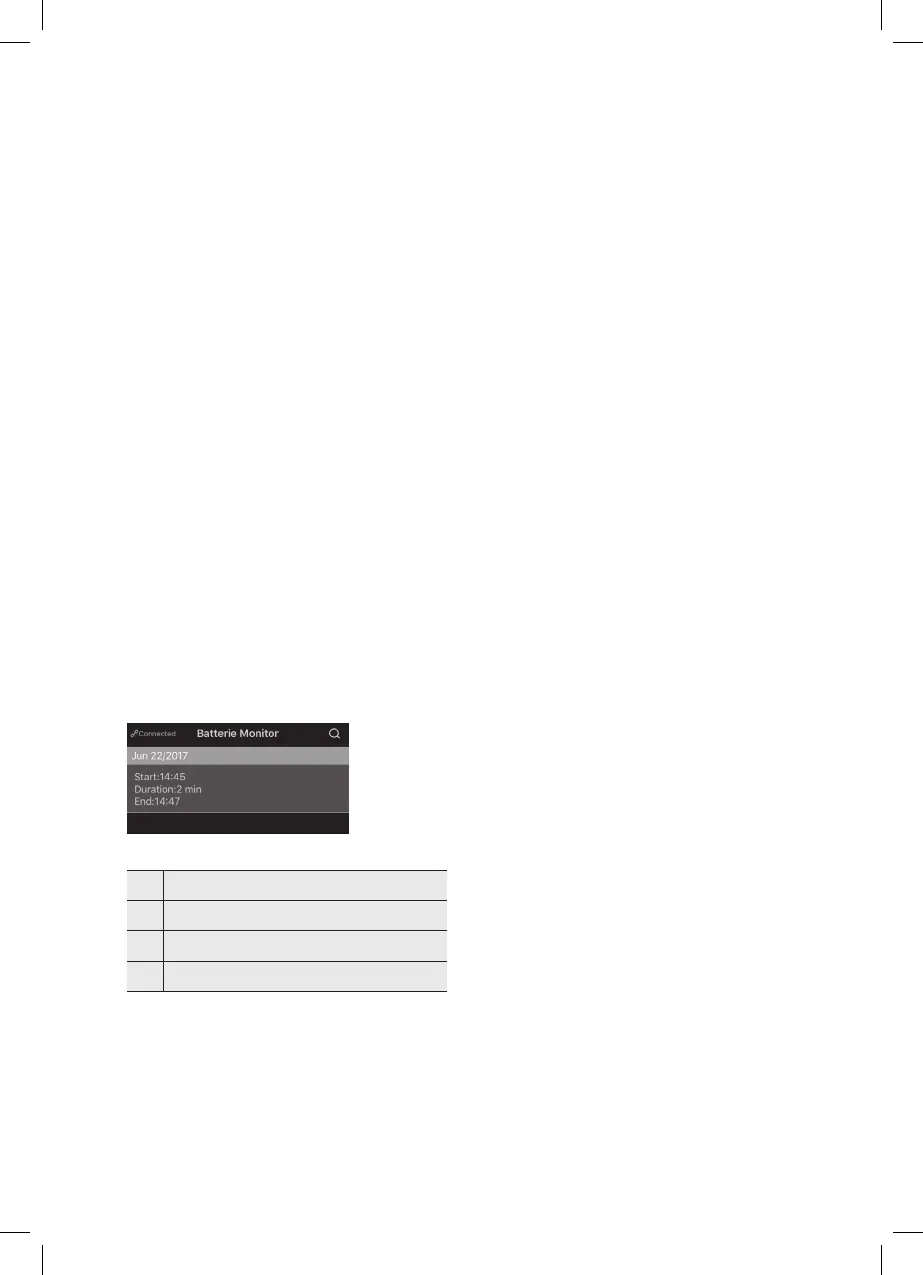
Trip Record Test
1.
2. Tap the search symbol (27) to view trip records
by selecting the date.
Fig. 8: Testing the trip record
No. Function
27 Search symbol for trip records
28
29


 To Next Page
 Loading...