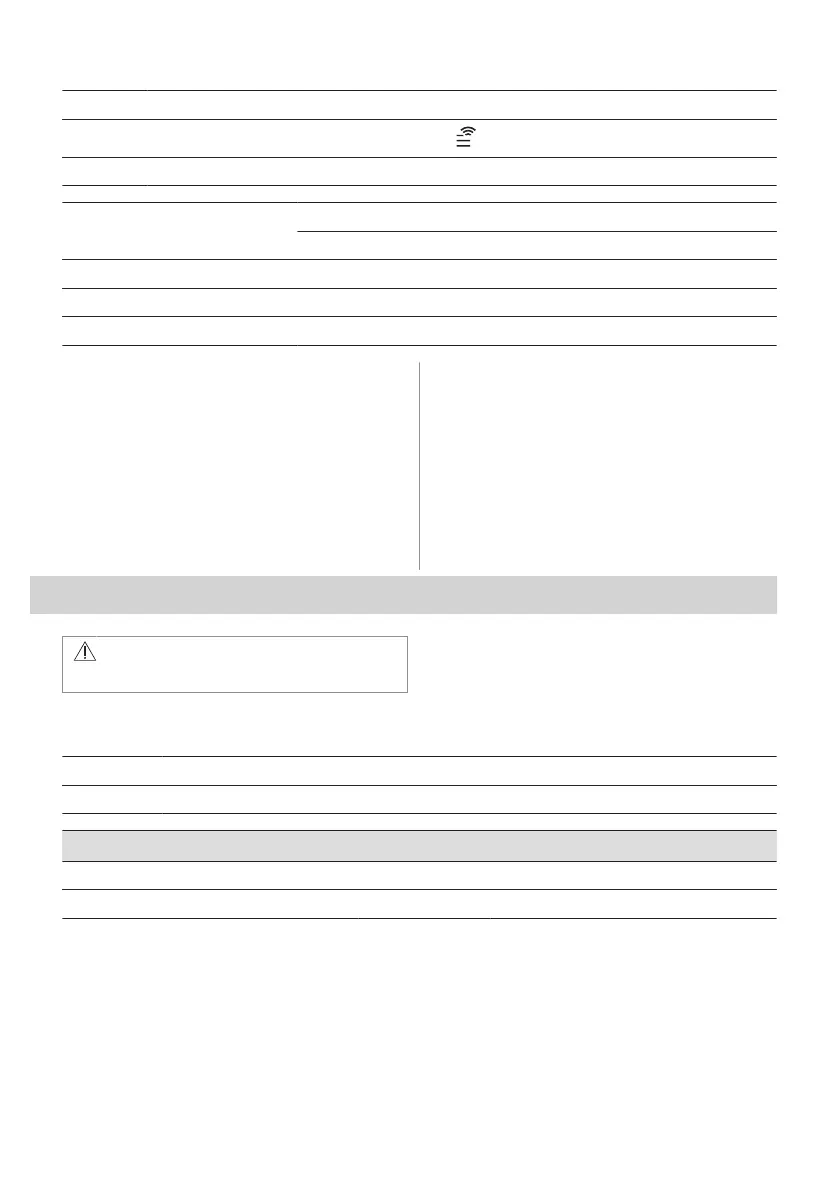
Step 2 Follow the app onboarding instructions.
Step 3
Turn the knob for the heating functions to select: .
Step 4 Turn the control knob to select: Settings. Turn on Wi-Fi. Refer to "Menu Structure" chapter.
Frequency 2.4 GHz WLAN
2400 - 2483.5 MHz
Protocol IEEE 802.11b DSSS, 802.11g/n OFDM
Max Power EIRP < 20 dBm (100 mW)
Wi-Fi module NIUS-50
5.4 Software licences
The software in this product contains
components that are based on free and open
source software. AEG acknowledges the
contributions of the open software and
robotics communities to the development
project.
To access the source code of these free and
open source software components whose
license conditions require publishing, and to
see their full copyright information and
applicable license terms, visit: http://
aeg.opensoftwarerepository.com (folder
NIUS).
6. DAILY USE
WARNING!
Refer to Safety chapters.
6.1 How to set: Heating functions
Step 1 Turn the knob for the heating functions and select a heating function.
Step 2 Turn the control knob to set the temperature.
Steam cooking
Make sure that the oven is cold.
Step 1 Step 2 Step 3 Step 4
ENGLISH 43


 To Next Page