22
End time >
Using the end time function > you can set the oven to switch off
automatically.
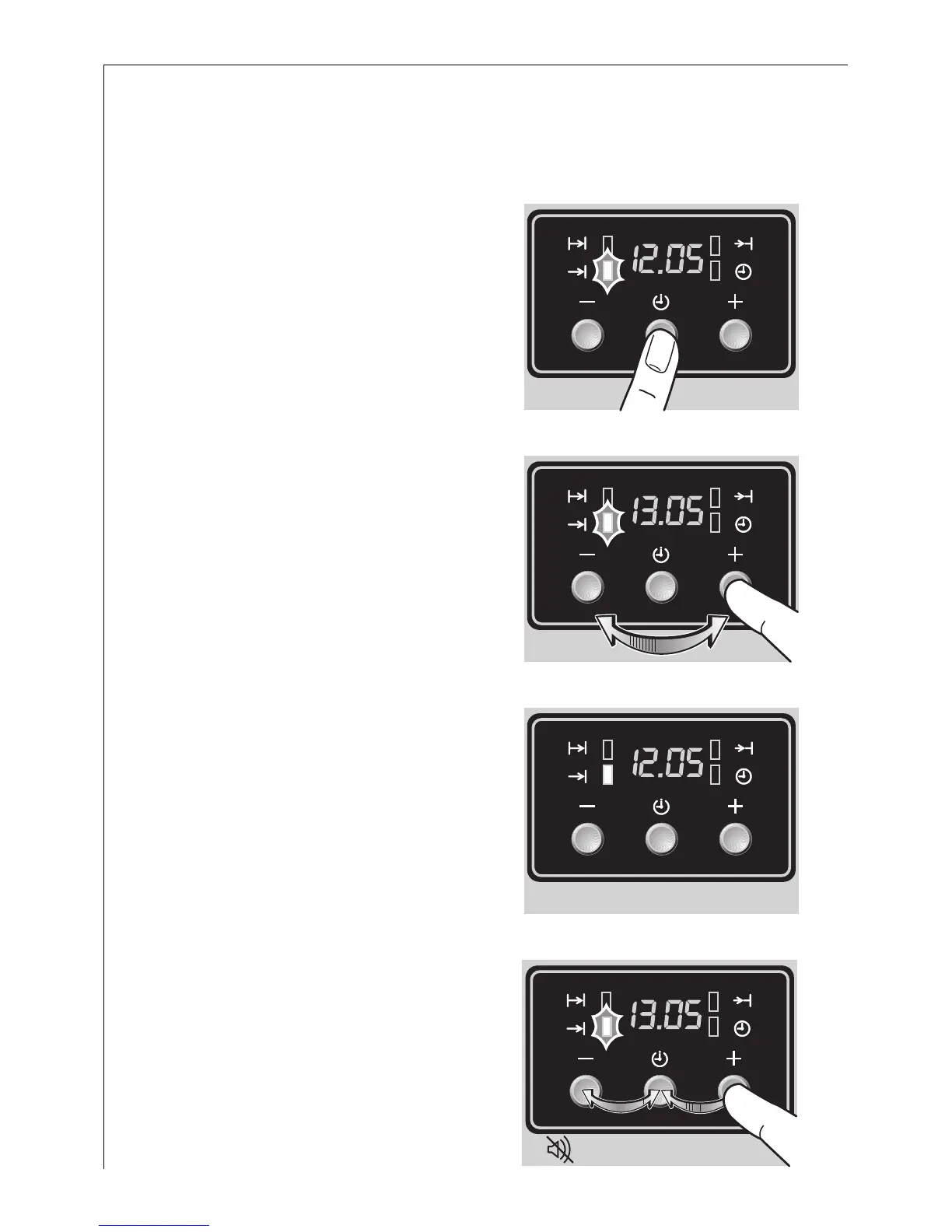
0 1. Keep pressing the button ] until
the end time function indicator >
flashes.
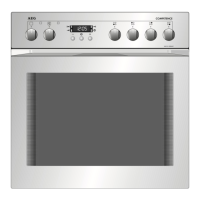
2. Using the + or - buttons set the
time at which you require the oven
to switch off.
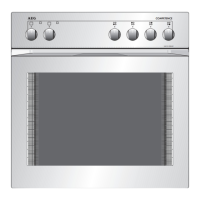
3. Wait for 5 seconds. The display will
revert to showing the time.
The end time function indicator >
will come on and the oven will start
to work at once. When the time has
expired the function indicator will
flash, an acoustic signal will sound
for 2 minutes and the oven will
switch off.
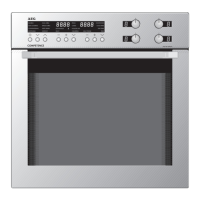
4. Press any button to cancel the
signal.
When you have finished cooking
turn the oven function and temper-
ature switch back to zero.






 To Next Page