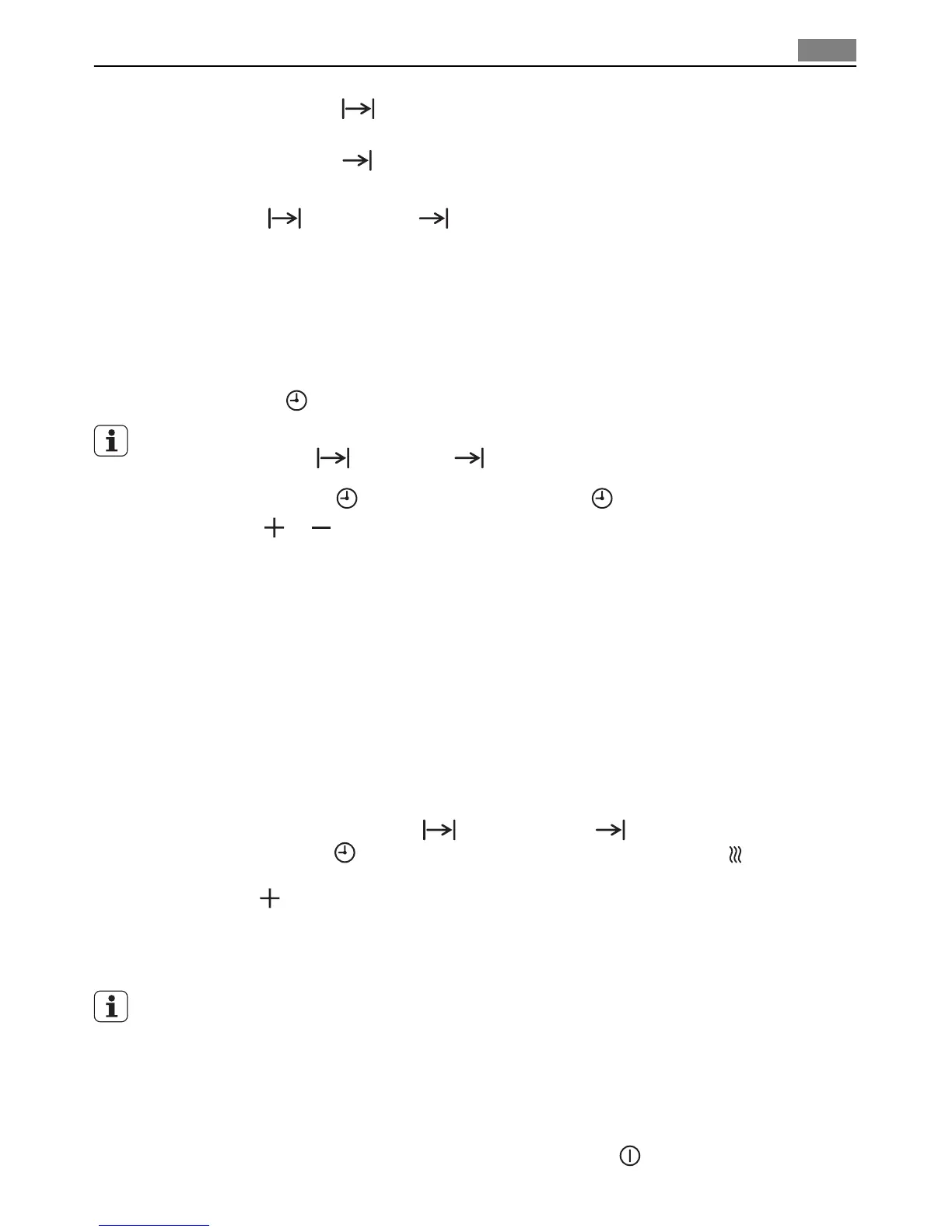
2. Using the Cook time function, set the time that the dish needs to cook, for example:
1 hour.
3. Using the End time function, set the time at which the dish should be ready,
for example: 14:05.
Cook time
and End time light up.
The oven switches on automatically at the time calculated,
for example: at 13:05.
When the Cook time set has elapsed, an audible signal sounds for 2 minutes and the
oven switches itself off,
for example: at 14:05.
Changing the Time
The time can only be modified, if the child safety device is deactivated, neither of the clock
functions Cook time
or End time nor any oven functions are set.
1. Press the Selection
button repeatedly until Time flashes.
2. Using the
or button, set the current time.
After approx. 5 seconds, the clock stops flashing and the clock displays the time of day
set.
The appliance is now ready to use.
Keep Warm
The Keep Warmfunction keeps your prepared dish warm for 30 minutes, after the baking
or roasting process is completed.
This is helpful, for example, if your guests are late.
Pre-condition for Keep Warm:
Set temperature is above 80°C
Switching on Keep Warm
1. Set clock functions Cook time
and/or End time .
2. Press the Selection
button repeatedly until the symbol Keep Warm appears in the
display.
3. Press the
button. “00:30:” appears in the display.
4. As soon as the oven function is completed, a signal sounds and Keep Warm starts.
The oven function set runs at 80°C for 30 minutes.
As soon as the 30 minutes with Keep Warm are over, the oven switches itself off.
Irrespective of an oven function being set, Keep Warm remains active. You can change
between the oven functions.
Child safety device
As soon as the child safety device is set, the appliance can no longer be switched on.
Activating the child safety device
1.
If necessary, switch on the appliance using the On/Off
button. No oven function
must be selected.
Operation
15


 To Next Page