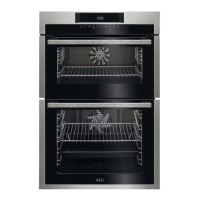
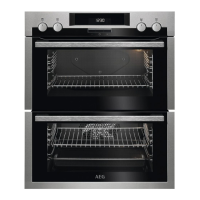
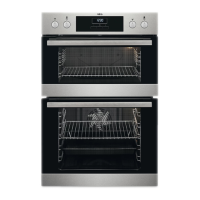
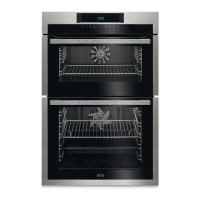
• The oven light is switched on as soon as an oven function is selected.
• When the selected temperature is reached, an audible signal sounds.
• Switch off the oven using the On/Off button.
The top oven
The top oven is the smaller of the two ovens. It is heated by elements in the top and bottom
of the oven. It is designed for cooking smaller quantities of food. It gives especially good
results if used to cook fruitcakes, sweet and savoury flans or quiche.
The top oven is ideal for use as a warming compartment. It can be used to warm dishes
and keep food hot. Use the lowest setting on the top oven temperature control.
WARNING!
Do not place cookware and cooking pots with rough bases e.g. cast iron on the oven door
as damage to the glass may occur.
Always grill with the door closed.
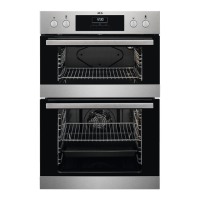
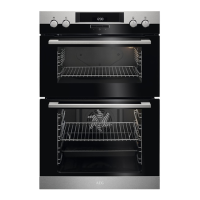
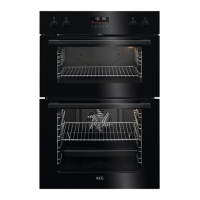
Double oven operation
The appliance has two ovens. Press the relevant button on the control panel to switch
between top and bottom oven mode. Some of the heating and electronic functions may
not be available in the top oven. For list of heating functions see the relevant table in the
Operation chapter.
Selecting an oven
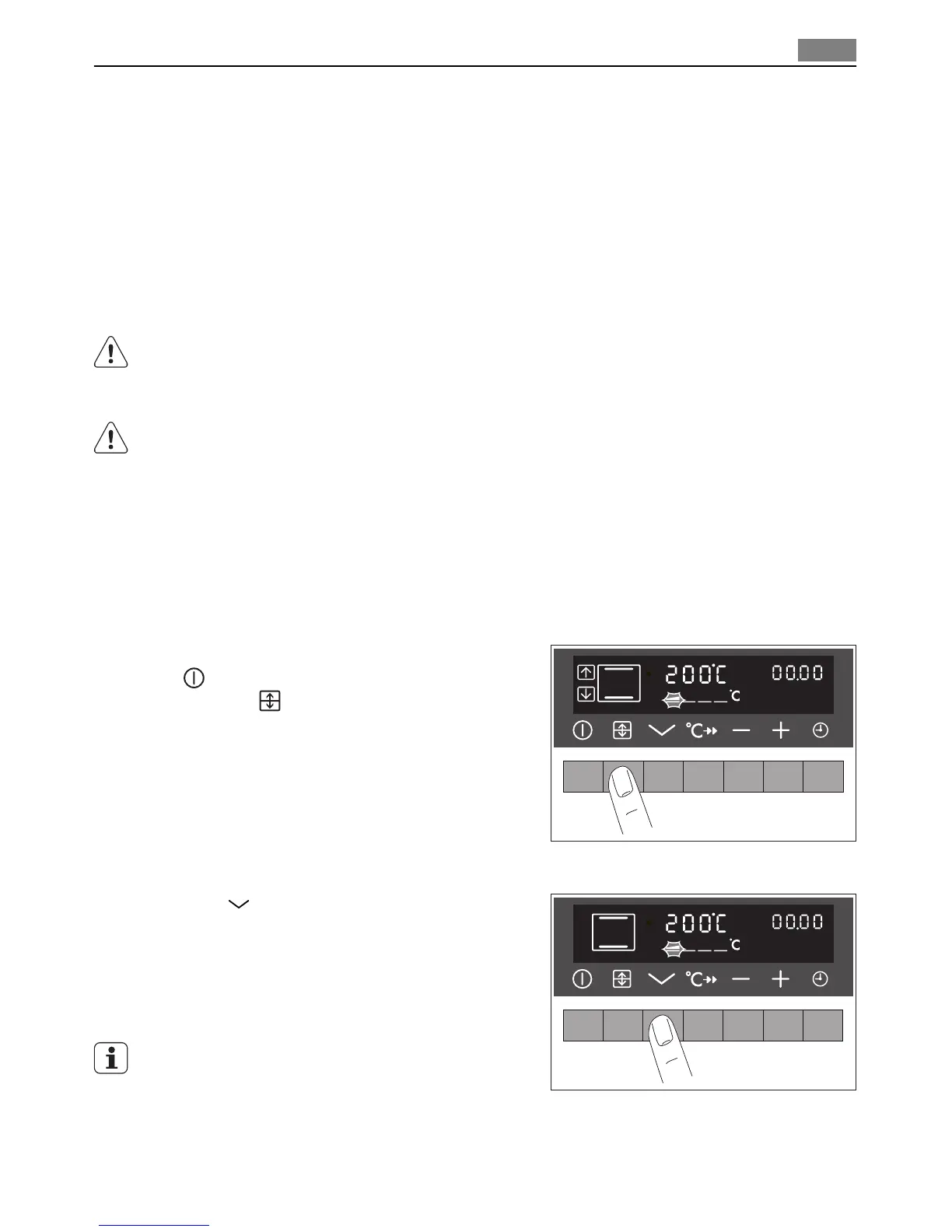
1. Switch on the appliance using the On/Off
button.
2. Press the
button repeatedly until the
desired oven appears (Top / Main )
Selecting an oven function
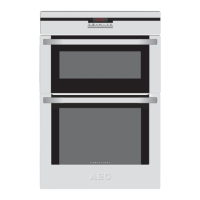
Press the
button repeatedly until the desired
oven function appears.
A suggested temperature appears in the temper-
ature display.
If the suggested temperature is not changed with-
in approx. 5 seconds, the oven starts to heat up.
The oven function can be changed while the oven
is working.
Operation
9


 To Next Page