Changing the oven temperature
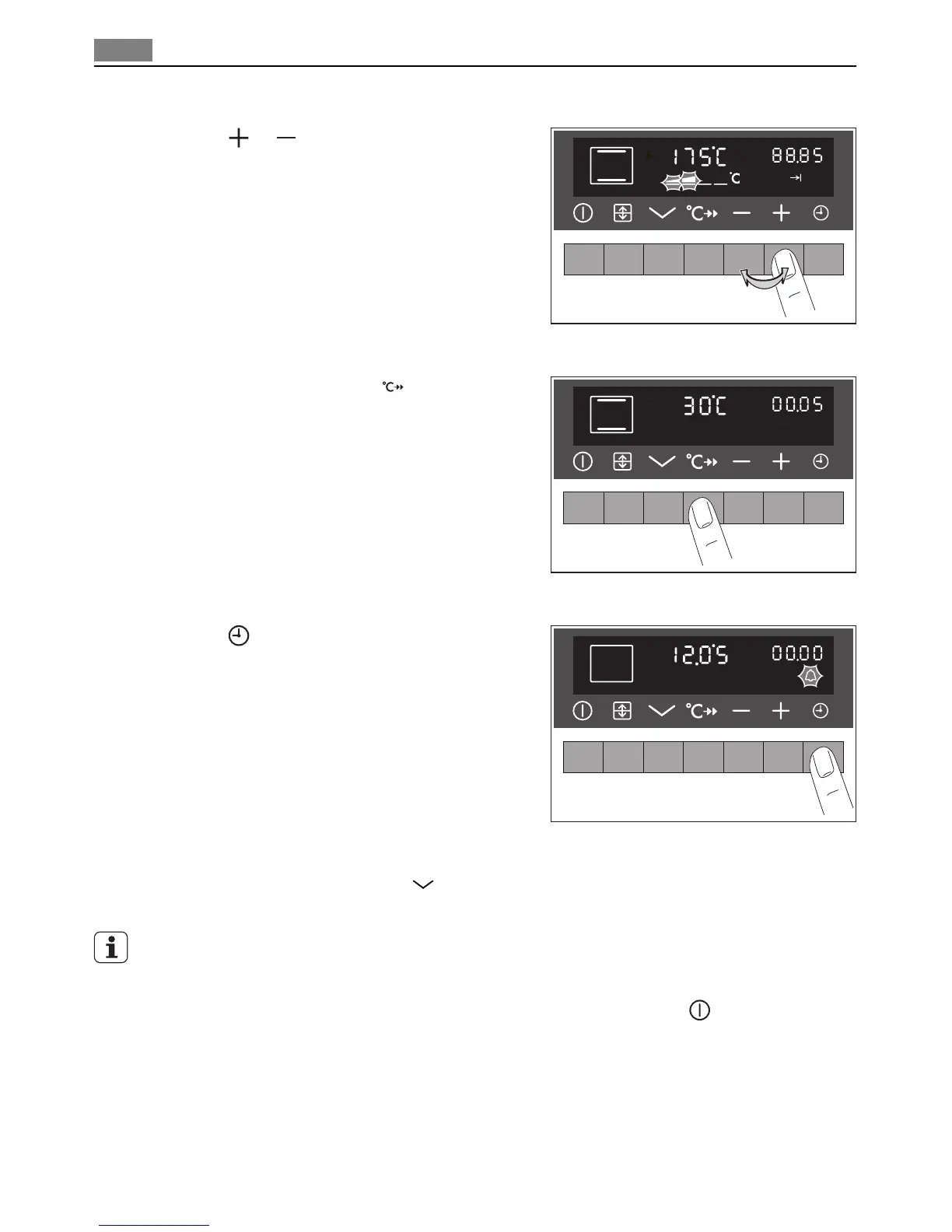
Press the
or button, to raise or lower the
temperature.
The setting changes in steps of 5°C.
Checking the temperature
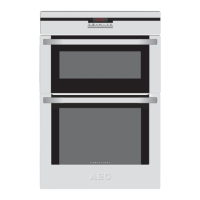
Press the Temperature check
button.
The current oven temperature appears in the tem-
perature display.
Selecting an clock function
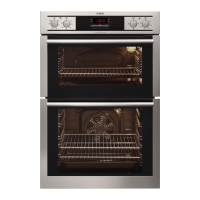
Press the
button repeatedly until the desired
clock function is flashing.
For further information check section "Clock
Function"
Switching off the oven function
To switch off the oven, press the
button repeatedly until no oven function is displayed
any more.
If there has been no oven function and no clock function working for about 2 minutes, the
appliance switches itself off automatically.
But the bar display remains lit.
To switch the light bars off, switch the appliance on using the On/Off
button and switch
it off again.
10
Operation


 To Next Page