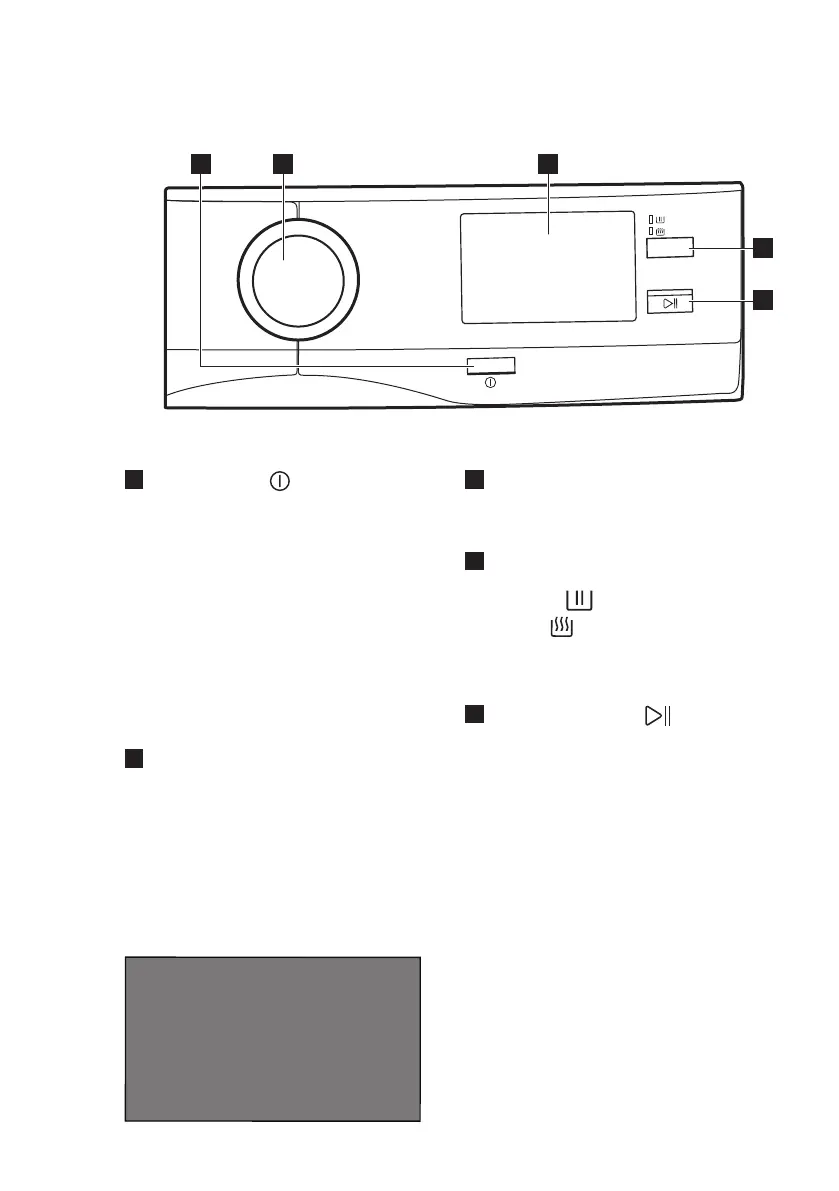
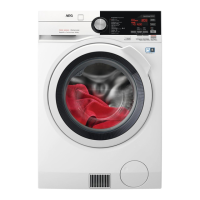
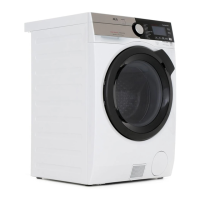
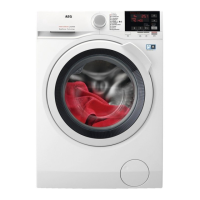
5. CONTROL PANEL
5.1 Control panel description
1
On/Off button
Pressing this button for a few
seconds allows to activate or
deactivate the appliance. Two
different tunes sound while switching
the appliance on or off.
As the Stand-by function
automatically deactivates the
appliance to decrease the energy
consumption in a few cases, you may
need to activate the appliance again.
For more details, refer to "Stand-by
option" paragraph in "Daily Use"
chapter.
2
Programme dial
It can be rotated clockwise or
anticlockwise to set desired
programme, options and settings.
3
Touch screen
Programmes, options and settings
can also be set by scrolling and
tapping the touch screen.
4
Washing and drying mode button
(Mode).
• Wash
• Dry
If both indicators are on, the
appliance performs a complete
washing and drying cycle.
5
Start/Pause button
Touch the Start/Pause button to
start, pause the appliance or
interrupt a running programme.
6. FIRST TIME START-UP
Each time you turn the appliance on, the
Start-up Screen appears on the touch
screen.
The first time you turn the appliance on,
after the Start-up Screen you are guided
through the initial setup procedure.
6.1 Language setup
1. Scroll the language list to find the
desired language and hold the
desired language pressed to set it.
www.aeg.com14


 To Next Page