3. The screen returns to the setting list
automatically. Tap on the
Programmes bar to return to the
programme summary screen.
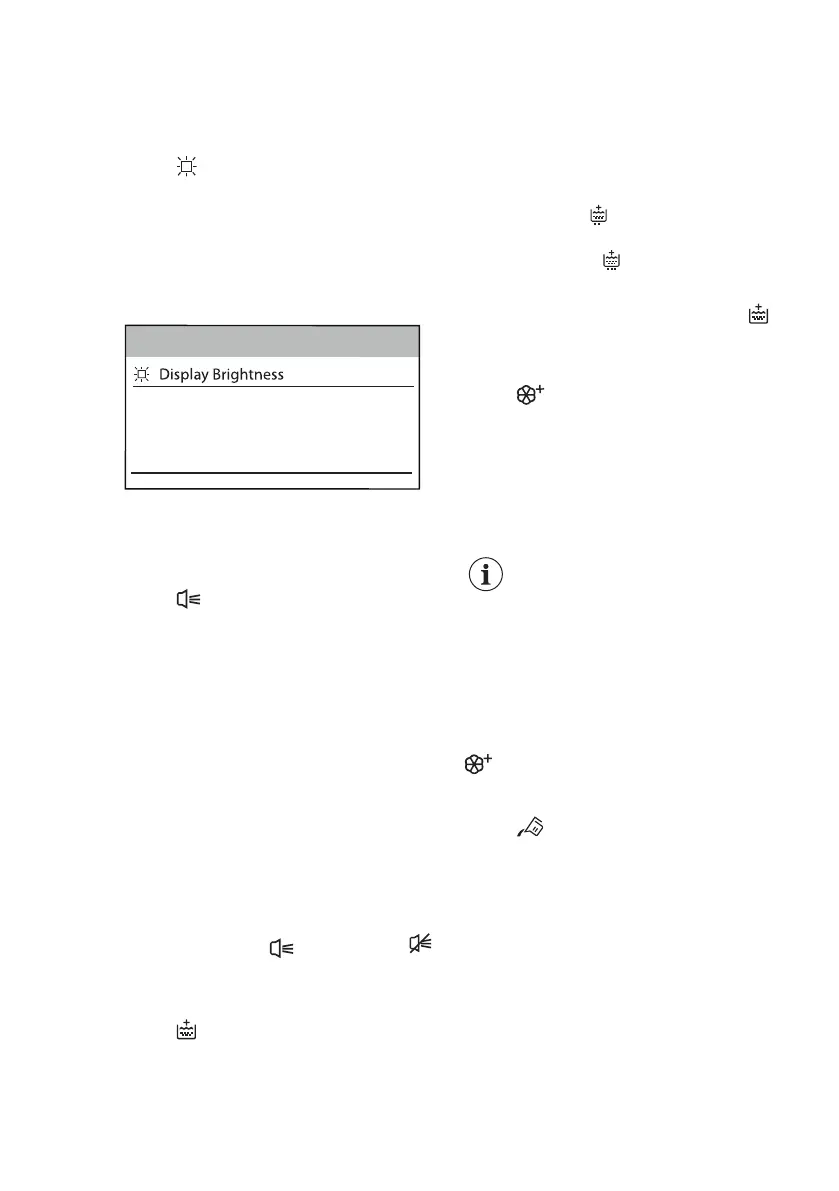
15.4 Display Brightness
You can regulate the display brightness
through 5 brightness levels.
To change the display brightness:
1. Tap on the Display Brightness bar.
2. Scroll the brightness level bar right or
left to find the desired level.
3. Tap on the Display Brightness bar to
return to the machine setting list or
tap on the Programmes bar to return
to the programme summary screen.
15.5 Cycle End Buzzer
A buzzer sounds at the end of a cycle.
To deactivate the buzzer or to change
its duration:
1. Tap on the Cycle End Buzzer bar.
2. Scroll the bar right or left to set the
desired set:
• OFF
• Short
• Mid
• Long
3. Tap on the Cycle End Buzzer bar
and then to the Programmes bar to
return to the programme summary
screen.
If the Cycle End Buzzer is on, the screen
shows the shortcut (buzzer on) or
(buzzer off). Refer to "Shortcuts" section
in this chapter.
15.6 Extra Rinse Default
With this option you can permanently
have two additional rinses each time you
switch the appliance on and if you set a
compatible programme.
To
activate/deactivate this option:
1. Tap on the Extra Rinse Default bar
(ON status).
2. Tap on the Programmes bar to
return to the programme summary
screen.
If the Extra Rinse Default is active, the
screen will show and by setting the
Extra Rinse option, it will be possible to
add just one rinse .
If the Extra Rinse Default is activated,
the screen will also show the shortcut
.
Refer to "Shortcuts" section in this
chapter.
15.7 Soft Plus Default
Set the Soft Plus Default to optimise the
fabric softener distribution and improve
the fabric softness. The Soft Plus option
remains permanently on.
It is suggested when you use the fabric
softener.
This option increases slightly
the programme duration.
To activate/deactivate this option:
1. Tap on the Soft Plus Default bar
(ON status).
2. Tap on the Programmes bar to
return to the programme summary
screen.
If Soft Plus Default is active, the shortcut
will be on if you set a compatible
programme.
15.8 Detergent Dosing
Through this setting you can save the
average detergent dosage suggested in
the detergent packaging, so the
appliance will advise you about the
necessary detergent dosage for your
cycles.
It is possible to set two types of
detergent: e.g., the value entered in
Detergent Type 1 could refer to powder
detergent and the value entered in
Detergent Type 2 could refer to liquid
detergent.
1. Tap on the Detergent Dosing.
www.aeg.com
42


 To Next Page