14
4.2 Level adjustment
First ensure, that the master level control is zeroed
(over to far left), so that when you are setting the
sound level, the signal passes through the elect-
ronics only and does not reach the loudspeaker.
By pressing the high-/low- (attn.) resp. line-/mic-
switches you can adapt the ampli er to your signal
sources (guitar pickups, microphone etc).
Turn the gain control clockwise until the red clip
indicator ashes momentarily when playing with a
strong attack. Thus you make sure that your signal
source (e.g. instrument) provides the input-stage of
the ampli er with the necessary input
The clip-LED indicates an overload. A short icker
is of no danger to AER devices. During operation a
short icker can be accepted, to be on the safe side
you should reduce the gain slightly to achieve an
Note: Level adjustment
By setting the level correctly we mean the signal
level in one or several devices in a signal chain is
neither too high nor too low. This applies equally
to all circuits in a complete circuit design (EQs,
preamps etc.)
Consequently, care must be taken that no part of
the circuit is overloaded or that distortion is unin-
tentionally added to the signal.
We have carefully designed the circuit to achieve
this objective whilst also providing controls for
„manual“ intervention.
4. Starting up
4.1 Cabling and switching on
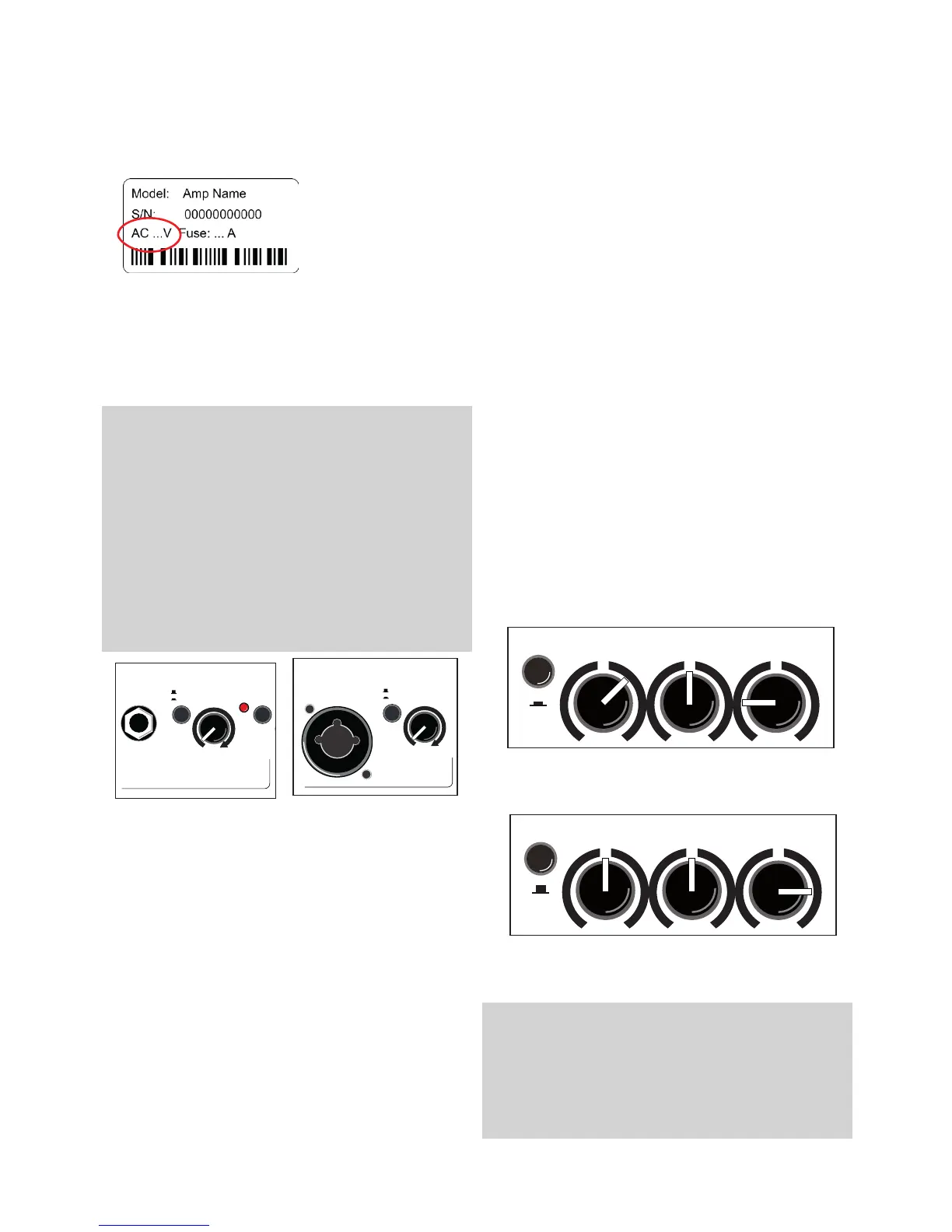
Before connecting to mains, please ensure that your
local mains voltage
is suitable for the
voltage of the device
(e.g. 120V in the USA,
230V in Europe). The
relevant specs and
safety symbols are
printed on the rear side of the unit.
Connect all cables according to your application
and switch the ampli er on. The green power con-
trol LED indicates operational readiness.
optimal and distortion-free performance.
Finally set the desired overall volume level with the
master level control.
5. Functional characteristics
5.1 Tone control
The triple-band equalizer of your Compact 603
provides you with an active and high quality sound
interaction tool that supports the natural tone of in-
struments and voice whilst simultaneously o ering
you the possibility of a controlled accentuation.
With all controls in mid position the lters are set to
produce a very pleasing and natural sound impres-
sion that you can „colour up“ by using the colour
lter with the e ect of lowering the mids and
lifting the trebles. The tone becomes more open
and light and is especially suited for ngerpicking
techniques.
The equalization can support or soften the e ect of
the colour lter and allows a di erentiated mids-
accentuation.
A: with colour- lter (switch pressed)
reduce treble to soften possible sharpness
B: without colour- lter (switch not pressed)
boost treble to brighten the sound
Note:
The active equalization of the Compact 603 e ects the si-
gnal adjustment. If you spot an intensi ed ickering of the
clip indicator, readjust the signal level with the gain control
(s. 4.2 Level adjustment).




 To Next Page