EN - 13NLC_A COD: 1606.4037360_00
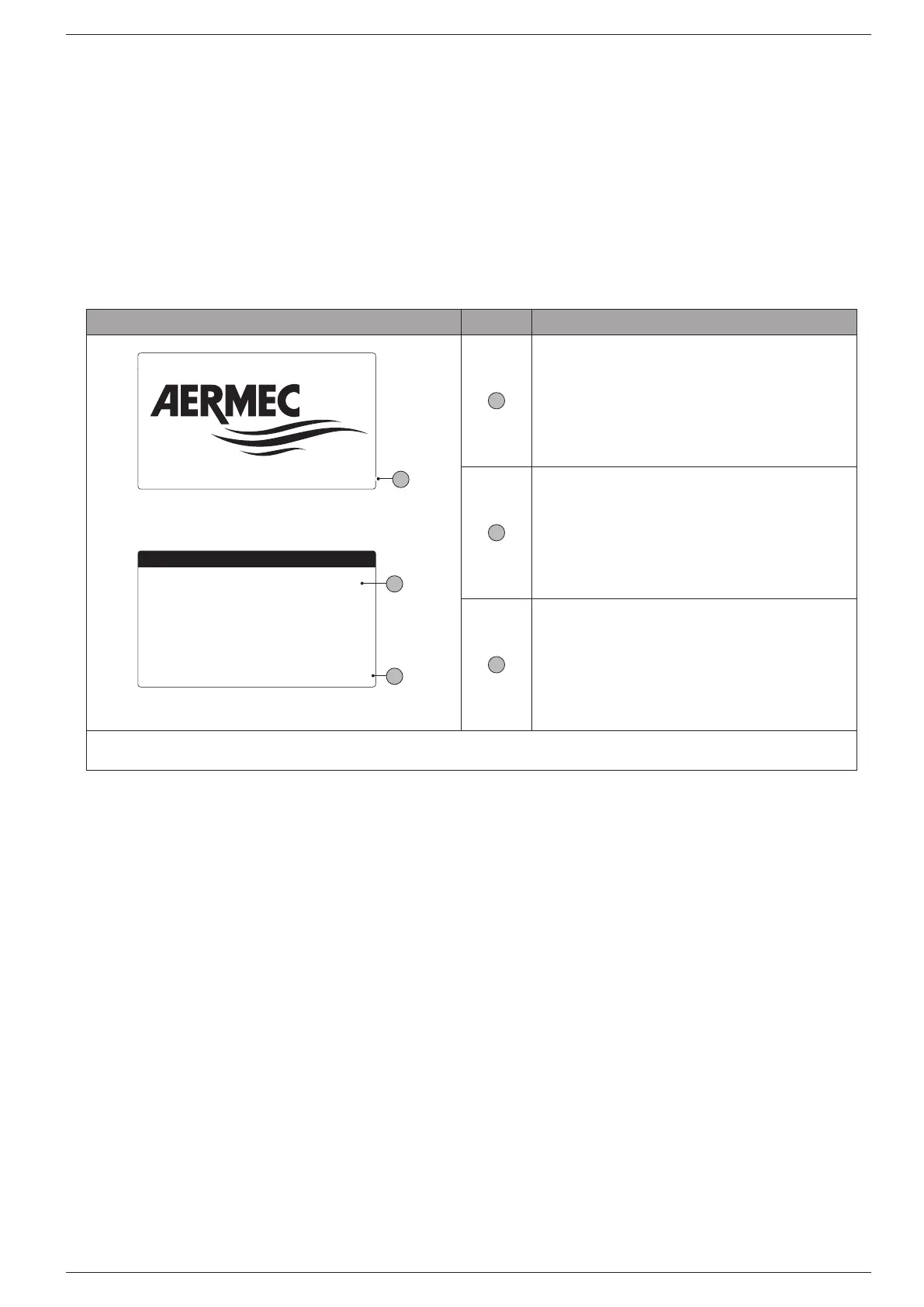
A er having powered up the unit the control board will
carry out preliminary opera ons before being ready
for use. This ini al procedure takes around 60 seconds
to complete. During the ini al loading procedure two
screens are displayed: a start-up screen and a screen to
select the system language. These screens are detailed
in the table below.
C
B
Wait please 6s
A
Installer
ENTER for change
Language:
Time show mask:
English
ESC to confirm
20
A
this value shows the remain-
ing time to starting the software loaded on the unit, and passing the
to system language selection
B
this parameter shows the current language set for
the system. To change the language follow the instructions shown on
the screen.
C
this value shows the
remaining time to modify the language. When the time elapses the
display goes to the main screen (Main screen - General monitoring).


 To Next Page