P a g e | 28
1b: Set APN (for VOLTE / 4G service)
ONLY REQUIRED FOR DIAL-OUT OPTIONS & CAN BE SKIPPED IF USING THE
SIM NETWORK PRESET AS DETAILLED ON PAGE 22
i) App/SMS
If you have network mode showing 3G this feature may need to be set to achieve full 4G network
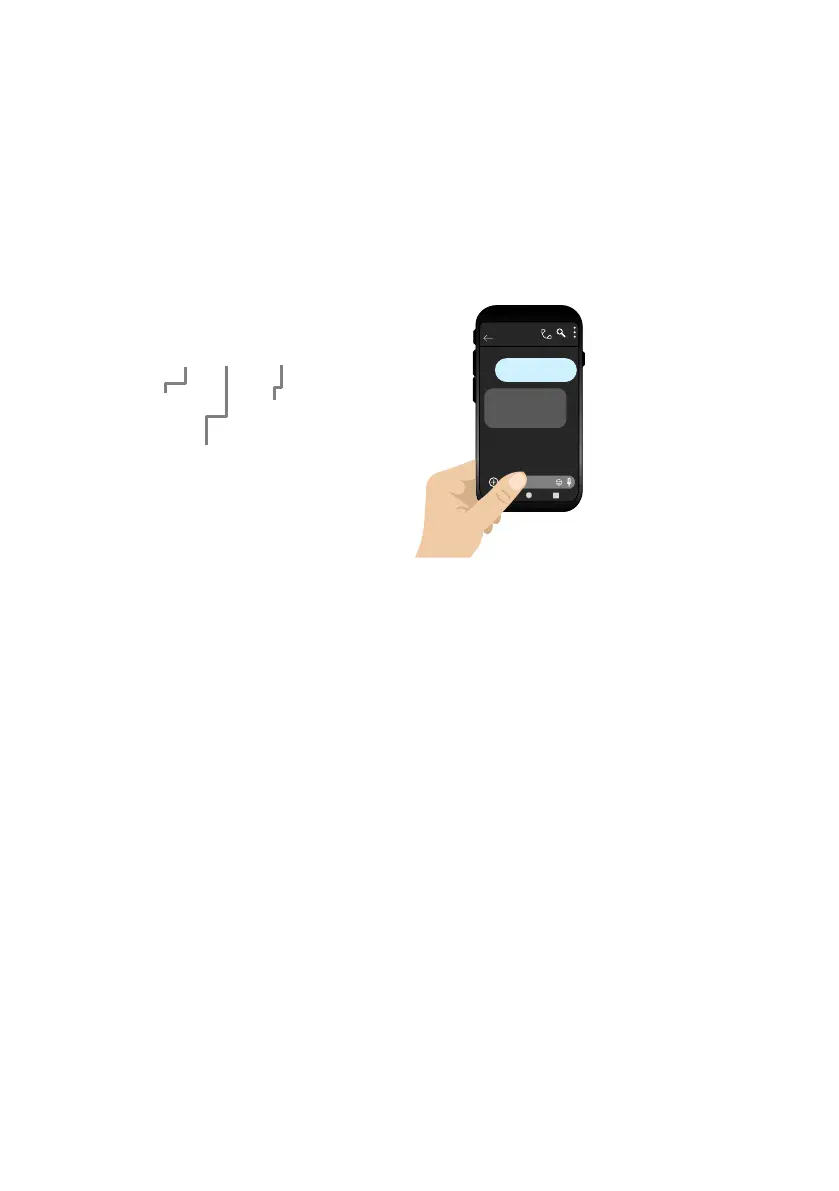
service. Check the APN of your provider (can usually be found online) and then go to ‘Manage >
APN’ to create the correct string like below.
ii) Manually via Keypad
If there is no 2G/3G signal in your area the system will not be able to connect to the network at all
without applying the APN.
If you purchased a unit with keypad you can contact technical support for the correct APN serial
code that matches the APN for the network being used, then follow the process below:
1. Short the PB terminals on the PCB before turning unit on.
2. Upon power up, a long tone will be emitted from the speaker and the blue LED will remain solid
- it is now in the APN setting mode.
3. After this, enter the APN serial number through the keypad then press #. (e.g. if you want to set
APN No. 18, press 1 - 8, then #. A long beep will again be heard)
4. Reboot unit.
1c: Reboot the Intercom
The intercom will need to be rebooted after either one of the above processes is completed to log
on to the network with the new APN which you have stored.
If you send another reception check (*20#), you may find that if the network mode was on 3G
before, that it is now on 4G mode.


 To Next Page