P a g e | 49
Firmware Updates
Option 1: FOTA (Firmware Over The Air)
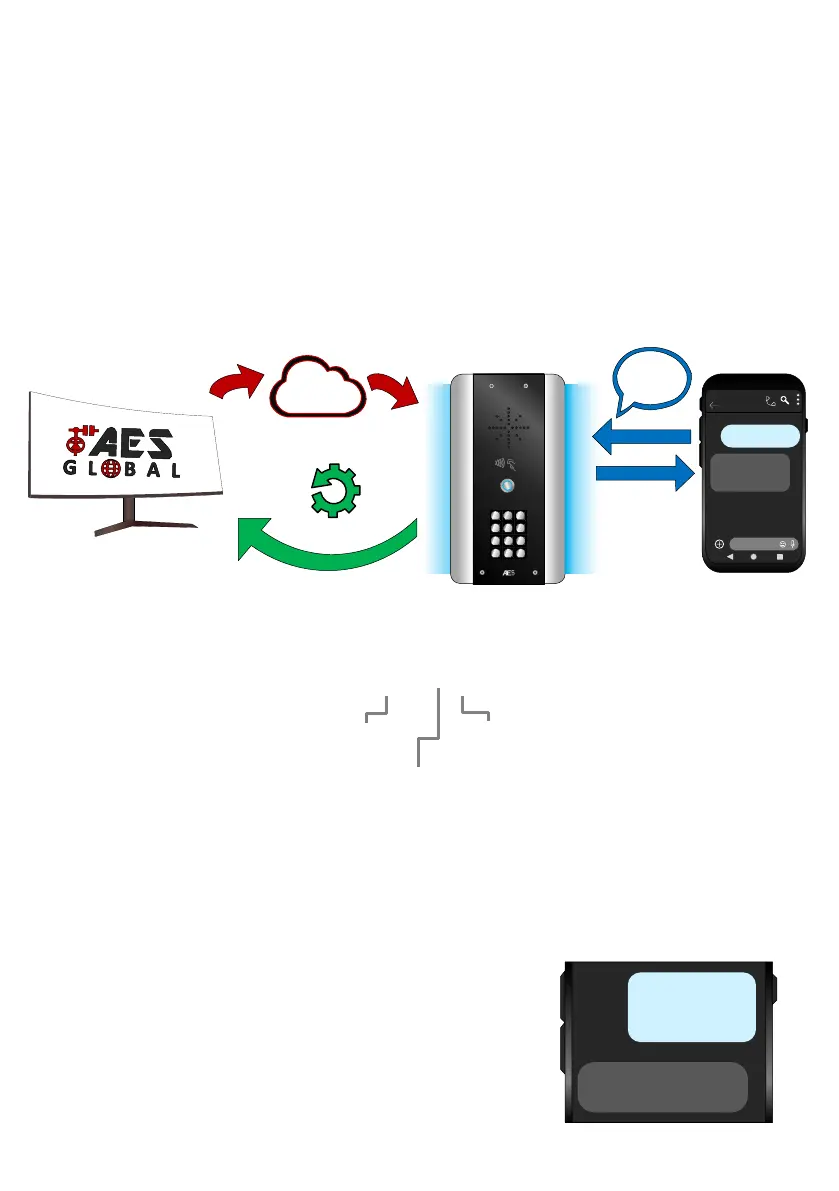
FOTA allows you to update your intercom wirelessly without a PC.
First, you should check the firmware version on your intercom with *20#.
If the firmware doesn’t have (FOTA) after it, then the firmware will need updated to
enable this feature (see overleaf).
9999#70X#
Text string to use to get our latest firmware:
9999#70http://23.105.204.41:2346/AES/Cellcom-Prime/Latest#
**DO NOT TURN OFF YOUR INTERCOM DURING THE UPGRADE PROCESS**
**ADITIONAL DATA CHARGES MAY APPLY**
Although unlikely due to the small update file size.


 To Next Page