P a g e | 50
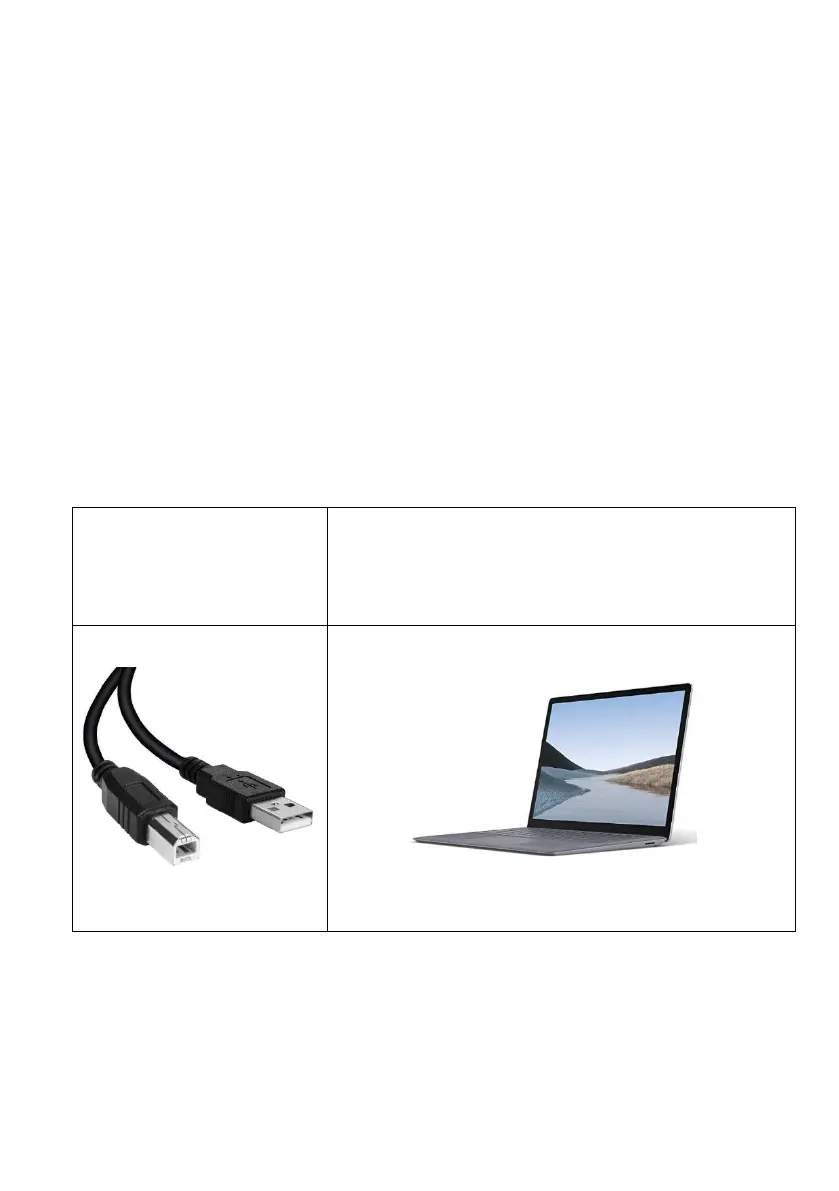
Option 2: Manually Update Via Laptop and USB B Cable
Firmware updates will be released to fix any bugs or to add additional features where possible
throughout the products lifetime.
The firmware version your system is using can be found by sending the system status message
(*20#).
The most recent firmware version will be available via the manufacturer website along with
details of any changes made.
Although most firmware updates are to add or alter features if you find your intercom is on
older firmware and are suffering from issues it may be worth following the details below.
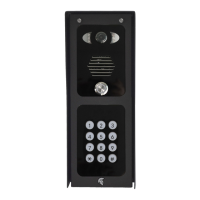
Windows Laptop/PC (Windows 10 or later).
(USB connection required)
(Firmware Burner PC Program, New
Firmware File)
**ATTENTION**
PLEASE ENSURE YOU HAVE ALL YOUR DATA BACKED UP IN THE INSTANCE THE DETAILS ARE
LOST DURING THIS PROCESS.
This is a precautionary measure as in most cases the data is kept intact after a firmware update.


 To Next Page