DILUMAT S® MA108201-C
69
11. TROUBLESHOOTING
11.1 Symptoms
11.2 Error Codes
Symptom Possible Cause Solution(s)
Nothing appears
on the screen
when the device
powers on.
Power problem
Check that the power cable is properly
attached.
Check the fuse at the back of the device.
The calibration is
out of tolerance.
Or
A weight on the
bag holder is not
being recognized.
The calibration is wrong.
Turn the device off and on.
Perform a calibration (see procedure in
section 8.5).
If the problem persists, reset the device’s
program. (Turn off the device and then
turn it back on by pressing the Validation
and Cancel buttons.)
If the problem persists, please contact
Customer Service.
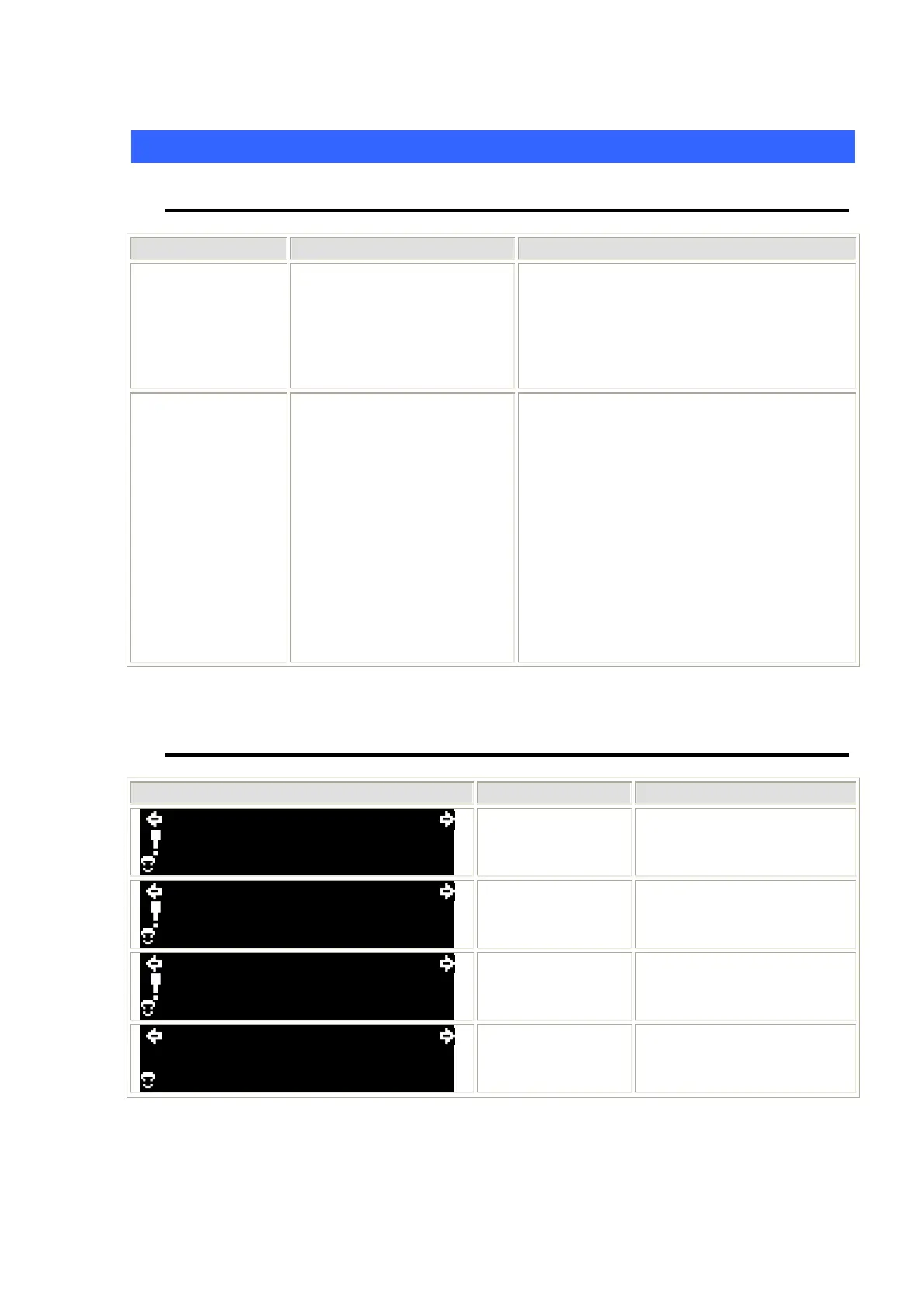
Code Cause(s) Solution(s)
999990g 1/100
01
+.+
Weight too high
Use a different weight.
999990g 1/100
01
+++.+
Weight too high
Change the dilution /
dispensing settings or the
sample size.
999990g 1/100
01
++.+
Sample too large Lighten the sample.
999990g 1/100
01 ???
00.0
g
Incorrect bar
code read
Try entering or scanning
the bar code again.



 To Next Page