44
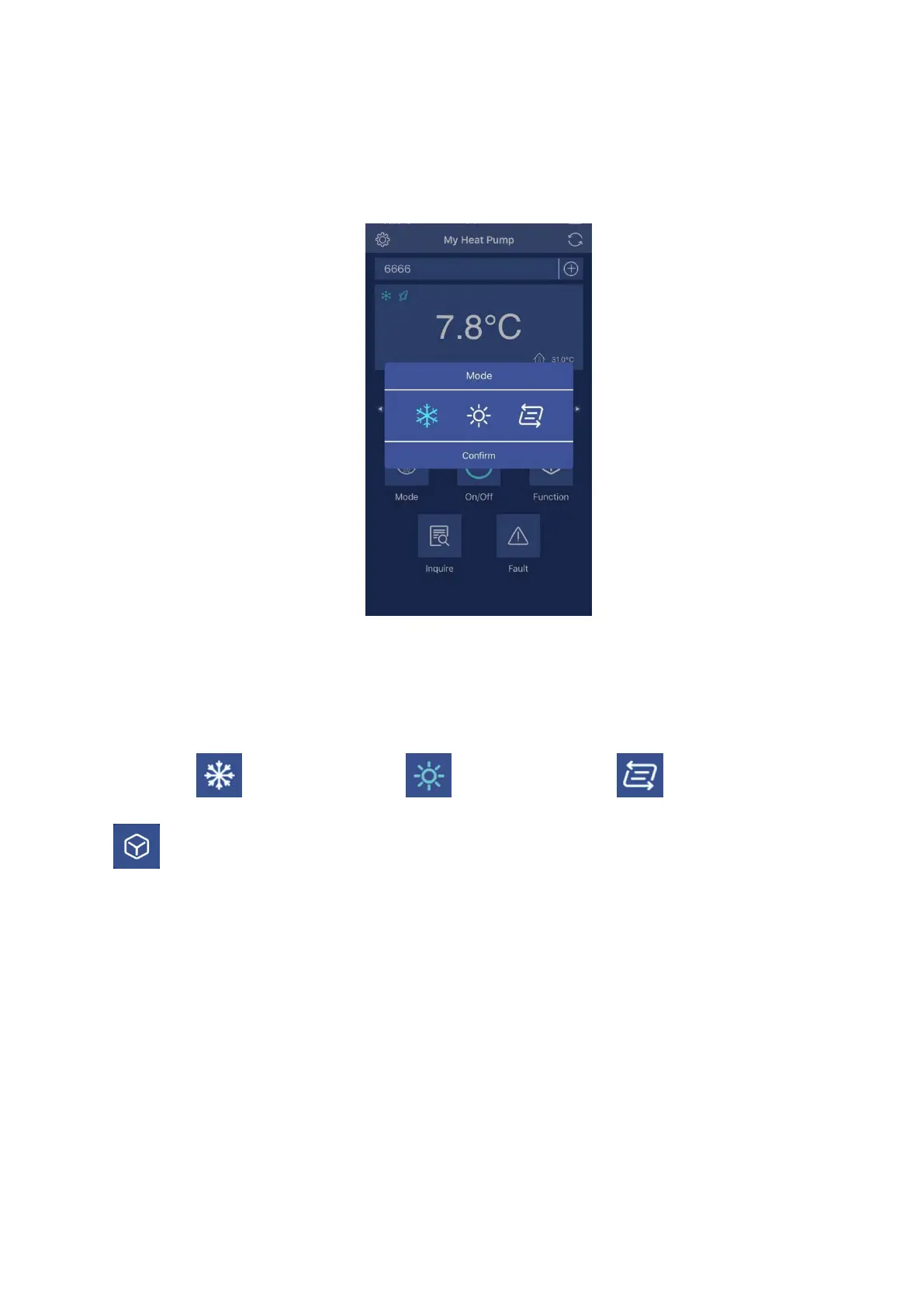
This button is used to select the operating mode which includes Auto, Cooling and Heating.
Once press it, the interface will be enter mode selection interface. In this interface, you can set
cooling mode, heating mode or auto mode. After selection, press Confirm to confirm.
After set the operating mode, in the icon area of mode will display your selection in the left side
of the screen.
Cooling mode Heating mode Auto mode
4. Function setting button
This button is used to select the operating function which includes boost, smart and silence
mode. Once press it, the interface will be enter mode selection interface. In this interface, you
can set boost mode, smart mode or silence mode. After selection, please press Confirm to
confirm.


 To Next Page