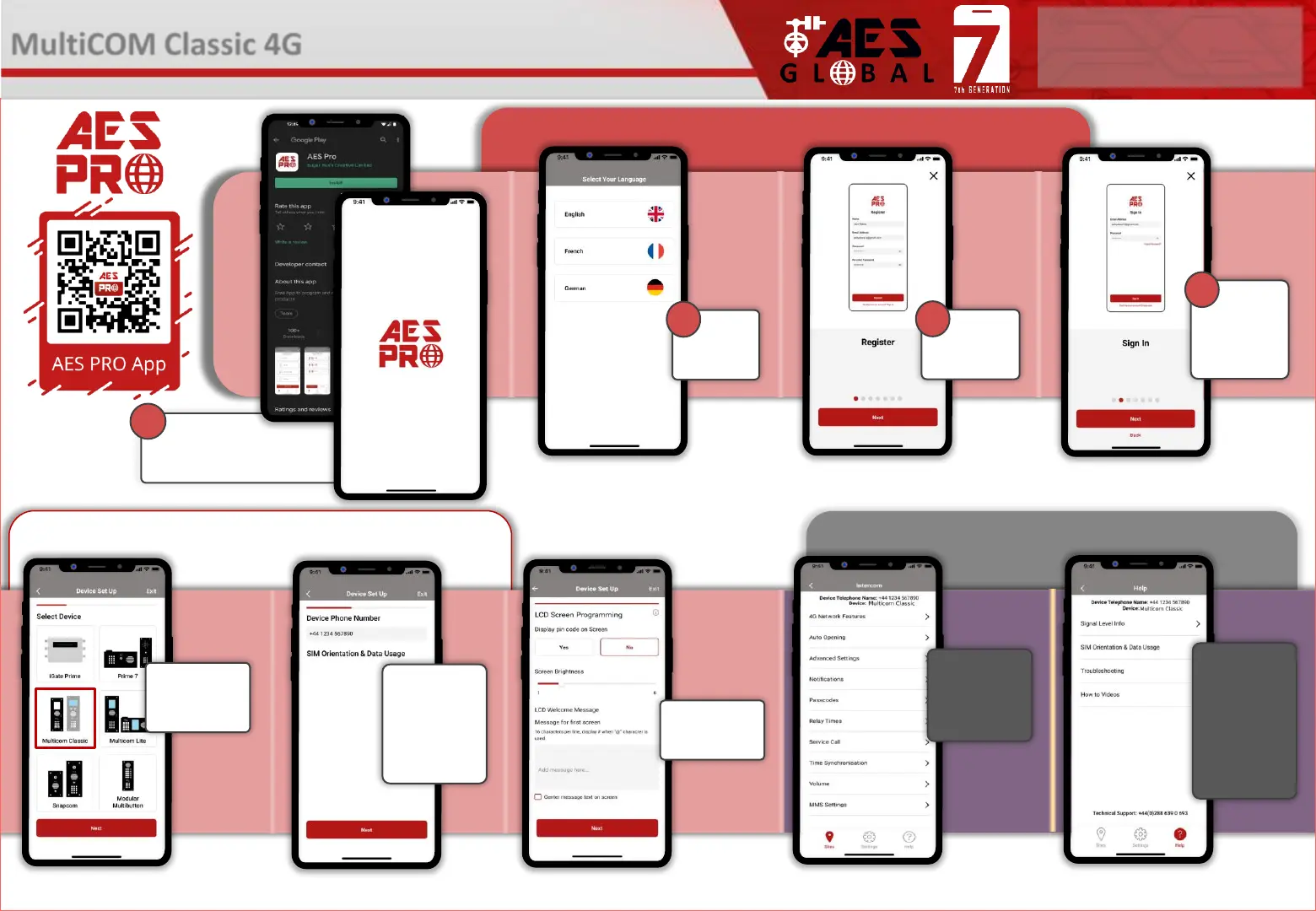
Download the App and
Accept all permissions when
the app is opened
1
STILL HAVING TROUBLE?
Find all of our support options such as Web Chat,
Full Manuals, Customer Helpline and more on
our website:
WWW.AESGLOBALONLINE.COM
* ALWAYS TEST THE UNIT ON SITE BEFORE INSTALLATION TO AVOID RE-STOCKING FEE * See full T&C’s on our website
Choose
your
language
2
3
Additional App Configuration/Help
Device Setup
Getting Started
Register
your details
3
Sign in using
previously
registered email
and password
4
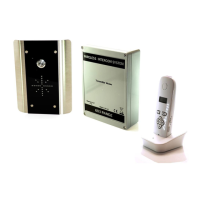
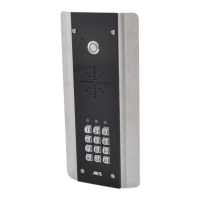
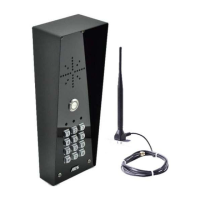
MultiCOM Classic 4G
- Advanced Multi-Resident GSM Intercom
Choose your
device from the
list provided
Program LCD
screen
Enter the
information
required to set
up the device
(This process
can take up to
7 screens)
Customise
Advanced
Features
(more on this
on pg4)
If you are having
trouble the help
section has
troubleshooting
and How to
Videos to help
you resolve the
problem



 To Next Page