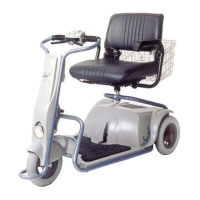
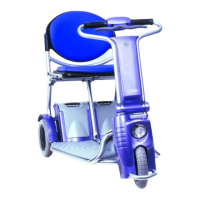
Caddy
30
• Put the ignition key into the key switch (1) and turn it clockwise
to the position marked ON. The key will stay in this position.
• A light on your dashboard marked ON (2) should light up
signifying the Caddy is ready to go. (see figure 10)
• Put the speed selector switch (3) in the slow driving mode
(turtle).
• You can now drive forward by squeezing the right hand throttle
lever (4). You can drive backwards by squeezing the left hand
throttle lever (5). When you drive backwards, the horn will
sound intermittently signifying you are driving backwards. The
two throttle levers are connected.


 To Next Page