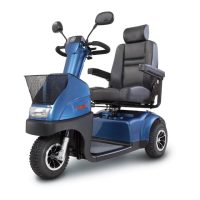
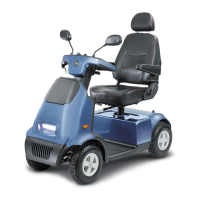
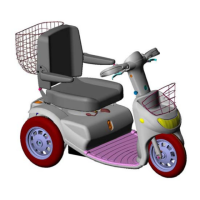
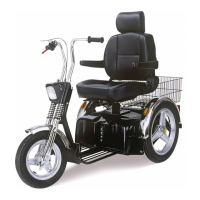
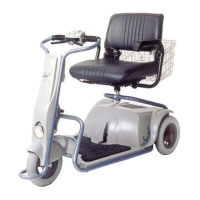
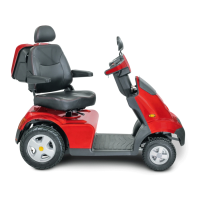
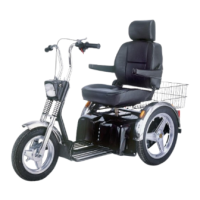
Caddy
54
• Connect the charger plug to the charging socket of the
rack.
• Connect the power lead of the charger to a wall socket.
• Continue by following the instructions in §6.1.
ATTENTION:
When the charging rack is used for charging the batteries, battery
discharge indicator on the scooter does not automatically reset to full (4
lights lit).
To reset the battery discharge indicator after you installed the batteries
as described in §2.4 you should turn the Caddy ON using the key
switch. Now wait for at least 2 minutes without operating the Caddy and
the battery discharge indicator will reset to full.


 To Next Page