EasyManua.ls Logo

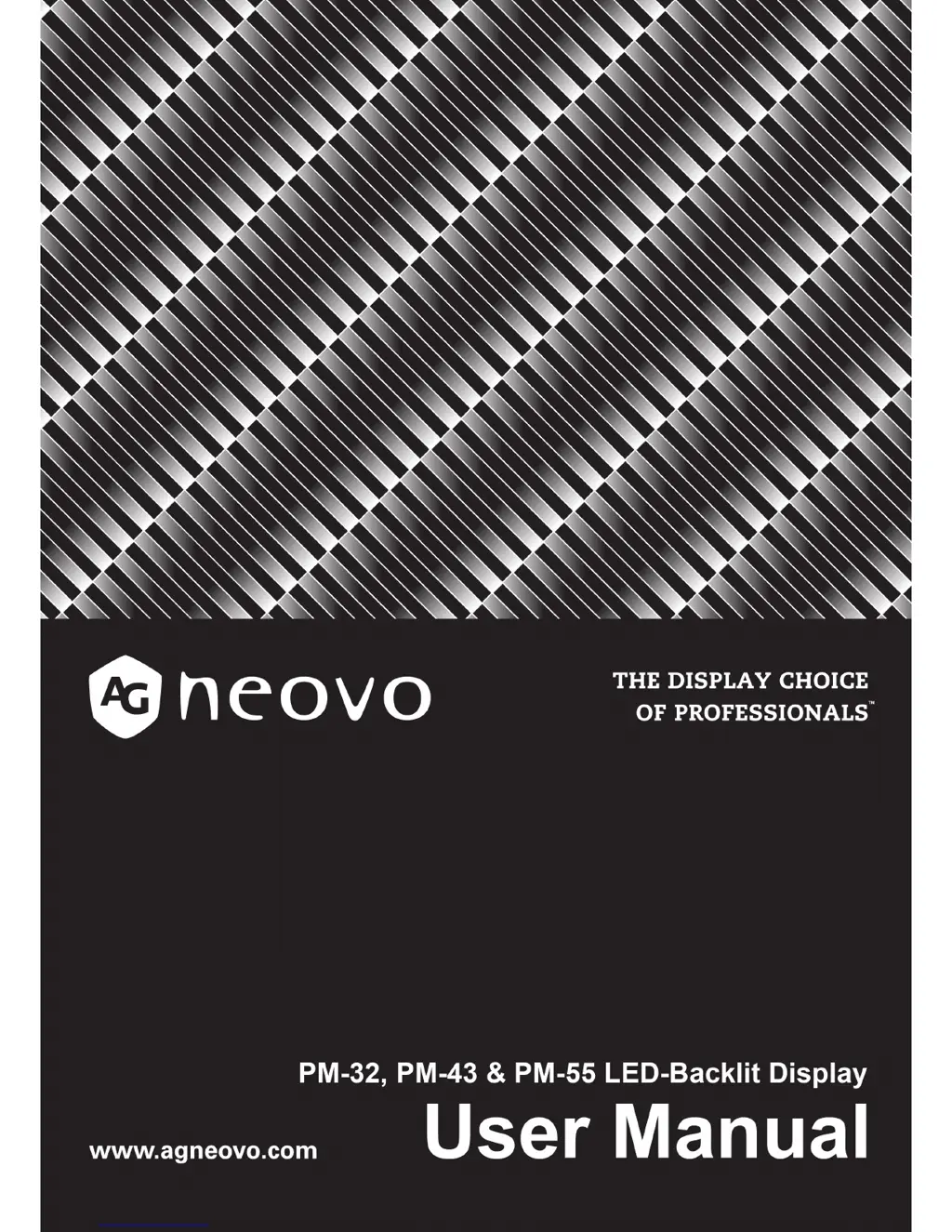
AG Neovo PM-32 - User Manual

AG Neovo PM-32
51 pages
Print Icon
To Next Page IconTo Next Page
Loading...

Table of Contents

Questions and Answers

  • L
    lindsey93Aug 15, 2025
    What to do if my AG Neovo Monitor has picture but no sound?
    • M
      Mathew AndersonAug 15, 2025
      If you can see a picture but no sound is coming from your AG Neovo monitor, here are a few things to check: 1. Ensure that both the video and sound input cables are correctly connected. 2. Increase the volume by pressing the [ ] or [ ] button. 3. Make sure the mute function is off by pressing the [ ] button. 4. If you are using external speakers, verify they are connected and the volume is adjusted properly.
  • J
    Jeffery JimenezAug 18, 2025
    How to fix an AG Neovo PM-32 Monitor when no picture is displayed?
    • C
      Charles LeAug 18, 2025
      If your AG Neovo monitor is not displaying a picture, consider the following: 1. Ensure the power cord is securely plugged in. 2. Verify that the main power switch located on the back of the display is turned on. 3. Check that the selected input source has a valid connection. 4. Confirm that the monitor is not in standby mode.
  • M
    Mitchell HortonAug 21, 2025
    What causes picture distortion on AG Neovo PM-32 Monitor?
    • T
      Thomas HamptonAug 21, 2025
      Picture distortion with abnormal patterns on your AG Neovo monitor can be due to: 1. A loose signal cable - ensure the signal cable is firmly attached. 2. An input signal exceeding the display's capabilities - check the video signal source and compare it with the display's specifications.
  • D
    Daniel GalvanAug 25, 2025
    Why is the color abnormal on my AG Neovo PM-32 Monitor?
    • M
      Mrs. Rhonda Garcia DVMAug 25, 2025
      Abnormal color display on your AG Neovo monitor is often due to a signal cable that is not properly connected. Ensure that the signal cable is firmly attached to the back of the display.
  • R
    Robert GriffithAug 28, 2025
    What to do if my AG Neovo Monitor has sound but no picture?
    • J
      James FarrellAug 28, 2025
      If your AG Neovo monitor has sound but no picture, the source signal cable may be improperly connected. Make sure that both the video and sound inputs are correctly connected.
  • K
    Kevin JosephAug 31, 2025
    Why is there interference on my AG Neovo PM-32 Monitor?
    • B
      Brian HernandezAug 31, 2025
      Interference or audible noise on your AG Neovo monitor might be caused by nearby electrical appliances or fluorescent lights. Try moving the display to another location to see if the interference is reduced.
  • V
    valenciacurtisSep 3, 2025
    How to adjust screen size on AG Neovo PM-32 Monitor?
    • S
      Sherri CantuSep 3, 2025
      If the display image doesn’t fill the full screen size on your AG Neovo monitor, this could be due to: 1. Incorrect zoom mode settings. 2. Incorrect Scan Mode settings, potentially set to underscan. If the image exceeds the screen size, Scan Mode may need to be set to Underscan. To resolve this, use the Zoom mode or Custom zoom function located in the Screen menu to fine-tune the display geometry and time frequency parameter.
  • C
    Cathy CollinsSep 7, 2025
    Why does my AG Neovo Monitor have after-images?
    • J
      joel93Sep 7, 2025
      If you notice after-images on your AG Neovo monitor after it's powered off, it's likely because a still picture was displayed for an extended period of time. To prevent this, avoid displaying still images for prolonged durations, as it can cause a permanent after-image to remain on the display.
  • D
    dennisjohnsonSep 10, 2025
    Why some pixels do not light up on AG Neovo PM-32 Monitor?
    • A
      Anthony HatfieldSep 12, 2025
      If some picture elements do not light up on your AG Neovo monitor, it's because this display is manufactured using an extremely high level of precision technology: however, sometimes some pixels of the display may not display. This is not a malfunction.

Summary

Safety Information

Safety Warnings and Precautions

Covers general safety warnings, precautions, and safety symbols for the display.

Important Safety Instructions

Detailed list of safety instructions for operation and maintenance.

Chapter 1: Unpacking and Installation

Unpacking the Display

Instructions for safely opening the package and checking contents.

Installation Guidelines

Important notes and considerations for installing the display safely and correctly.

Wall Mounting Instructions

Procedures and considerations for mounting the display securely on a wall.

Chapter 2: Parts and Functions

Control Panel Overview

Description of the buttons on the display's control panel and their functions.

Input and Output Terminal Guide

Details of all input and output ports available on the display.

Remote Control Functions

Explanation of the remote control buttons and their operations.

Chapter 3: Connecting External Equipment

Connecting a PC via VGA

Steps to connect a computer using the VGA video input.

Chapter 4: OSD Menu

Playing Multimedia Files

Instructions for playing videos, photos, and music from computer or USB.

Chapter 5: Change Your Settings

Picture Settings Menu

Adjustments for picture style, backlight, contrast, brightness, hue, and sharpness.

Chapter 6: USB Device Compatibility

USB Device Compatibility Guide

Details on supported video, subtitle, and audio codecs for USB playback.

Chapter 7: Input Mode

Chapter 9: Cleaning and Troubleshooting

Cleaning Instructions

Guidance on cleaning the display panel and cabinet safely.

Troubleshooting Common Issues

Solutions for common display problems like no picture, interference, or sound issues.

Chapter 10: Technical Specifications

PM-32 Technical Specifications

Detailed technical specifications for the PM-32 model.

PM-43 Technical Specifications

Detailed technical specifications for the PM-43 model.

PM-55 Technical Specifications

Detailed technical specifications for the PM-55 model.

AG Neovo PM-32 Specifications

General IconGeneral
Screen Size32 inches
Panel TypeIPS
Contrast Ratio1000:1
Response Time5 ms
Refresh Rate60 Hz
Aspect Ratio16:9
Viewing Angle178°/178°
ConnectivityHDMI, DisplayPort
Resolution1920 x 1080 pixels

Related product manuals