24
Meter Ready for Test: The meter now displays the droplet
symbol and the word “Fill”. The AgaMatrix WaveSense JAZZ
System is now ready for you to apply blood. You do not need
to set a calibration code for this meter.
[3] Lancing: To ensure accurate results, wash hands with
warm, soapy water and dry before every glucose test. For
details on possible test sites, refer to chapter 3.
For instructions on how to test on your palm or forearm,
please refer to chapter 9.
Note: Keep your hand warm or gently
massage the site you are lancing to
stimulate blood flow.
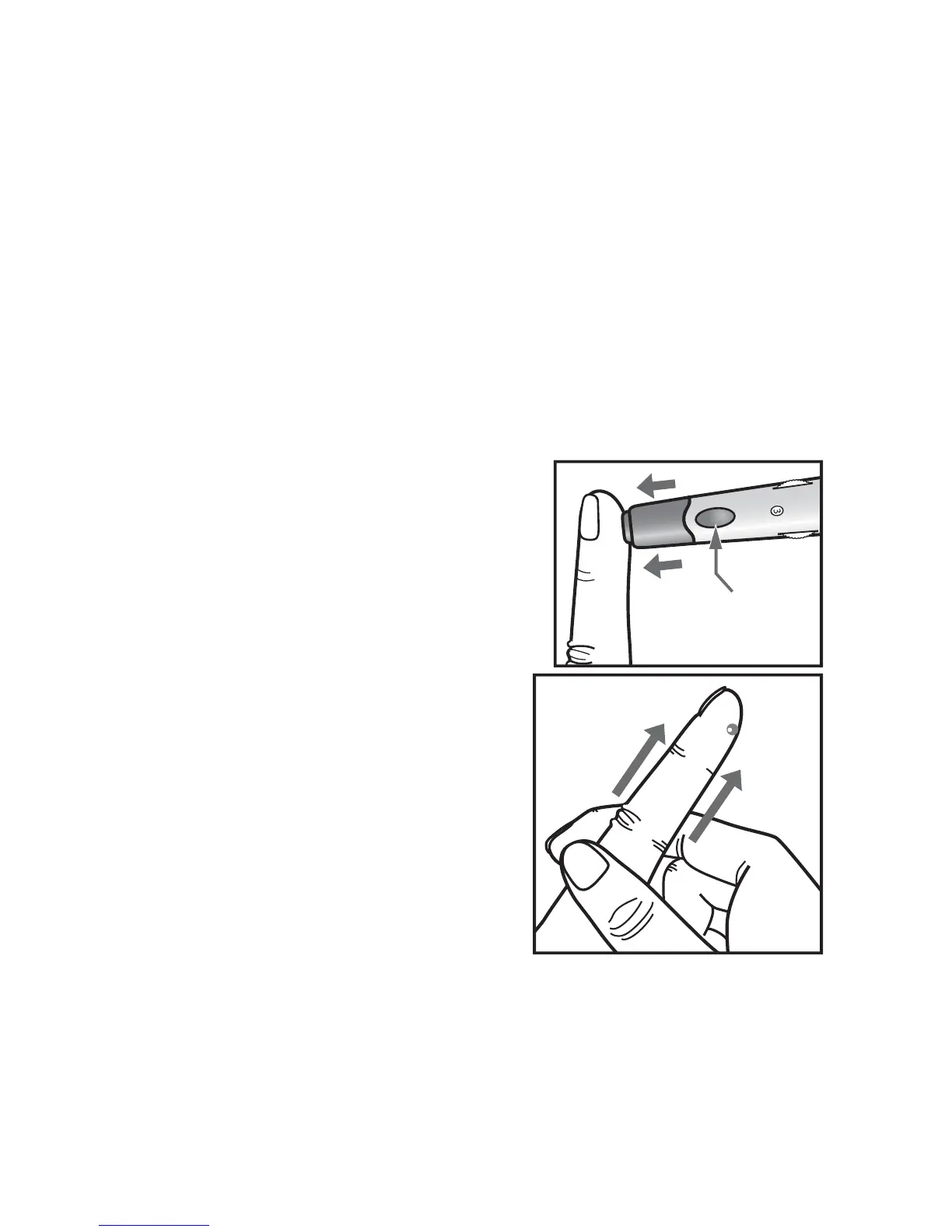
Lance Test Site: Press the lancing
device against the site to be lanced.
Press the release button.
Express Blood Drop: When testing
on a finger tip, wipe away the first
blood drop that appears using
a clean tissue or paper towel.
Squeeze from the base of your
finger up towards the tip, until a
second small blood drop forms.
Do not squeeze directly around
the lanced area.
If necessary, set the lancing device to a deeper setting or use
a larger lancet to produce enough blood.
Release
Button



 To Next Page