-
16
-
M F N-E- A2
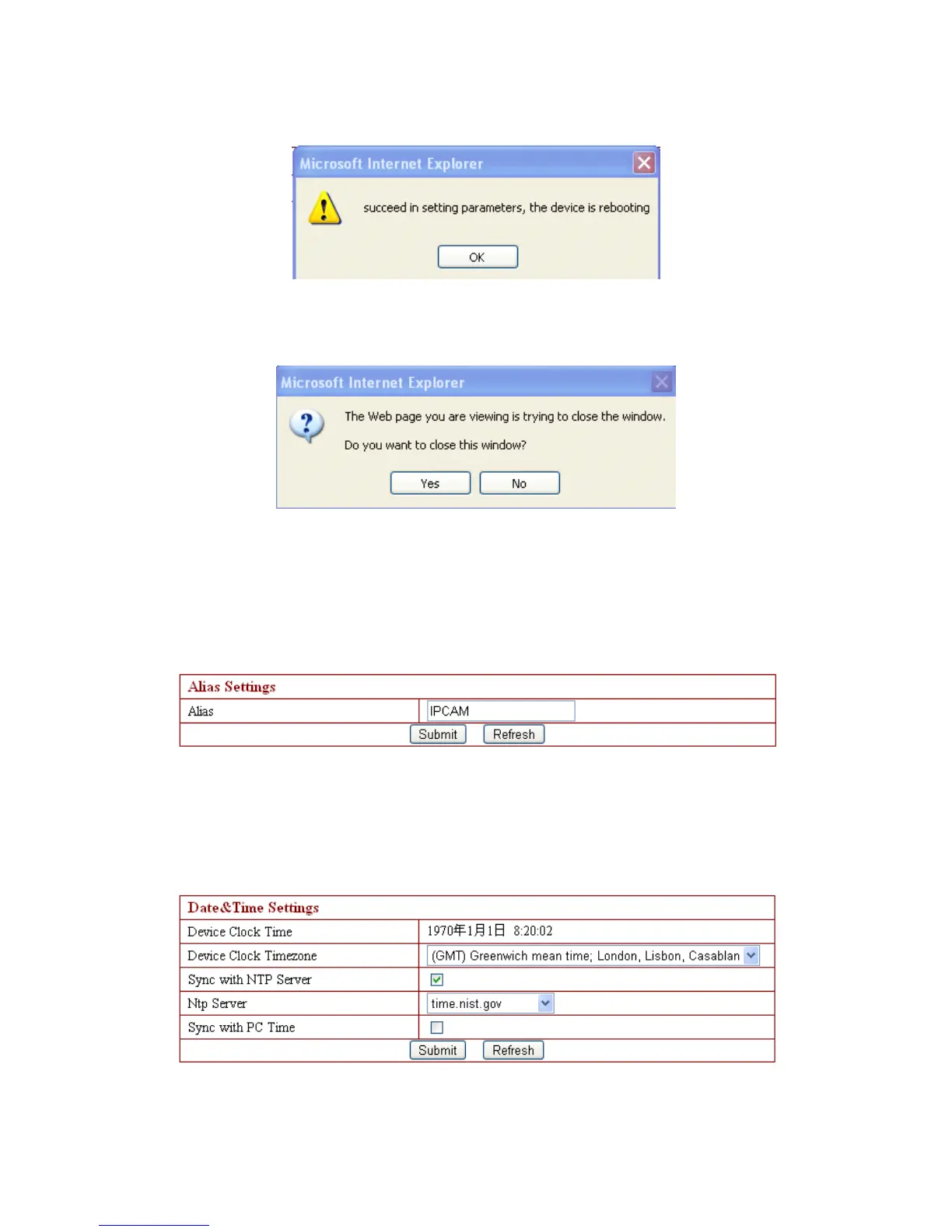
setting operation is successful, and need restart
to finish setting, please click OK.
If system indicates to restart (as right photo),
please single click yes (Y), and then enter again.
3.4.1. Device Information
The device information includes the above interfaces, device serial numbe r
(
MAC
) 、
device system f irmware version, device application firmware version.
3.4.2. Device Name Settings
Here the table displays camera name, such as the name search on search bar , the
name following mentioned as multiple channels equipments setting and so on .
3.4.3. Device Clock Setting s



 To Next Page