-
17
-
M F N-E- A2
Y
ou can adjust time via NTP server or PC in this table.
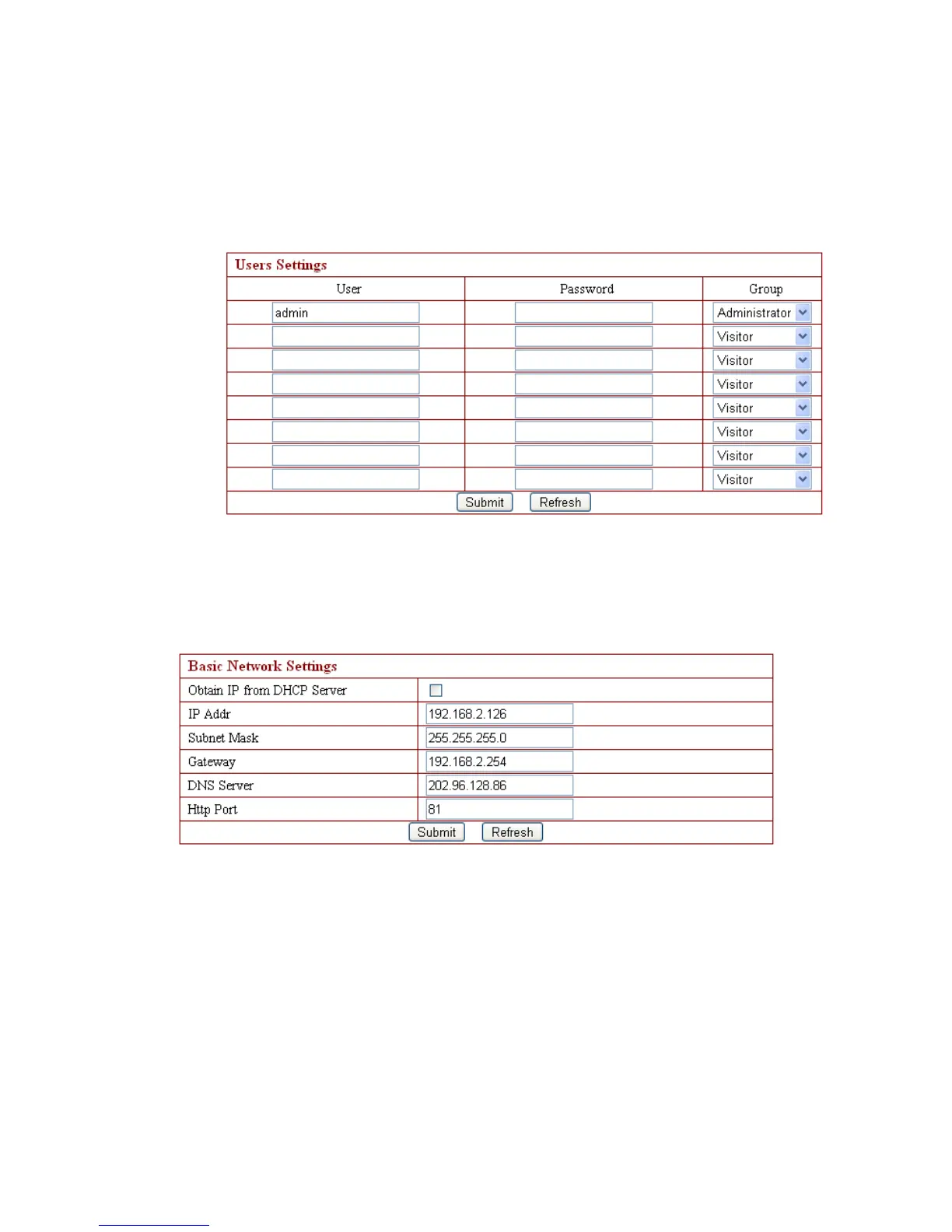
3.4.4. Device User Settings
User can p roce ed with setting according to the interface as below . T he system is
available for administrator, operator, visitor whose authority are listed in order. .
N ote: At least one administrator is needed for the device;
3.4. 5 . Basic Network Settings
This sector is for DHCP and IP configuration. The port forwarding is needed, If
you want to set IP address , please fill in the relative IP address 、 s ubnet mask, gateway,
DNS server, Http port;
3.4. 6 . Wireless LAN Settings



 To Next Page