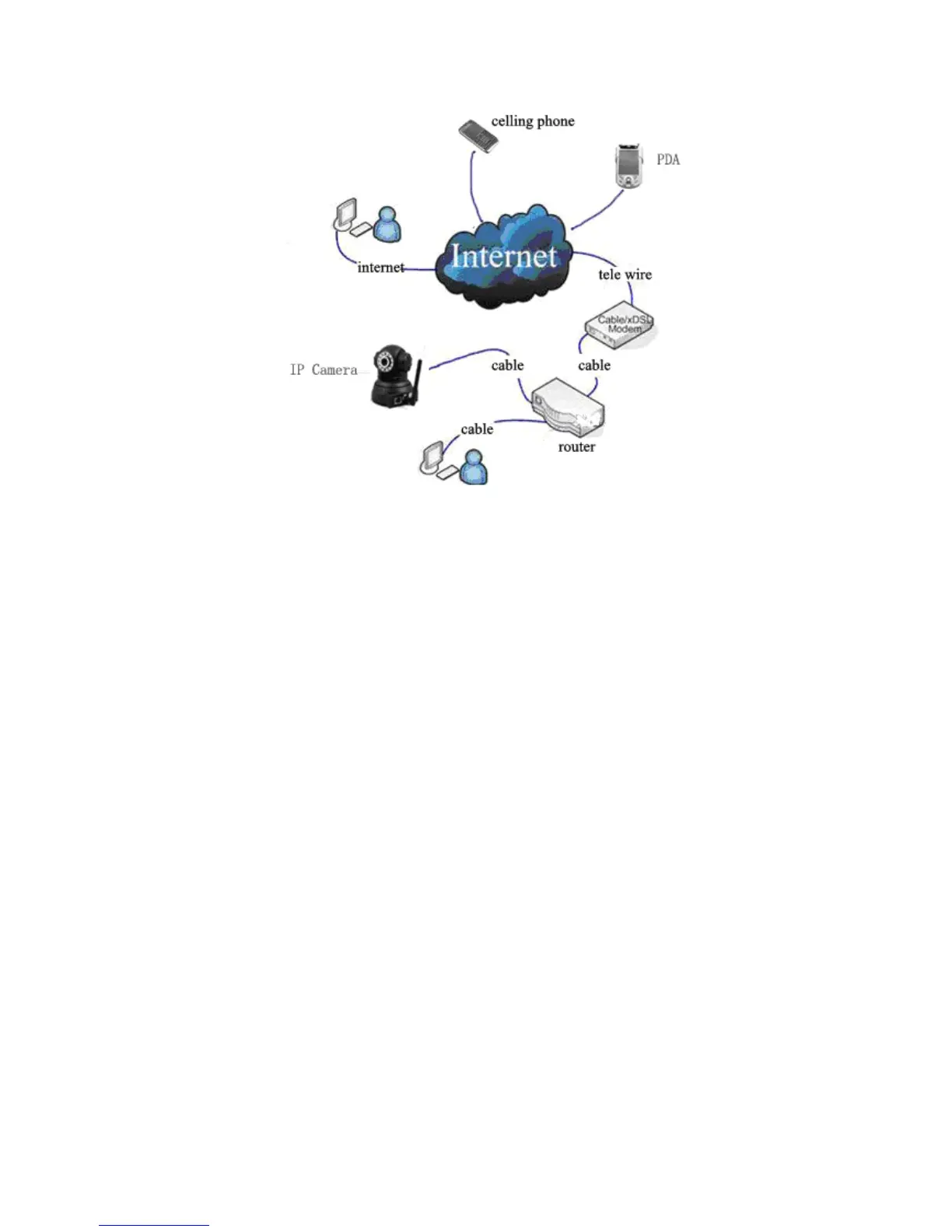
-
8
-
M F N-E- A2
2.2.2. PPPoE Installation
Under th is condition, users need to set up PPPoE dialing parameter in IP Camera:
input the username and password provided by ISP supplier ’ offer , this will allow the
IP Camera to connect to i nternet by dialing connects. As for set ting the PPPoE dialing
parameter, you can connect device to network through the first method , then write
parameter to the device , or through the following third method , direct ly write process
parameter to device . Please refer to 3.4.5. for detailed steps on how to set up PPPoE



 To Next Page