-
23
-
M F N-E- A2
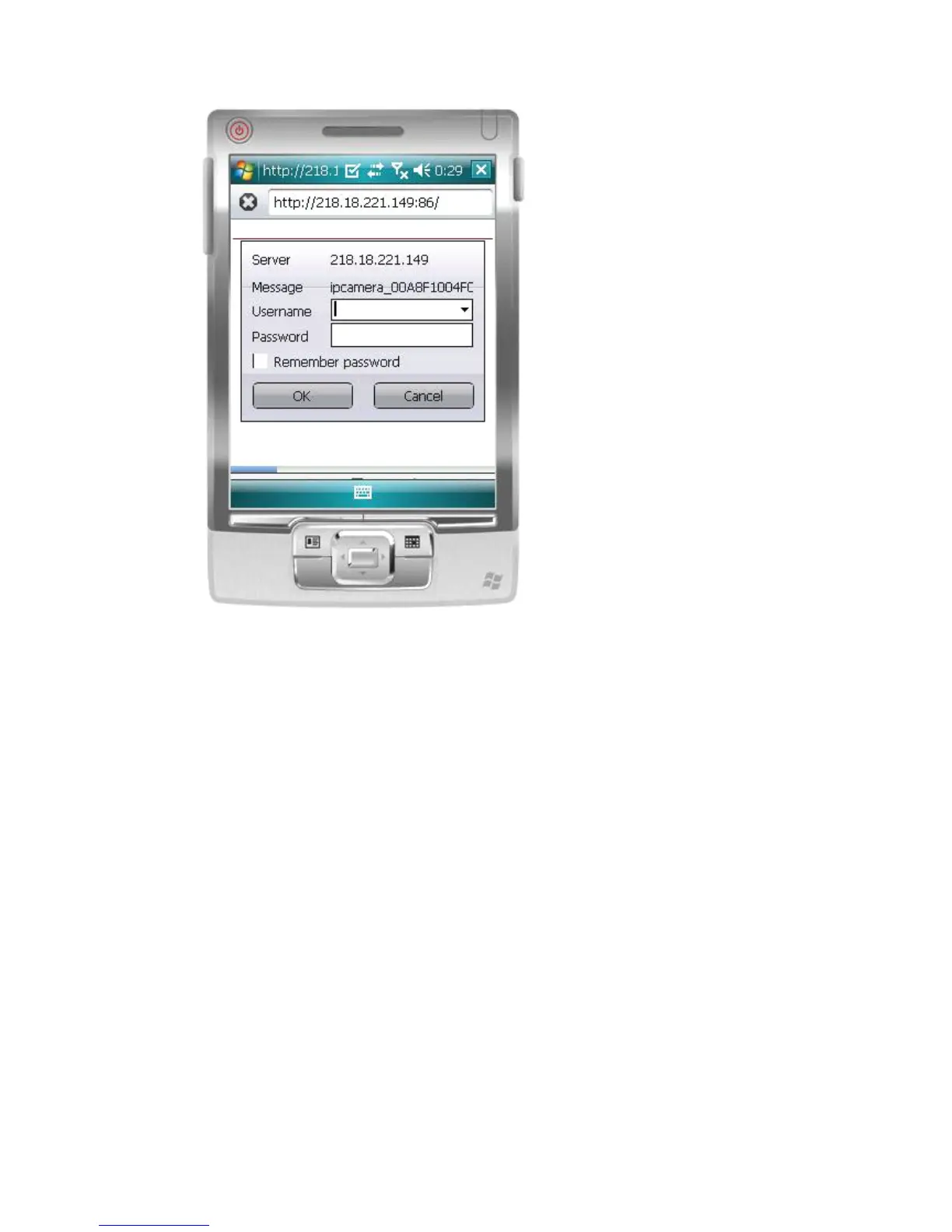
2. I nput the Username and Passoword of the device, and the following interface will
appear. T here are three log-in options. C lick on the third “ Sign in ” and use Mobile Phone
mode.
Language is used to select the display language.
Do not show next time : When this option is selected, this interface will not appear when you
log in next time. I t will directly skip to the monitor image..



 To Next Page