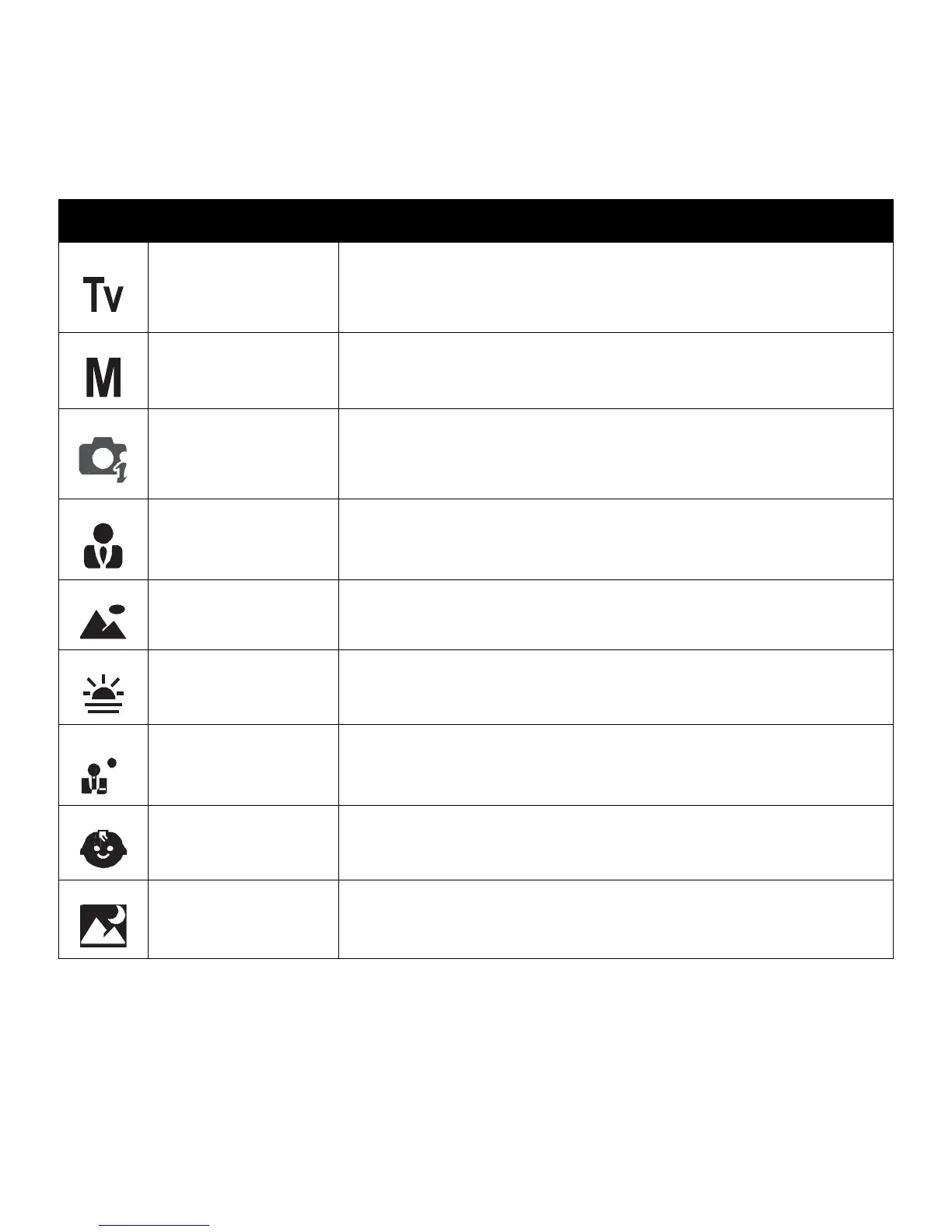
Shutter Priority
This feature lets users to adjust the shutter speed and the
camera automatically selects the aperture value to match the
brightness.
Manual Exposure
This feature lets users to adjusts the shutter speed and
aperture value to correctly expose your images.
Intelligent Scene
The camera detects the shooting conditions and automatically
switches to the appropriate scene mode. See “Using Intelligent
Scene Mode” on page 38.
Portrait
The camera blurs the background to focus on the subject.
Landscape
This feature is used to emphasize wide scenic views.
Sunset
This feature enhances the red hue for recording sunset images.
Backlight
This feature is used to capture the image of a backlight object
by changing the metering.
Kids
This feature is used to capture still images of moving kids.
Night Scene
This feature is used to capture images with night scenery
background.













 To Next Page