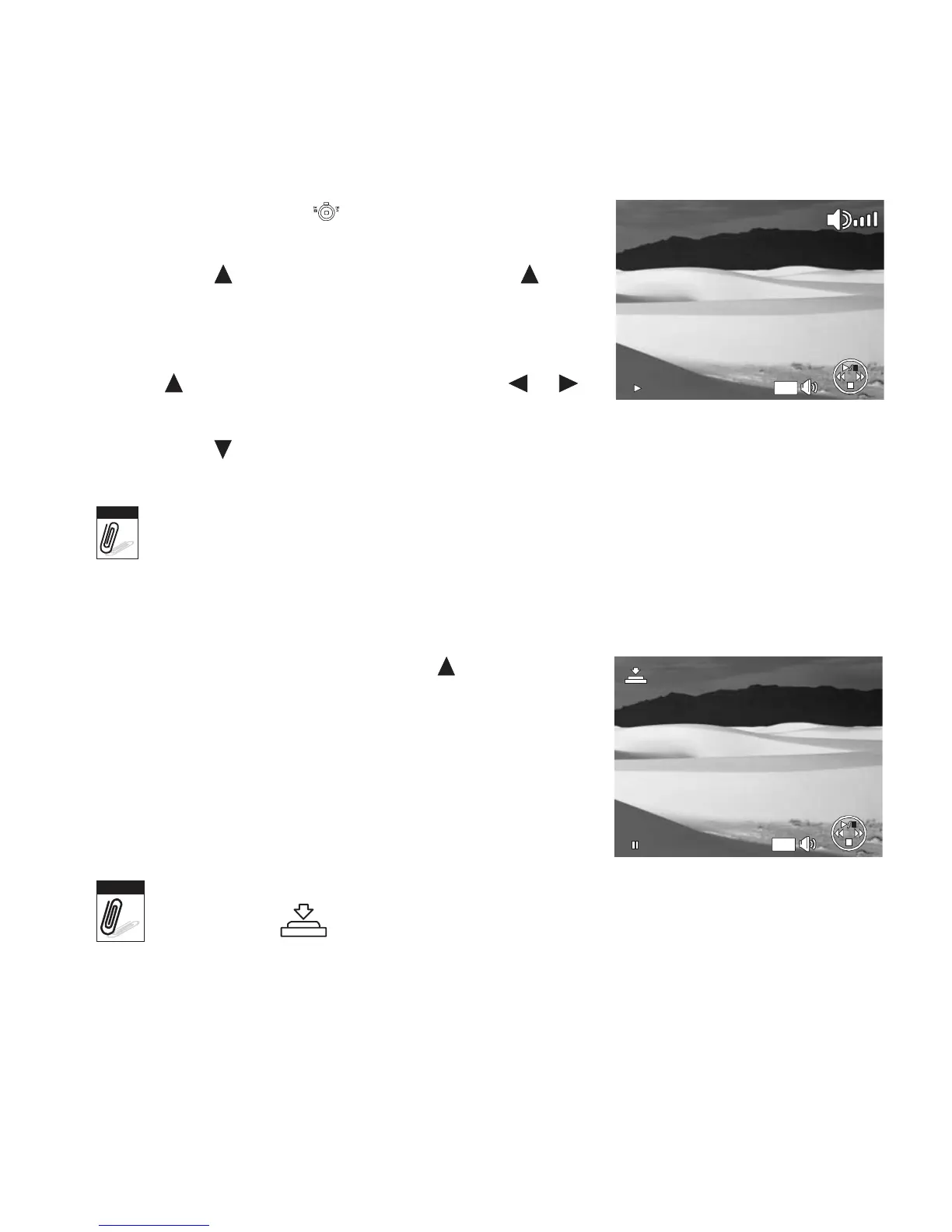
5. During playback, use to control volume. Slide the
zoom control left/right to decrease/increase volume.
6. Press the key to pause playback. Press the key
again to resume. When paused, the play info will
remain on screen.
7. To forward or rewind the movie frame by frame, press
the key to pause playback, then press the or
keys.
0:00:16 / 0:00:20
WT
8. Press the key to stop the playback. The LCD monitor displays the movie frame image in
Single navigation mode.
Note
• The play info is displayed when the movie is paused or during REW/FF or frame by
frame modes.
• Volume cannot be adjusted when paused or during REW/FF modes.
To
capture
screenshot
image
from
a
movie
clip
1. During playback of movie, press the key to pause
playback on your desired movie frame to capture.
2. Press the Shutter button to capture screenshot.
3. The camera will automatically stop playback. The LCD
monitor displays the captured image in Single
navigation mode.
Capture
photo
0:00:16 / 0:00:20
WT
Note
This feature does not function when the memory card is full or the folder cannot be
created. The icon does not appear on the screen either.













 To Next Page