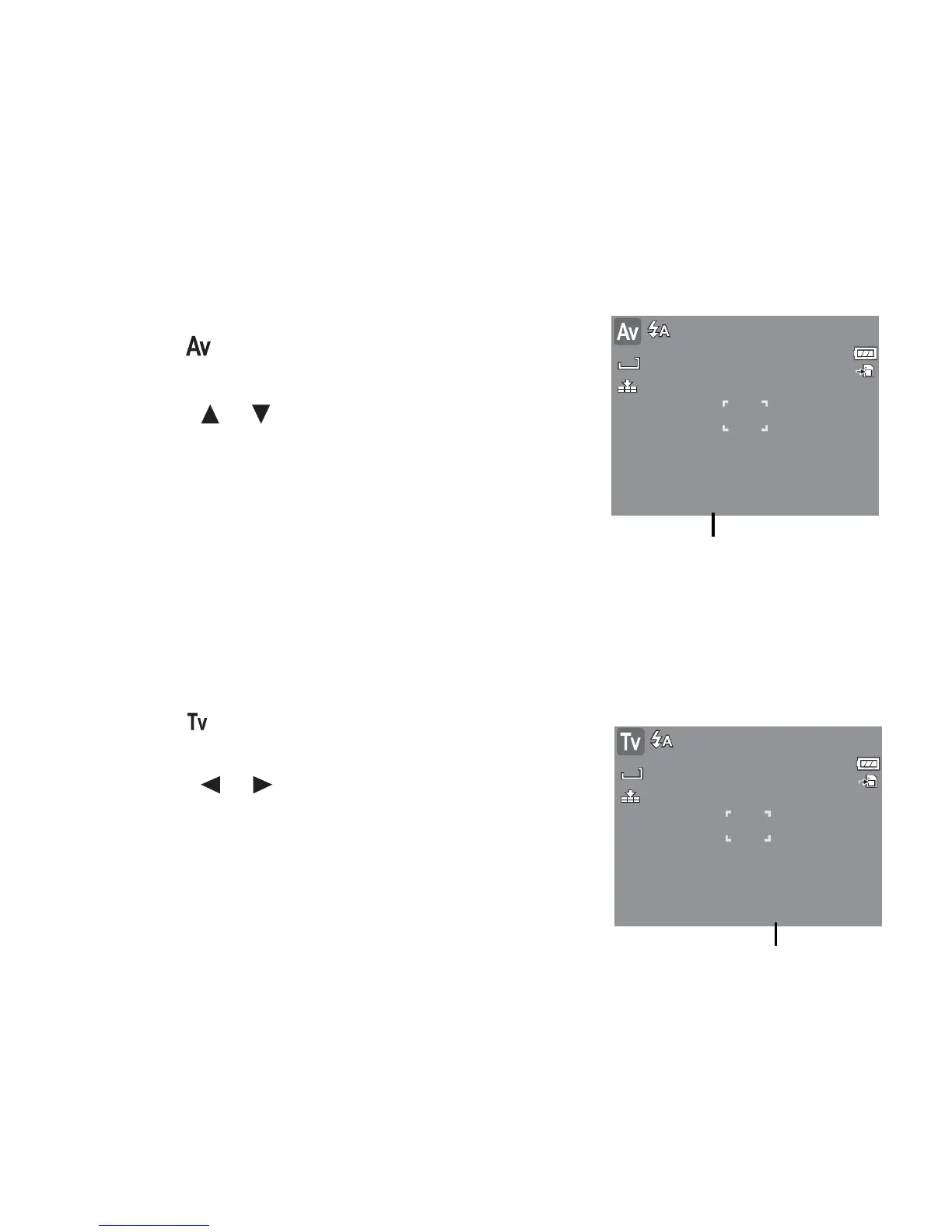
With Aperture Priority mode, users can adjust the aperture value and the camera automatically
sets the shutter speed to match the brightness.
To
activate
Aperture
Priority
1. Select from the Scene Mode submenu.
2. Press SET button to enter the adjust mode.
3. Use the or keys to select the aperture value
options.
4. Press the shutter button to capture the image.
10M
SET
:
Adjust
F
3
3
.
.
0
0
307
Using
Shut
ter
Prio
rit
y
Mode
Displays the aperture value
With Shutter Priority mode, users can adjust the shutter speed and the camera automatically
sets the aperture value to match the brightness.
To
activate
Shutter
Priority
1. Select from the Scene Mode submenu.
2. Press SET button to enter the adjust mode.
3. Use the or keys to select the shutter speed
options.
4. Press the shutter button to capture the image.
1
1
0
0
M
M
307
SET
:
Adjust
1
1
/
/
3
3
0
0
Displays the shutter speed value













 To Next Page