decrease/increase volume.
5. Press the key to pause playback. Press the key again to resume. When paused, the
play info will remain on screen.
6. Press the key to stop the playback. The LCD monitor displays the image in Single
navigation mode.
Note
Volume cannot be adjusted when you pause the voice memo.
Deleting an Image/Video/Audio
There are two ways to delete an image/video/audio:
• Using the Delete button, or
• Using Playback Menu Delete settings. See “Delete” on page 62.
Using
the
Delete
Button
Use the Delete button on your camera to delete or mark an image/video/audio clip for
Fn
deletion.
1. Set the camera to Playback mode.
2. View images/videos/audio clips in Single navigation
mode.
3. Use the or keys to scroll the display.
4. When the desired image/video/audio clip is displayed
on the LCD monitor, press the Delete button.
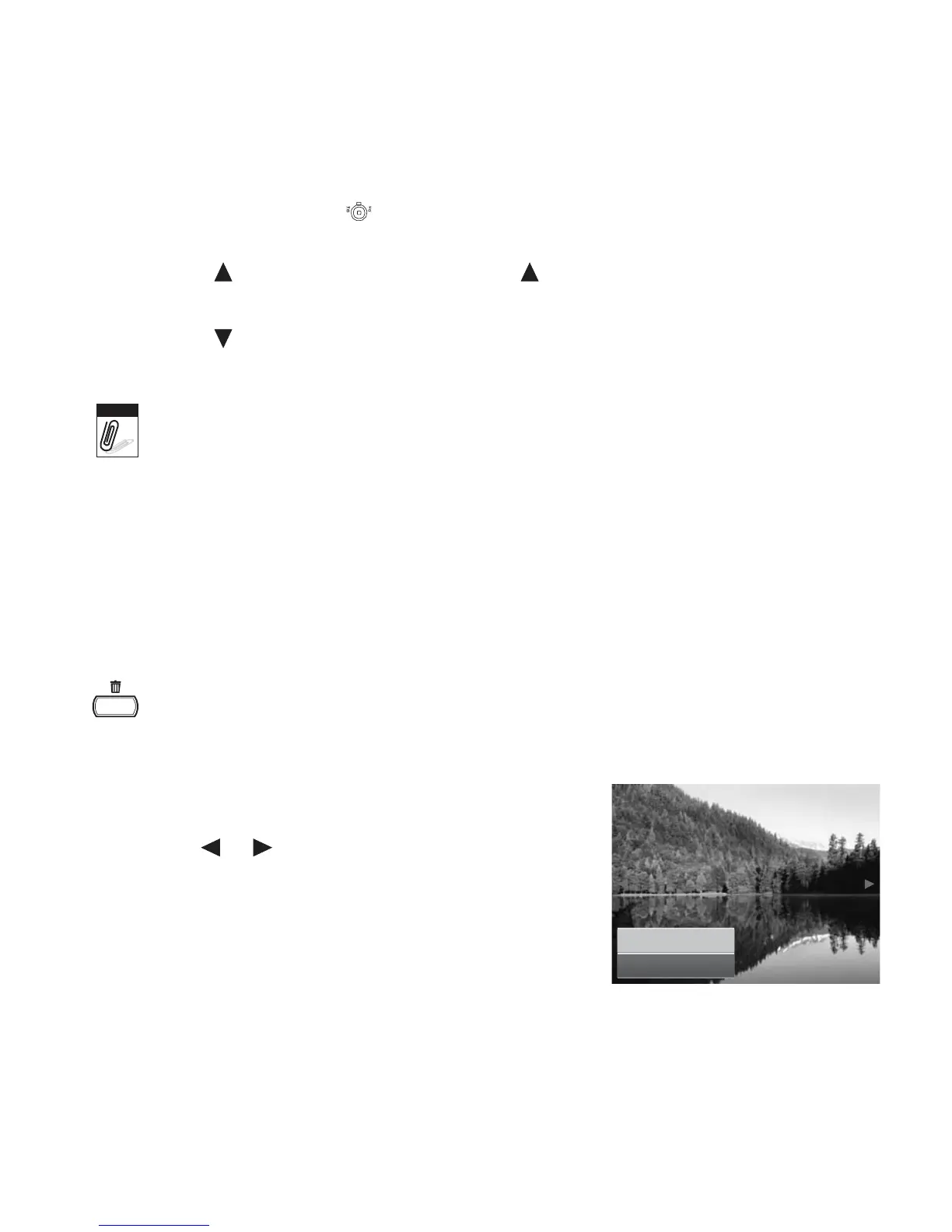
5. A confirmation selection appears on screen.
6. Select Delete.
Delete
Cancel













 To Next Page