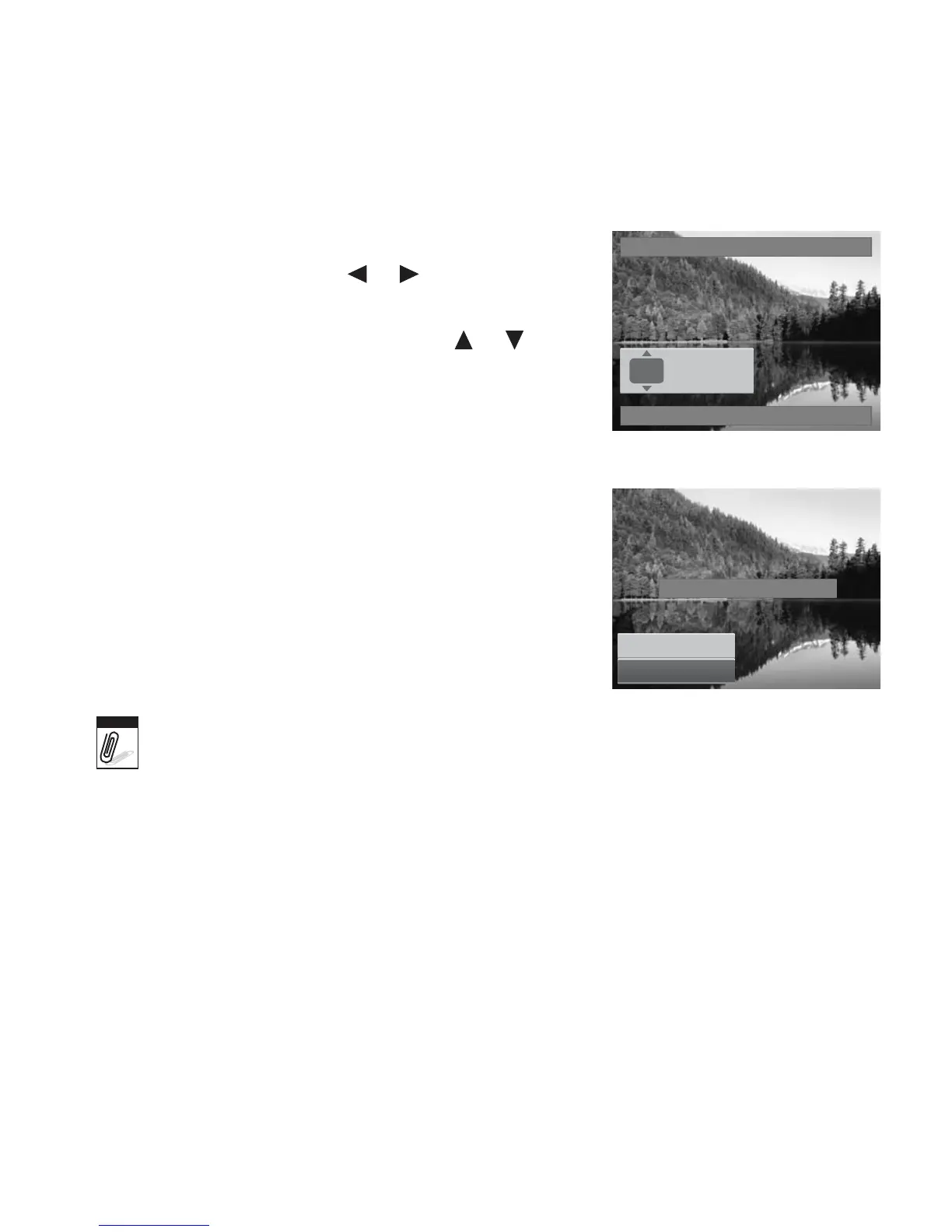
1. Select Single or All on the DPOF submenu.
2. For single image, use the or keys to scroll and
select an image to mark for printing.
3. Specify the number of copies. Use the or to
increase/decrease number.
4. Press the FUNC button to toggle between turning on/
off the date stamp.
5. Press the SET button to save DPOF settings.
To
reset
DPOF:
1. Select Reset on the DPOF submenu. A confirmation
message appears.
2. Select Yes.
3. Press the SET button to reset DPOF settings.
DPOF
00
Copies
Date stamp off
Reset DPOF?
Yes
Cancel
Note
You can specify up to 99 copies for DPOF. If you specify 0 copies, the DPOF setting of
that image is automatically disabled.













 To Next Page