32
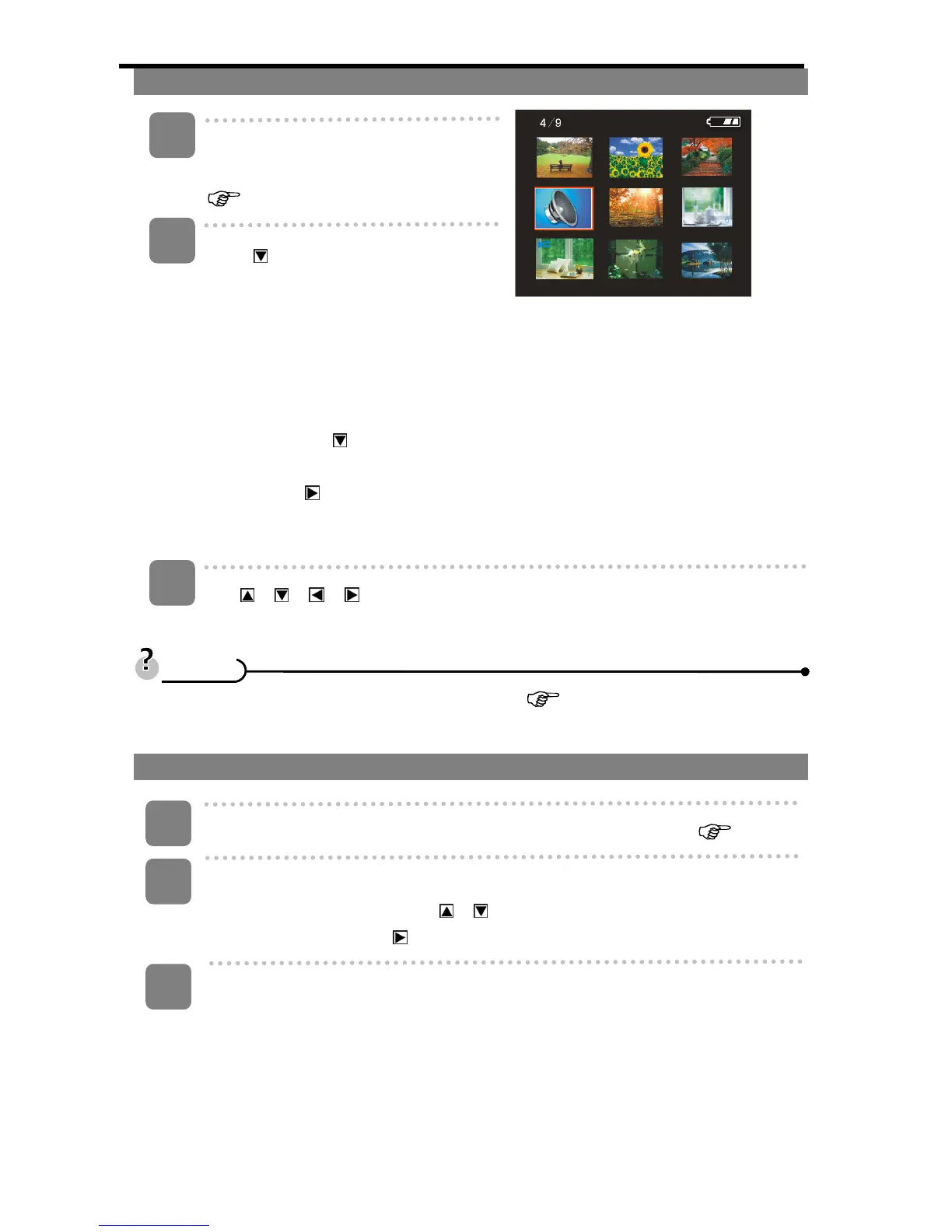
Viewing Thumbnails
Turn the power on and set the
camera to the Playback mode
(
page 13).
Press
on the five-way control
button: a thumbnail screen is
displayed. You can also view the
thumbnail screen in the following way:
Set the camera to the Playback mode,
then press the MENU button to display
the menu. Press
on the five-way
control button and select [Thumbnail].
Finally press
on the five-way
control button to view the thumbnail
screen.
Use
/ / / on the five-way control button to select the desired image,
and press OK/Enter to show the selected image in full screen.
• You can delete images in thumbnail view see (
page 33)
Playing a Slide Show
Turn the power on, and set the camera to the Playback mode (
page 13).
Enter the slide show.
Press the MENU button. Press
/ on the five-way control button to select
[Slide show] then press
on the five-way control button to start the slide show.
End the slide show.
During the slideshow, press OK/Enter to pause and press it again to resume.
Press the shutter button to end the slide show.
3
1
2
T
T
i
i
p
p
s
s
1
2
3












 To Next Page