38
Printing
The Digital Print setting allows you to directly print from a camera to a printer by
connecting them via a USB cable. Photos can be printed quickly and easily from your
digital camera without using a computer
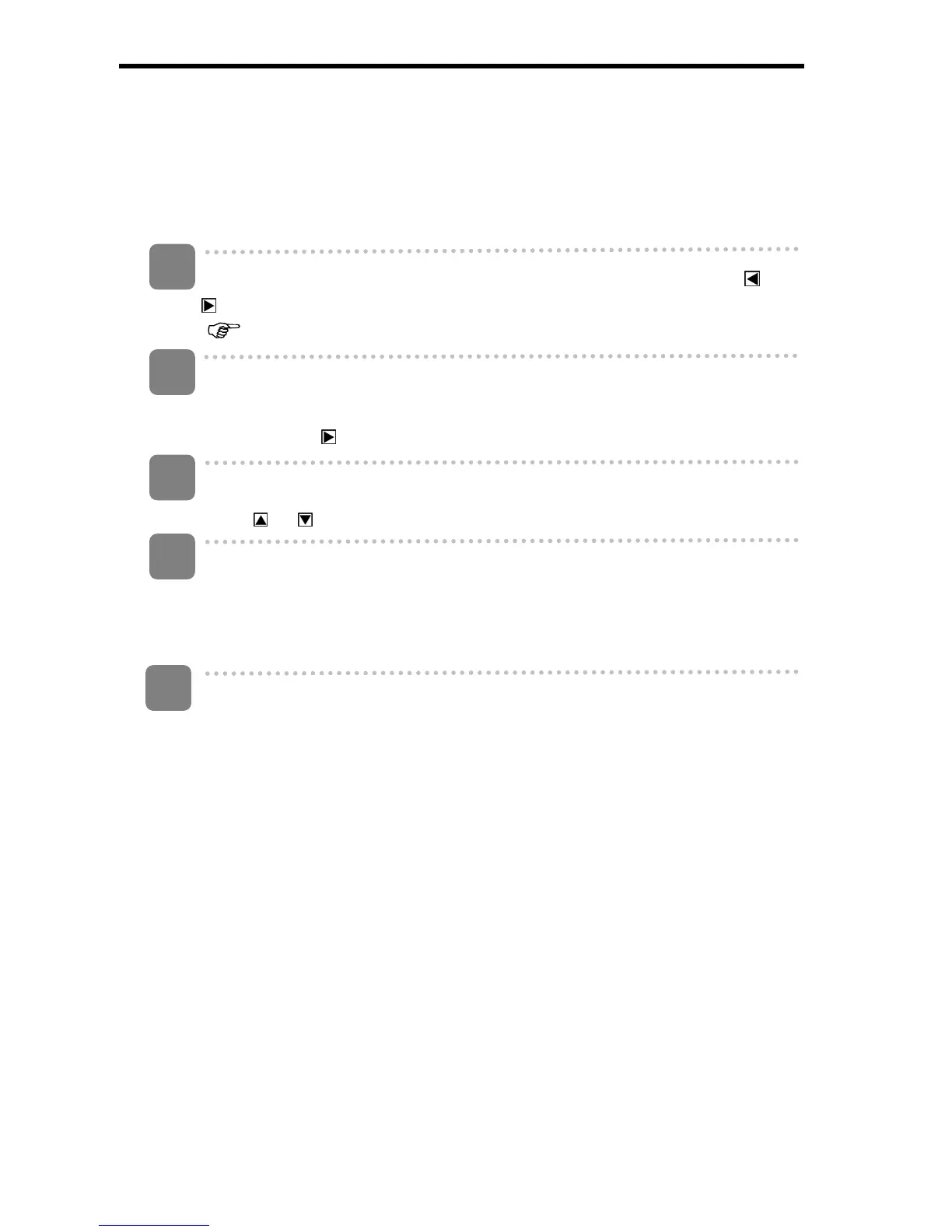
Turn the power on, set the camera to the Playback mode and press
or
on the five-way control button to select a still image
(
page 13).
Open the menu.
Press the MENU button, then use the five-way control button to select [Print]
and then press
on the five-way control button to launch the submenu.
Select an item.
Press
or on the five-way control button to select [Yes].
Confirm the setting.
Press OK/Enter to apply the setting, then a message “Please connect to printer”
appears. Connect the camera to a compatible printer with the supplied USB
cable.
Power on the printer and press OK/Enter: the image is printed. For more
information please refer to your printer’s instructions.
1
2
3
4
5











 To Next Page