11
4.6.2 ISO
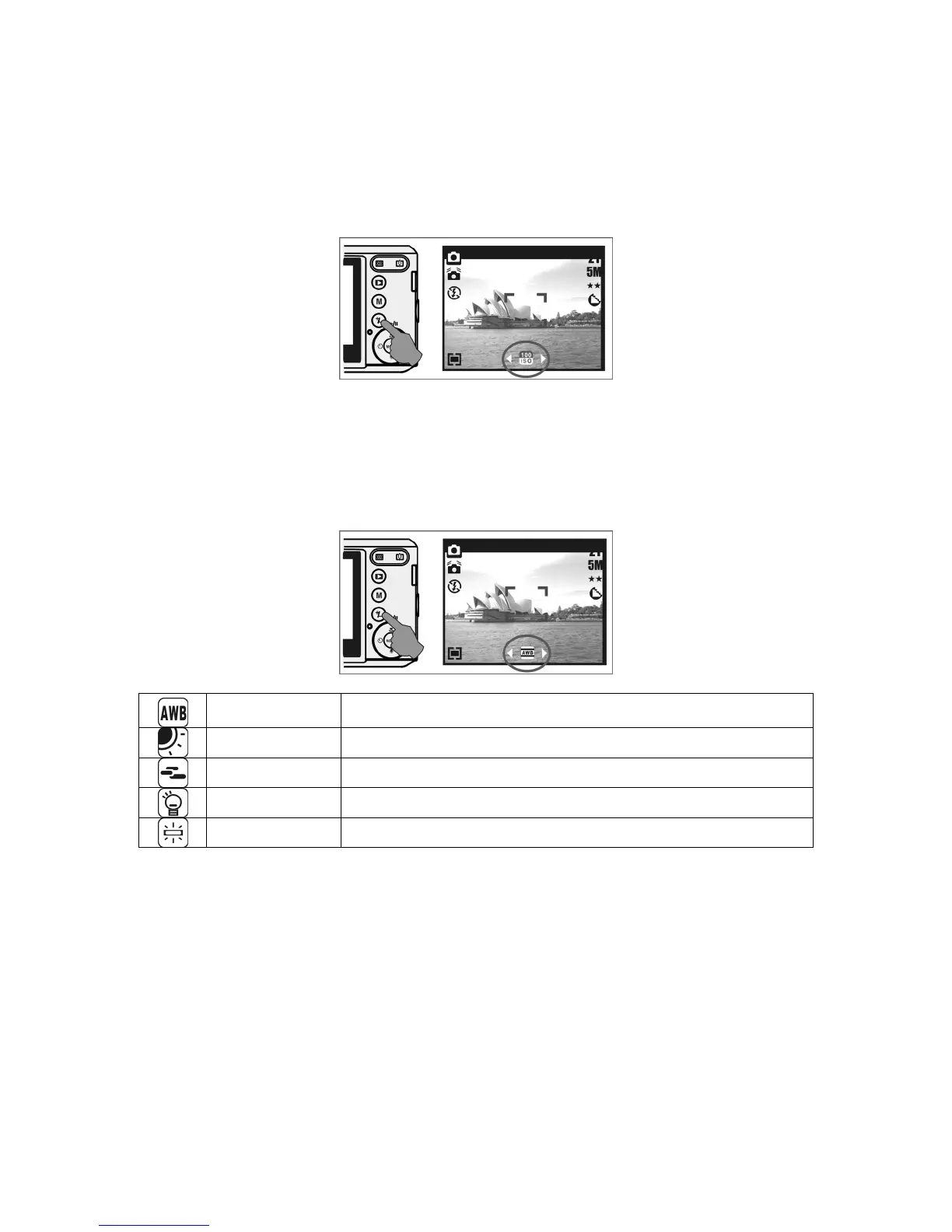
• Press the Delete / Exposure Button several times to toggle between EV, ISO and white
balance.
• To adjust the ISO value, press the Left / Right Button to set the ISO value and press the
Menu Button to confirm.
4.6.3 WB
• Press the Delete / Exposure Button several times to toggle between EV, ISO and white
balance.
• To adjust the WB value, press the Left / Right Button to set the white balance and select
the Menu Button to confirm.
Auto Adjusts the white balance automatically
Daylight For bright light conditions
Cloudy For cloudy conditions
Tungsten For tungsten light
Fluorescent For florescent light











 To Next Page